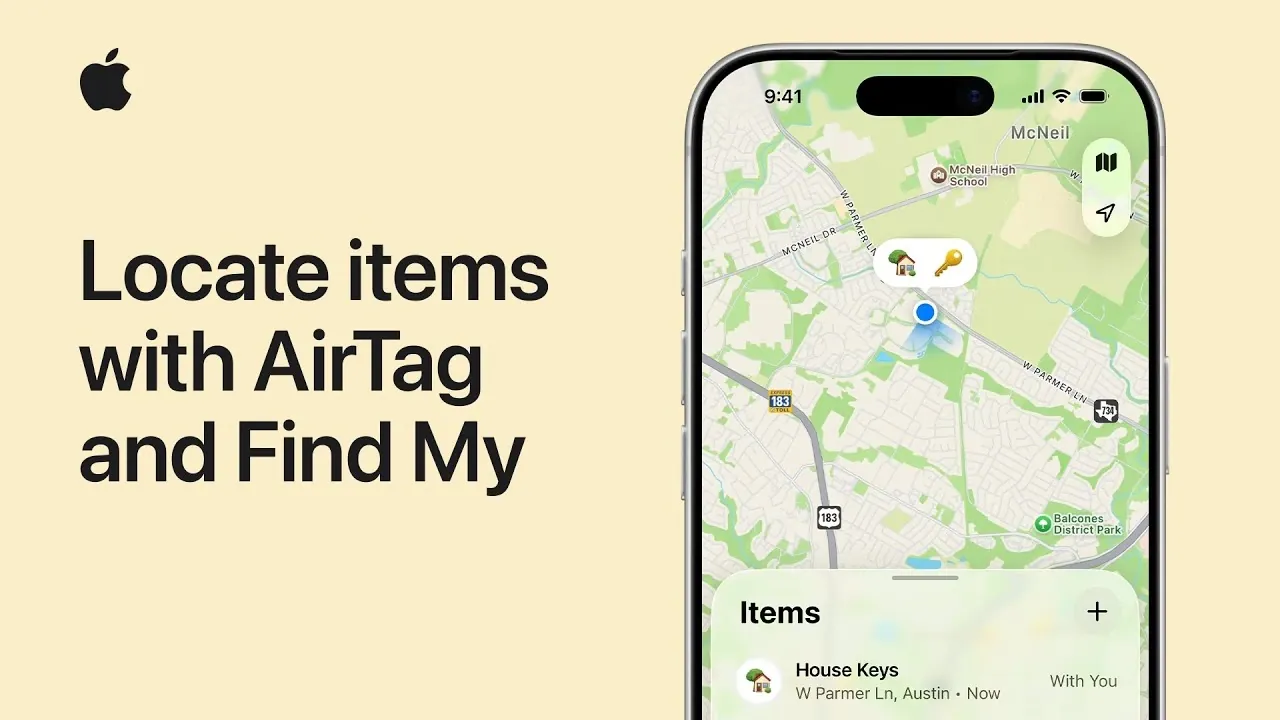
Apple’s AirTag and the Find My app provide a reliable and intuitive solution for tracking personal belongings. Whether you’re trying to locate your keys, wallet, or backpack, these tools use advanced technologies such as Bluetooth, Ultra-Wideband (UWB), GPS, and NFC to help you find your items with remarkable accuracy. By understanding how to use AirTag and the Find My app effectively, you can simplify the process of managing and recovering your belongings, saving time and reducing stress. The video below from Apple gives us more details.

How to Find Nearby Items
When an AirTag is within Bluetooth range, the Find My app offers several efficient methods to locate it. These features are designed to make finding misplaced items quick and hassle-free:
- Play a sound on the AirTag to help you locate items nearby. This is particularly useful when the item is out of sight, such as under a couch or in another room.
- Use the “Find Nearby” feature available on UWB-enabled iPhones. This feature provides precise directional guidance and distance measurements, making it easier to pinpoint the exact location of your item, even in challenging scenarios like cluttered spaces.
These tools are invaluable for quickly locating items in your immediate surroundings, minimizing the frustration of searching for misplaced belongings.
How to Locate Items Out of Range
If your AirTag is beyond Bluetooth range, the Find My app still offers effective solutions to help you track it down:
- Check the last known location of the AirTag on the map within the app. This feature allows you to retrace your steps to the point where the AirTag was last detected, providing a starting point for your search.
- Enable the “Notify When Found” feature. This ensures you receive an alert when another Apple device in the extensive Find My network detects your AirTag. With millions of Apple devices worldwide participating in this network, the chances of recovering lost items are significantly increased, even if they are far away.
These features extend the functionality of AirTag, allowing you to locate items even when they are no longer within your immediate vicinity.
Sharing and Custom Notifications
AirTag’s collaborative features and customizable notifications enhance its usability, offering greater convenience and flexibility:
- Share an AirTag with up to five trusted individuals, such as family members, to help locate shared items like car keys or a family pet’s collar.
- Temporarily share an item’s location with others, such as friends or travel companions, when needed. For example, you can share the location of your luggage with an airline during a trip.
- Set trusted locations, such as your home or workplace, to prevent unnecessary alerts when you leave an item behind in a safe location.
These options strike a balance between convenience and security, making sure you receive relevant notifications without being overwhelmed by unnecessary alerts.
Using Lost Mode and Contact Information
Activating Lost Mode is a critical step if your AirTag is misplaced, as it increases the likelihood of recovery. Here’s how it works:
- Enable Lost Mode through the Find My app and create a custom message that includes your contact information. This message will be displayed to anyone who finds your AirTag.
- If someone with an NFC-capable device discovers your AirTag, they can scan it to view your message and contact you directly. This feature ensures that even strangers can assist in returning your lost item.
Lost Mode is a practical and secure way to assist the return of your belongings, using technology to connect you with those who find your items.
Managing AirTag Settings
The Find My app provides comprehensive options for managing your AirTag settings, allowing you to customize its functionality to suit your needs:
- Rename your AirTag to make it easier to identify specific items, such as “Car Keys” or “Gym Bag.”
- Remove the AirTag from your Apple account if you no longer need it or plan to transfer it to someone else.
- Stop sharing the AirTag with others when necessary, making sure you maintain control over its tracking capabilities.
These settings give you full control over your AirTag, making it easy to adapt its features to your changing requirements.
Maximizing the Benefits of AirTag and Find My
Apple’s AirTag and the Find My app combine innovative technology with user-friendly features to simplify the process of tracking and managing personal belongings. Whether you’re locating items nearby, recovering lost possessions through the extensive Find My network, or sharing tracking responsibilities with others, these tools are designed to enhance your daily life. By familiarizing yourself with their capabilities and customizing their settings, you can ensure that your important items are always within reach, providing both convenience and peace of mind.
Become an expert in AirTag tracking with the help of our in-depth articles and helpful guides.
Source & Image Credit: Apple Support
Disclosure: Some of our articles include affiliate links. If you buy something through one of these links, Geeky Gadgets may earn an affiliate commission. Learn about our Disclosure Policy.
