What if writing code felt less like a chore and more like having a skilled collaborator by your side? With the rise of AI-powered coding tools, this vision is no longer a distant dream but an everyday reality for developers worldwide. From automating repetitive tasks to generating entire blocks of functional code, these tools are reshaping the way we approach software development. Whether you’re a seasoned programmer or just starting out, the promise of faster workflows, fewer bugs, and smarter solutions is hard to ignore. But with so many options available, how do you know which tool is right for you?
This exploration by of the best AI coding tools will guide you through the standout options in this rapidly growing space. Dr Alex Young uncovers tools tailored to beginners dipping their toes into coding, as well as advanced platforms designed for tackling complex, enterprise-level projects. Along the way, you’ll learn how these tools use innovative technologies like large language models (LLMs) to enhance productivity and creativity. By the end, you’ll not only have a clearer understanding of what’s out there but also gain insights into how these tools can transform your development process. After all, the future of coding isn’t just about writing lines of code—it’s about working smarter, not harder.
Understanding AI Coding Tools
TL;DR Key Takeaways :
- AI coding tools are transforming software development by automating tasks like code generation, debugging, and deployment, enhancing productivity and creativity.
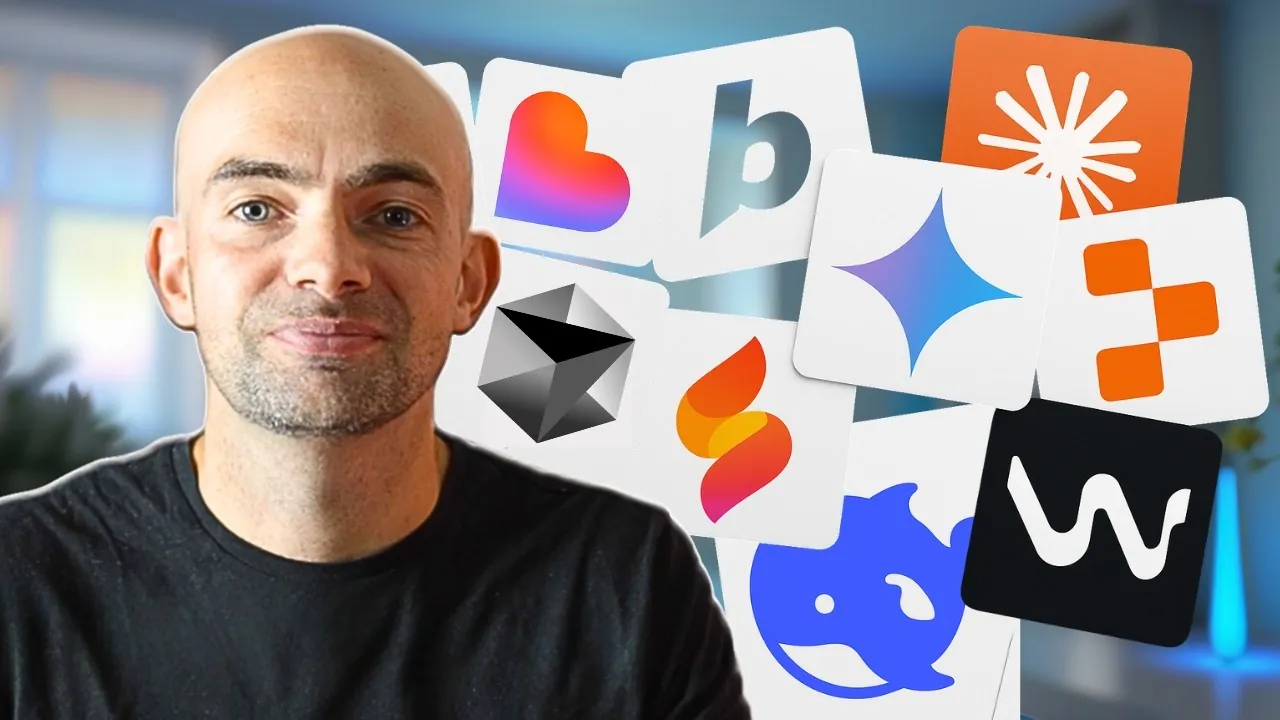
- Popular tools include Cursor AI, Google Firebase Studio, Windsurf, Bolt, Replit, Lovable, V0ero, and GitHub Copilot, each catering to different user levels and project needs.
- Large language models (LLMs) like Claude Sonnet, Gemini 2.5 Pro, OpenAI Models, and DeepSeek power these tools, offering advanced capabilities such as code optimization and debugging.
- Choosing the right tool depends on factors like expertise, project complexity, and budget, with options available for beginners, advanced users, and cost-conscious developers.
- To maximize the benefits of AI tools, users should experiment with multiple options, review AI-generated code for learning, and combine tools to use their unique strengths.
AI coding tools are designed to streamline the software development process by automating repetitive tasks and providing intelligent assistance. These tools can handle activities such as code generation, debugging, and deployment, allowing you to focus on creativity and problem-solving. By integrating AI into your workflow, you can reduce development time and improve code quality. Below is an evaluation of some of the leading tools in this space.
Top AI Coding Tools and Their Features
Here’s an in-depth look at some of the most notable AI coding tools currently available:
- Cursor AI: Built on Visual Studio Code, Cursor AI offers extensive customization options and supports multiple coding models. It is particularly suitable for users with some coding experience. Pricing starts at $20/month, and a free trial is available for new users.
- Google Firebase Studio: Designed for advanced programmers, this platform supports repository imports and integrates seamlessly with Google’s Gemini model. While it is free to use, it may struggle with simpler tasks such as regular expressions, making it better suited for complex projects.
- Windsurf (formerly Kodium): Tailored for SaaS enterprise applications, Windsurf provides real-time code rendering and robust security features. It offers both free and paid versions, with pricing starting at $20/month.
- Bolt: Optimized for Mac users, Bolt integrates seamlessly with development environments and delivers fast AI rendering. However, its browser-based nature limits accessibility for Windows users. Pricing is competitive, making it an attractive option for Apple enthusiasts.
- Replit: A web-based platform that supports the full development lifecycle, including deployment. While user-friendly, it lacks advanced coding capabilities, making it more suitable for simpler projects. Paid plans start at $25/month.
- Lovable: A minimalist tool designed for beginners, Lovable excels in fast prototyping and built-in deployment features. However, it offers limited customization options for experienced developers. Pricing begins at $20/month.
- V0 by Vercel: Specializing in front-end web development, V0 is both affordable and accessible, making it ideal for quick-start projects and developers seeking simplicity.
- GitHub Copilot: Integrated into existing IDEs, GitHub Copilot provides intelligent code suggestions, making it a great choice for junior developers. However, it is less comprehensive compared to AI-first tools, which may limit its appeal for advanced users.
Best AI Coding Tools for Developers in 2025

Advance your skills in AI coding tools by reading more of our detailed content.
- What is Vibe Coding? AI-Powered Future of Software Development
- Visual Studio Code in No Longer an IDE Editor : VSC Evolution
- Why Gemini CLI is the Ultimate Tool for Developers in 2025
- Google Project IDX: AI-Powered Development Tool for Coders
- How Cursor and Claude Are Developing AI Coding Tools Together
- Vibe Coding Challenges and Advantages: A Guide to AI Dev
- How to use GitHub Copilot AI powered coding assistant
- What is Replit Agent V2? AI-Powered Coding Assistant Explained
- How to Build a Marketing Team Using AI and No-Code Tools
- How to Start Vibe Coding Without Experience Using AI Tools
The Role of Large Language Models (LLMs) in AI Coding
Large language models (LLMs) form the backbone of many AI coding tools, allowing advanced capabilities such as code generation, optimization, and debugging. These models are trained on vast datasets, allowing them to understand and generate complex code structures. Below are some of the most notable LLMs used in AI coding:
- Claude Sonnet: Known for its speed and reliability, Claude Sonnet is highly effective for complex projects and code optimization. However, it may require occasional user intervention to align with specific prompts.
- Gemini 2.5 Pro: Integrated with Firebase Studio, this model excels at generating long lines of code but may occasionally deviate from user instructions, requiring careful review.
- OpenAI Models: Renowned for their strong reasoning capabilities, these models are particularly effective in debugging and often suggest alternative solutions. However, they may produce occasional errors, necessitating user oversight.
- DeepSeek: An open source, budget-friendly model, DeepSeek is ideal for self-hosted setups and cost-conscious users. It delivers solid coding capabilities without compromising affordability.
How to Choose the Right AI Coding Tool
Selecting the right AI coding tool or model depends on your expertise, project requirements, and budget. Here are some recommendations to guide your decision:
- For Beginners: Tools like Lovable, Bolt, or Claude Sonnet’s web interface offer simplicity and ease of use, making them ideal for those new to coding.
- For Intermediate to Advanced Users: Cursor AI, Windsurf, or Google Firebase Studio provide robust features and advanced capabilities for tackling complex projects.
- For Budget-Conscious Users: Open source options like DeepSeek or free tools such as Firebase Studio are excellent choices for those looking to minimize costs without sacrificing functionality.
Maximizing the Potential of AI Coding Tools
To fully use the benefits of AI coding tools, consider adopting the following strategies:
- Experiment with multiple tools and models to identify the ones that best align with your workflow and project requirements.
- Use AI-generated code as a learning opportunity by carefully reviewing and debugging the outputs to enhance your understanding of coding principles.
- Combine different tools and models to capitalize on their unique strengths, allowing you to achieve optimal results for your projects.
Empowering Your Development Journey
AI-powered coding tools and LLMs are transforming software development by offering solutions that cater to a wide range of skill levels and project needs. By understanding the strengths and limitations of each tool and model, you can make informed decisions that enhance your productivity and creativity. Whether you are building a simple prototype or a complex application, these technologies provide the support you need to succeed in today’s fast-evolving development landscape.
Media Credit: Dr Alex Young
Disclosure: Some of our articles include affiliate links. If you buy something through one of these links, Geeky Gadgets may earn an affiliate commission. Learn about our Disclosure Policy.
