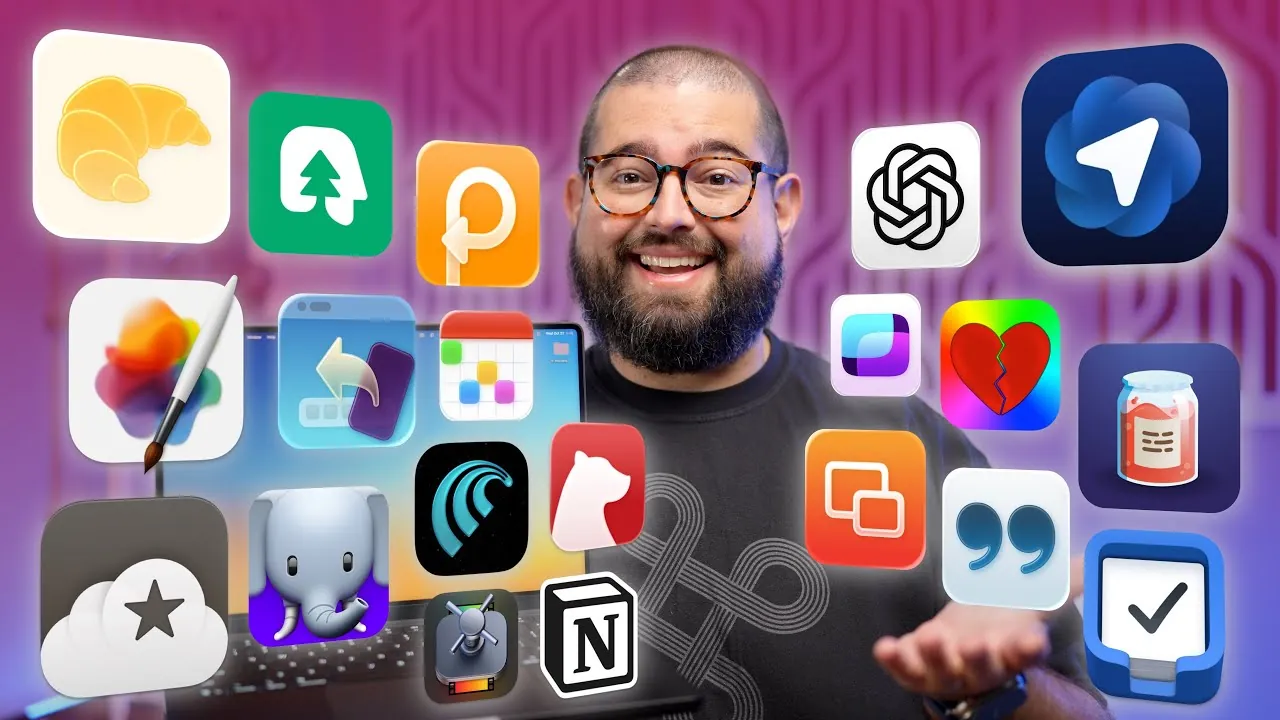
Maximizing productivity on a Mac hinges on having the right tools at your disposal. Whether you’re a content creator, a professional managing complex projects, or simply someone looking to streamline daily tasks, the right applications can transform your workflow. The video below from Stephen Robles explores 30 essential Mac apps that cater to a variety of needs, from video editing and task management to social media optimization and design. These tools are designed to help you work smarter, save time, and focus on what matters most.

Screen Recording and Video Editing
For content creators, screen recording and video editing are vital components of the creative process. These tools stand out for their functionality and ease of use:
- CleanShot X: A versatile screen recording tool offering advanced features like customizable recording options and high-quality visuals, perfect for tutorials or presentations.
- Gling: Automates video editing by removing silences and errors, significantly reducing the time spent on manual edits.
- Final Cut Pro: A professional-grade video editor with robust tools for precise editing, color grading, and seamless exporting.
- Compressor: Complements Final Cut Pro by optimizing video exports for various platforms, making sure compatibility and quality.
- Pixelmator Pro: A powerful graphic design tool ideal for creating thumbnails, editing images, and enhancing visuals for content creation.
Audio Recording and Processing
High-quality audio is essential for professional content. These apps ensure your sound is clear and polished:
- Audio Hijack: A reliable solution for recording audio from any source, with features like equalization, live streaming, and advanced audio routing.
- iZotope: Provides innovative post-production tools, including noise reduction, de-essing, and gain adjustments, making it indispensable for audio perfection.
Transcription and Note-Taking
Efficient information management is critical for staying organized and productive. These apps simplify transcription and note-taking:
- Willow Mac: Converts audio to text with high accuracy, making it ideal for creating subtitles or drafting written content from recordings.
- Transcriptionist: Another reliable transcription tool that ensures precise audio-to-text conversion for various use cases.
- Bear: A sleek, Markdown-based note-taking app with cross-device syncing, offering a seamless way to organize thoughts and ideas.
Task and Workflow Management
Managing tasks and automating workflows can significantly enhance productivity. These tools are designed to keep you organized and efficient:
- Things: A clean and intuitive task management app that syncs across devices, helping you track and prioritize your to-do list.
- Notion: A versatile platform for collaborative projects, shared notes, and comprehensive project management, adaptable to various workflows.
- Hazel: Automates repetitive tasks like file organization, working seamlessly with macOS Shortcuts to save time and effort.
Social Media and Web Browsing
Staying efficient online and managing social media effectively is crucial in today’s digital landscape. These apps can help:
- Croissant: Simplifies multi-platform social media posting, allowing you to schedule and manage content effortlessly.
- Magic Lasso: A Safari extension that enhances your browsing experience by blocking unwanted content and improving page load speeds.
- OverPicture: Adds picture-in-picture functionality to Safari, allowing multitasking while watching videos.
- Comet, Brave, and Atlas: Alternative browsers designed for privacy-focused users and task-specific needs, offering unique features for enhanced browsing.
Productivity Enhancements
Specialized tools can help you maintain focus and streamline repetitive tasks. These apps are particularly effective:
- Paste: A powerful clipboard manager that stores and syncs text, links, and images across devices, making sure quick access to frequently used items.
- TextExpander: Automates repetitive text input, making it ideal for drafting templates, AI prompts, or standard responses.
- Roots Plus: A focus-enhancing tool that minimizes distractions and helps you stay on track during work sessions.
Design and Visual Tools
For creators focused on visuals, these apps simplify design workflows and enhance creativity:
- ShareShot: Frames screenshots for social media sharing, making sure a polished and professional presentation.
- Pastel: A color palette manager that helps maintain a consistent visual aesthetic across projects.
Specialized Tools
Certain tasks require niche applications. These tools cater to specific needs and enhance functionality:
- Creators’ Best Friend: Manages video chapters and metadata, streamlining content organization for platforms like YouTube.
- Screens 5: Provides remote desktop access, allowing you to manage other Macs efficiently from a single device.
- Call Sheet: Offers a spoiler-free way to look up movie and TV show details, perfect for entertainment enthusiasts.
- Companion: Integrates with Stream Deck to control Blackmagic Switchers, enhancing live production workflows.
Excluded Apps
Some apps have been excluded due to evolving needs or advancements in macOS features. For example:
- AI Actions: Replaced by macOS’s “Use Models” action, which provides similar functionality for AI workflows.
- Hazel: While still useful, some of its features overlap with macOS Shortcuts, reducing its necessity for certain users.
Here are additional guides from our expansive article library that you may find useful on Mac productivity apps.
- 10 Awesome Apple Mac Productivity Apps
- 10 Awesome Productivity Apps For Your Mac
- 11 Mac Apps to Supercharge Your Productivity
- Best Free Mac Apps Of 2025
- Best Mac Productivity Apps to Streamline Your Workflow in 2025
Source & Image Credit: Stephen Robles
Disclosure: Some of our articles include affiliate links. If you buy something through one of these links, Geeky Gadgets may earn an affiliate commission. Learn about our Disclosure Policy.
