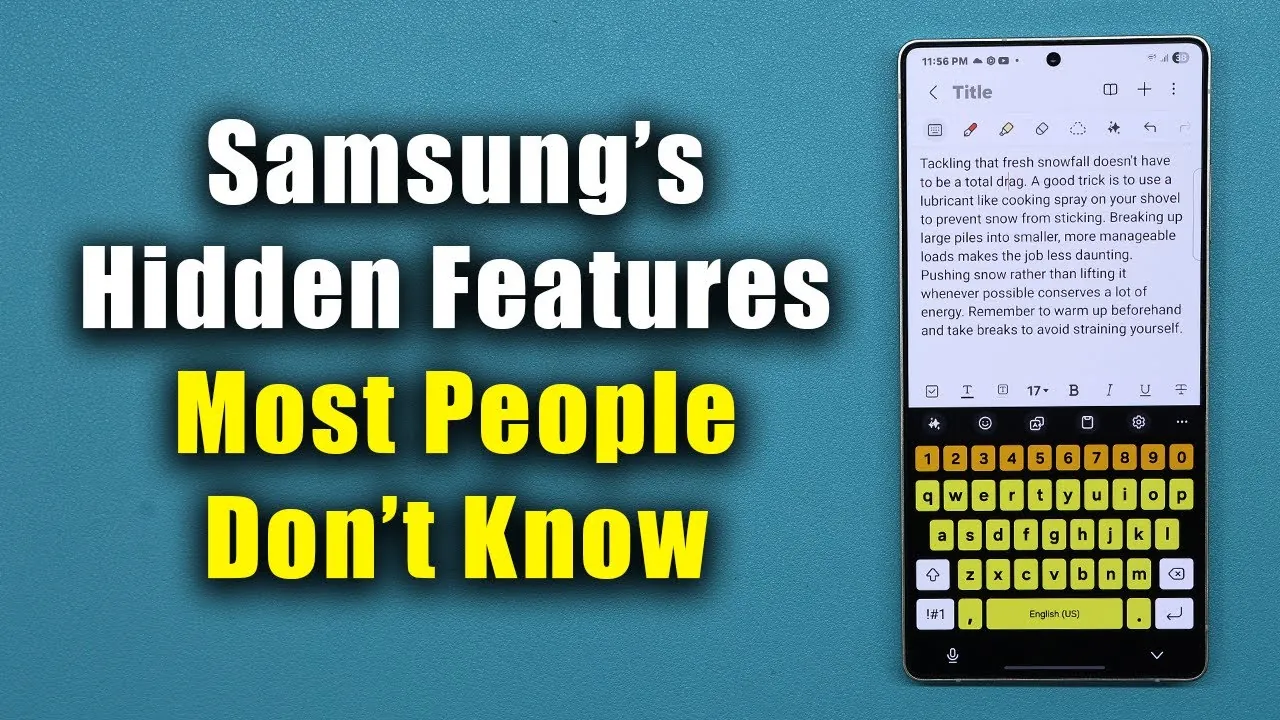
Samsung Galaxy smartphones are celebrated for their innovative technology and user-friendly design. However, many users remain unaware of the hidden features that can elevate their experience. These lesser-known tools are designed to enhance functionality, streamline tasks, and improve overall efficiency. By uncovering these features, you can unlock the full potential of your device and make everyday interactions more seamless. In the video below, Sakitech explores five hidden features that every Samsung Galaxy user should know.

1. Precision Text Editing with Keyboard Cursor Control
Navigating and editing text on a touchscreen can often feel cumbersome, especially when trying to position the cursor in just the right spot. Samsung’s keyboard cursor control feature offers a simple yet effective solution. By pressing and holding the spacebar, your keyboard transforms into a trackpad, allowing you to move the cursor with precision.
This feature is particularly beneficial for tasks such as correcting typos, editing lengthy documents, or composing detailed messages. Whether you’re drafting an important email or revising a presentation, this tool ensures smoother text editing and saves valuable time. It’s a small but impactful feature that can significantly improve your productivity.
2. Flash Notifications for Visual Alerts
Samsung Galaxy devices offer a flash notification feature that provides visual alerts for incoming notifications. This tool is especially useful in situations where sound or vibration might not be practical, such as in noisy environments or during meetings. You can customize the feature to suit your preferences:
- Enable the camera flash for a bright and noticeable alert.
- Choose screen flash notifications, which illuminate your display in a specific color.
- Set it to work with select apps, making sure you’re only notified about what matters most.
This feature is not only practical but also versatile, offering a discreet way to stay updated without relying on auditory cues. It’s an excellent option for users who need to stay connected while maintaining a low profile.
3. Built-In Diagnostic Menu for Troubleshooting
Samsung Galaxy smartphones include a hidden diagnostic menu that allows you to test your device’s hardware and identify potential issues. Accessing this menu is straightforward: open the phone app and dial *#0*#. Once activated, you’ll gain access to a variety of diagnostic tools designed to evaluate your phone’s performance. These tools include:
- Testing display colors and pixel functionality.
- Checking touchscreen accuracy and responsiveness.
- Assessing speaker and microphone performance.
- Calibrating sensors for optimal functionality.
This feature is invaluable for troubleshooting problems or verifying hardware performance without the need for third-party apps. Whether you’re a casual user or a tech-savvy individual, the diagnostic menu provides a convenient way to ensure your device is functioning at its best.
4. Secure Wi-Fi Sharing Without Revealing Passwords
Sharing your Wi-Fi connection has never been easier or more secure, thanks to Samsung Galaxy’s built-in sharing options. These methods allow you to grant access to others without exposing your network password:
- Quick Share: If the recipient also has a Samsung device, you can use this feature to provide them with instant access.
- QR Code Sharing: For users with non-Samsung devices, generate a QR code that can be scanned to connect to your network seamlessly.
These options not only simplify the process of sharing your Wi-Fi but also enhance security by keeping your password private. Whether you’re hosting guests at home or sharing access in a public setting, this feature ensures a hassle-free and secure connection.
5. Battery Optimization for Longer Usage
Battery life is a critical concern for most smartphone users, and Samsung Galaxy devices offer robust tools to help you manage it effectively. One standout feature is the “Put unused apps to sleep” option, which can be found in the Battery settings. When enabled, this feature automatically limits background activity for apps you rarely use, reducing unnecessary battery drain.
Additionally, you can manually manage background activity for specific apps to further optimize your device’s battery performance. These tools are particularly useful for users who rely on their smartphones for work, entertainment, or travel. By taking advantage of these features, you can ensure your device remains powered throughout the day, even with heavy usage.
Unlocking the Full Potential of Your Samsung Galaxy
By exploring these five hidden features—keyboard cursor control, flash notifications, the diagnostic menu, secure Wi-Fi sharing, and battery optimization—you can enhance your Samsung Galaxy experience in meaningful ways. These tools are designed to address common challenges, improve efficiency, and provide practical solutions for everyday tasks. Whether you’re a casual user looking for convenience or a tech enthusiast seeking advanced functionality, incorporating these features into your routine can make your smartphone experience smarter, more efficient, and more enjoyable.
Here are additional guides from our expansive article library that you may find useful on Samsung Galaxy hidden features.
- Samsung Galaxy S25 Mastery Tips Tricks & Hidden Features
- 10 Samsung Galaxy S24 Ultra Hidden Features
- Samsung Galaxy Z Fold 7 – Tips Tricks & Hidden Features
- 20 Samsung Galaxy A56 Tips and Tricks to Unlock Its Full Potential
- 15 Hidden Galaxy S25 Ultra Features You NEED to Know!
Source & Image Credit: sakitech
Disclosure: Some of our articles include affiliate links. If you buy something through one of these links, Geeky Gadgets may earn an affiliate commission. Learn about our Disclosure Policy.
