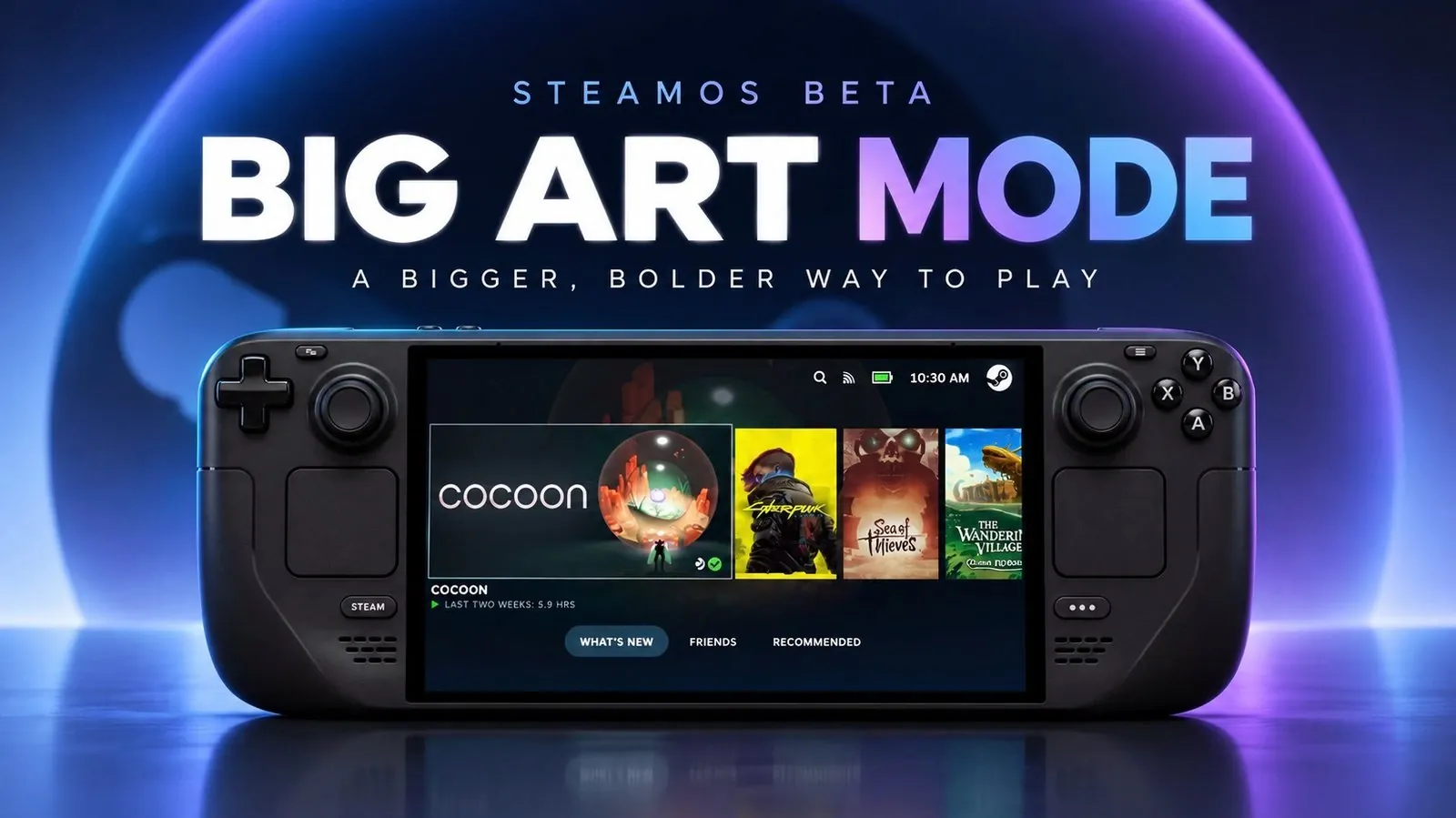
Valve’s latest SteamOS beta introduces a host of updates aimed at refining the gaming experience on both the Steam Deck and Steam Machines. As highlighted by Deck Ready, one of the standout features is the “Big Art Mode”, a visually immersive addition that prominently displays game artwork on your dashboard. This redesigned user interface not only enhances navigation but also brings a polished, console-inspired aesthetic to the platform. Alongside this, the update includes practical improvements like personalized screensavers and a fix for CPU clock speed inconsistencies, making sure smoother performance during extended sessions.
Explore how these changes impact your gaming setup, from the convenience of booting directly into desktop mode to the integration of personalized game recommendations through a new calendar feature. You’ll also gain insight into expanded customization options, such as setting game art as screensavers and discover how improved HDMI CEC functionality simplifies device control. This overview provides a closer look at how Valve’s thoughtful updates cater to both casual players and dedicated enthusiasts, offering a more versatile and user-friendly experience.
Refined User Interface for Enhanced Navigation
TL;DR Key Takeaways :
- SteamOS beta introduces a redesigned user interface with “Big Art Mode,” enhancing aesthetics and simplifying navigation for a more immersive gaming experience.
- New customization options include personalized screensavers using game art or screenshots, with safety settings for adult content and a nostalgic “DVD bounce” screensaver.
- Performance optimizations address CPU clock speed inconsistencies and improve stability, making sure smoother gameplay and reliability during extended sessions.
- Improved desktop mode allows users to boot directly into a PC-like environment, enhancing versatility for both gaming and productivity tasks.
- Enhanced game discoverability features, including a personal calendar and recommendations, make it easier to find new games tailored to your preferences and play history.
The updated SteamOS user interface offers a sleek, console-inspired design that prioritizes both aesthetics and functionality. A standout addition is the “Big Art Mode”, which prominently displays game artwork on your dashboard, creating a visually immersive experience. This feature, accessible through the “Home” section in settings, simplifies navigation while adding a modern, polished touch to your gaming environment. The revamped interface ensures that your focus remains on gaming, minimizing distractions and allowing smoother interactions. Whether you’re browsing your library or launching a game, the new UI enhances every step of the process.
Expanded Customization with Personalized Screensavers
Customization takes center stage with the introduction of new screensaver options. You can now set recent game screenshots or game art as your screensaver, allowing you to personalize your device in a way that reflects your gaming preferences. By default, adult-only content is excluded for safety, but this setting can be adjusted to suit your preferences. For those who enjoy a nostalgic touch, Valve has included a playful “DVD bounce” screensaver featuring the Steam logo, reminiscent of retro technology. These features not only add personality to your setup but also enhance the overall user experience.

Browse through more resources below from our in-depth content covering more areas on SteamOS.
- SteamOS 3.8 Changes the Game for Steam Deck, Legion Go and Xbox Ally X Users
- Its Time to Ditch Windows for Valve’s Lightweight SteamOS Gaming Platform
- Valve Brings Official SteamOS Support to Nvidia Desktop GPUs
- SteamOS 3.8 Adds Ray Tracing and Improved 4K Display Support
- SteamOS Beta Update Fixes CPU Degradation and Wi-Fi Bugs
- ONEXPLAYER X2 Mini Pro Runs SteamOS with Ryzen AI Max Plus 388
- How to Build a DIY Steam Machine Using Your Existing PC and SteamOS
- Why Valve’s Steam OS is Quietly Replacing Windows on Gaming PCs
- DIY Steam Machines : Valve Drops SteamOS 3.8 with Expanded AMD Hardware Support
- Valve’s Free SteamOS Runs Arch Linux for Daily Desktop Use
Performance Optimizations for Smoother Gameplay
Performance improvements are a key focus of this update, addressing issues such as CPU clock speed inconsistencies after prolonged sleep mode. This fix is particularly beneficial for Steam Machines, which previously faced stability challenges. With these optimizations, you can expect smoother gameplay and a more reliable experience, even during extended gaming sessions. These updates highlight Valve’s dedication to delivering a consistent and dependable platform, making sure that technical issues do not disrupt your gaming enjoyment.
Improved Desktop Mode for Greater Versatility
For users who rely on the Steam Machine as a PC, the ability to boot directly into desktop mode is a fantastic option. This feature streamlines the transition between gaming and productivity tasks, making the SteamOS platform more versatile than ever. Whether you’re managing files, browsing the web, or gaming, the improved desktop mode ensures a seamless and efficient experience. This enhancement underscores Valve’s commitment to catering to the diverse needs of its user base, offering a platform that adapts to both leisure and work.
Enhanced Game Discoverability with Personalized Recommendations
Discovering new games has become more intuitive with the addition of a personal calendar feature. This tool recommends games based on your play history and preferences, helping you uncover titles that align with your interests. Additionally, the update makes lesser-known games optimized for the Steam Deck more accessible, allowing you to explore hidden gems and expand your gaming library effortlessly. By improving game discoverability, Valve ensures that your gaming experience remains fresh and engaging.
Additional System Enhancements
The update also includes several general system improvements that enhance the overall functionality of SteamOS. Notable among these is the improved HDMI CEC functionality, which allows for better integration with your TV. This feature enables you to control your device using a single remote, simplifying the setup and operation of your gaming system. These refinements contribute to a more streamlined and user-friendly experience, reinforcing Valve’s dedication to creating a cohesive and accessible gaming ecosystem.
Why This Update Matters
The latest SteamOS beta represents a thoughtful evolution of Valve’s gaming platform. By introducing a redesigned interface, expanded customization options and critical performance fixes, the update addresses both aesthetic and functional aspects of the system. Whether you’re a casual gamer or a power user, these improvements make the Steam Deck and Steam Machine more versatile, reliable and enjoyable. Valve’s commitment to listening to user feedback and implementing meaningful changes sets a high standard for gaming operating systems, making sure that your gaming experience continues to evolve and improve.
Media Credit: Deck Ready
Disclosure: Some of our articles include affiliate links. If you buy something through one of these links, Geeky Gadgets may earn an affiliate commission. Learn about our Disclosure Policy.
