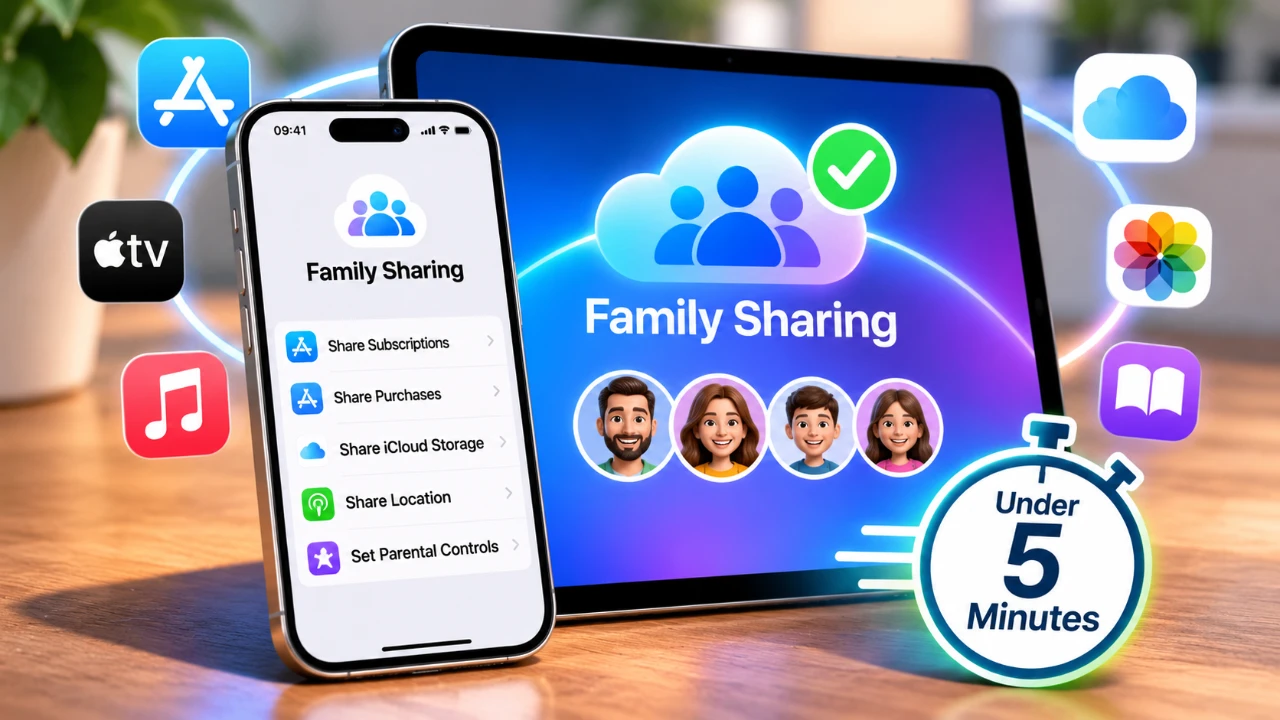
Family Sharing is a valuable feature that allows up to six family members to share Apple services, purchases, and tools while maintaining their own individual Apple accounts. It streamlines access to subscriptions, enhances device tracking and provides robust parental controls, all while making sure privacy for each user. Whether you’re managing a household or looking for ways to stay connected, Family Sharing offers a practical solution to simplify your family’s digital life. Here’s how to set it up and make the most of its features. The video below from Apple shows us how to quickly set up Family Sharing on the iPhone and iPad.

What Makes Family Sharing Beneficial?
Family Sharing is designed to enhance collaboration and convenience for families using Apple devices. By allowing this feature, you unlock a variety of tools and benefits, including:
- Shared Subscriptions: Grant family members access to services like Apple Music, Apple TV, iCloud+, and more, without the need for individual subscriptions.
- Location Sharing: Use the Find My app to share your location with family members or locate lost devices quickly.
- Parental Controls: Manage screen time, restrict app usage and set content filters for children directly from your device.
- Individual Privacy: Each family member retains their own Apple ID, making sure personalized recommendations and secure accounts.
These features strike a balance between shared access and individual privacy, making it easier to manage your family’s digital ecosystem.
Step-by-Step Guide to Setting Up Family Sharing
To begin using Family Sharing, one person must act as the family organizer. This individual is responsible for setting up the group and managing its features. Follow these steps to get started:
- Open the Settings app on your iPhone or iPad.
- Tap your name at the top of the screen, then select Family Sharing.
- Choose Set Up Your Family and follow the on-screen instructions to become the family organizer.
- Invite family members by sending invitations via Messages or Mail. Each person must accept the invitation and confirm their participation.
Once the setup is complete, you’ll gain access to a variety of sharing options and management tools, allowing you to customize the experience for your family.
Customizing Family Sharing Features
After setting up Family Sharing, you can tailor its features to meet your family’s specific needs. Here are some key options to explore:
- Shared Subscriptions: Enable shared access to services like Apple Music, Apple TV and iCloud+ through the Family Sharing settings.
- Location Sharing: Allow family members to view your location or help locate missing devices using the Find My app.
- Parental Controls: Set screen time limits, restrict app downloads and monitor your child’s activity directly from your device.
- Payment Sharing: Use a single payment method for family purchases while maintaining control over spending with purchase approval settings for children.
- Manage Group Settings: Add or remove family members, adjust permissions and update payment methods in the Family Sharing section of Settings.
These tools provide flexibility and control, making sure that Family Sharing adapts to your household’s unique requirements.
Apple ID Requirements and Regional Considerations
Every family member participating in Family Sharing must have an Apple ID. For children under 13 (or the minimum age in your region), the family organizer can create an Apple ID on their behalf. This ensures that younger users can safely access Apple services while benefiting from parental controls.
It’s important to note that certain features and account requirements may vary depending on your country or region. For example, some services may not be available in all areas, or age restrictions may differ. Reviewing Apple’s official guidelines can help you understand the specific details applicable to your location.
Why Family Sharing is Worth Using
Family Sharing is more than just a convenient feature, it’s a comprehensive tool that fosters connection, organization and security within your household. By creating a family group, you can:
- Streamline access to Apple services without duplicating subscriptions.
- Ensure a safe and controlled digital environment for children with parental controls.
- Keep track of devices and locations effortlessly through the Find My app.
- Maintain individual privacy while promoting collaboration and shared access.
Its intuitive setup process and customizable features make it an essential tool for families who rely on Apple devices for their daily activities.
Family Sharing not only simplifies the way families interact with technology but also enhances the overall digital experience by providing tools that prioritize convenience, security and personalization. By taking advantage of this feature, you can create a connected and organized environment tailored to your household’s needs.
Become an expert in iPhone with the help of our in-depth articles and helpful guides.
- Apple May Keep the iPhone 18’S Best New Feature Exclusive to the Pro Max
- iPhone Air 2 Leaks: Apple Reportedly Solves the Biggest Battery Flaw
- Why the iPhone Air 2 Might Actually Be Worth Buying This Time
- Early iPhone 18 Reports Point to Major Unconfirmed Shifts
- iPhone Air 2 Leak: Apple Finally Fixes the Camera and Battery
- iPhone Air 2 Leaks Reveal a Second Camera, 2nm Chip, and Spring 2027 Release
Source: Apple Support
Disclosure: Some of our articles include affiliate links. If you buy something through one of these links, Geeky Gadgets may earn an affiliate commission. Learn about our Disclosure Policy.
