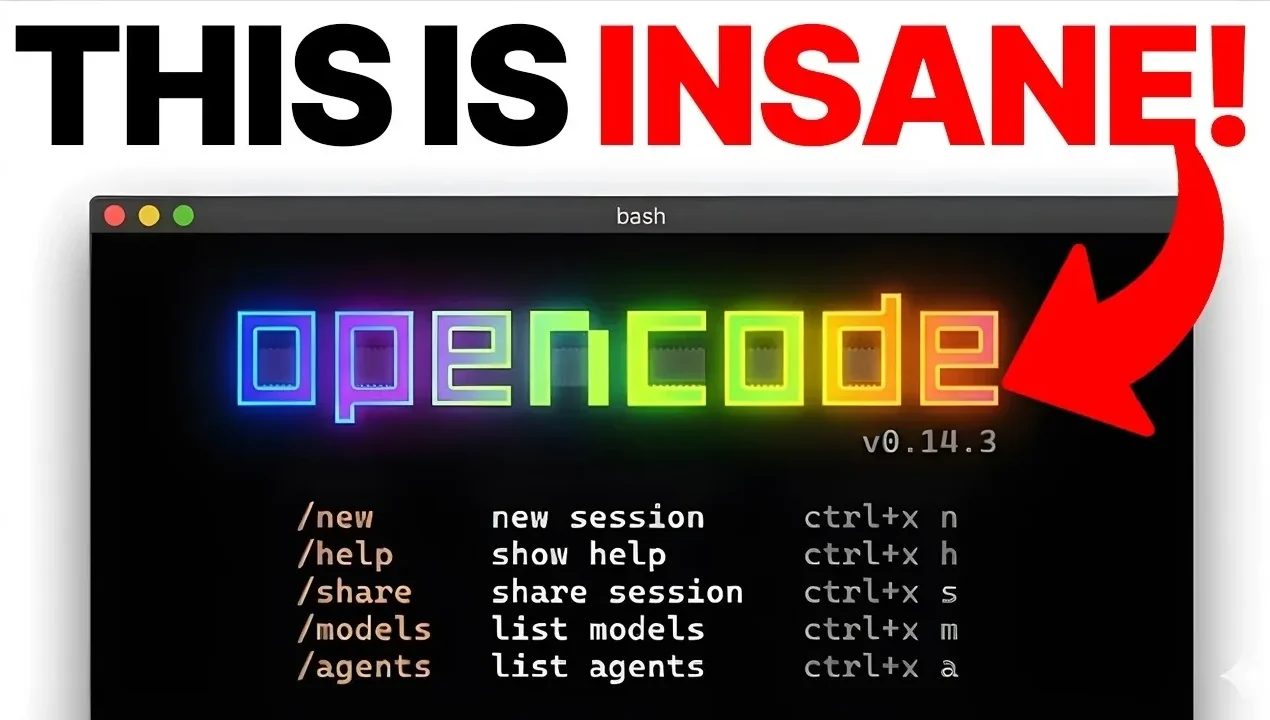
How much time do developers spend on repetitive coding tasks or managing intricate workflows? The answer might surprise you. In this walkthrough, Julian Goldie shows how OpenCode, an open source, AI-powered coding assistant, transforms the way developers approach their daily challenges. By combining advanced AI capabilities with a strong emphasis on privacy, OpenCode redefines productivity. Imagine automating tedious processes, optimizing your workflow, and retaining full control over your data, all within a seamless terminal experience. It’s not just about coding; it’s about reshaping how development integrates into your routine.
This analysis provide more insights into the standout features that make OpenCode a must-have for developers at any skill level. From its intuitive terminal interface to its privacy-first approach, OpenCode simplifies complex tasks while fostering creativity. Whether you’re exploring its task planning mode, using multi-session support, or switching between over 75 AI models, there’s something here to elevate your workflow. What truly sets OpenCode apart is its ability to merge innovative functionality with user-friendly design, delivering a development experience that is both powerful and accessible.
OpenCode: AI Coding Assistant
TL;DR Key Takeaways :
- OpenCode is an open source, AI-powered coding assistant designed for terminal use, offering over 75 AI models and prioritizing privacy by keeping all data on local machines.
- Key features include Language Server Protocol (LSP) integration, multi-session support, customizable commands, and task planning mode for streamlined workflows and enhanced productivity.
- Advanced capabilities such as bash execution, instant undo, diagnostic support, API/database handling, and production-ready code generation make it suitable for complex development tasks.
- OpenCode is user-friendly with a quick setup process, intuitive terminal user interface (TUI), and commands like `/init` to improve AI-generated code relevance.
- It caters to developers, businesses, and beginners, offering free, privacy-focused, and versatile AI support to enhance coding efficiency and collaboration.
Key Features and Benefits
OpenCode stands out as a terminal-based coding tool with a clean and intuitive terminal user interface (TUI). It supports over 75 AI models, including Claude, GPT, and Gemini, allowing you to choose the model that best aligns with your project requirements. Its robust feature set is designed to simplify coding tasks, automate repetitive processes, and streamline workflows. Highlighted features include:
- Language Server Protocol (LSP) integration: Enables project-wide understanding, improving code navigation and error detection.
- Multi-session support: Assists the management of parallel coding tasks, enhancing multitasking efficiency.
- Customizable commands: Allows you to tailor workflows to meet specific project needs.
- Task planning mode: Breaks down complex projects into manageable steps, making sure better organization and clarity.
These features collectively make OpenCode a versatile tool for handling both simple and complex development tasks.
Ease of Use and Accessibility
OpenCode is designed with simplicity and accessibility in mind, making sure that developers of all skill levels can benefit from its capabilities. Its quick setup process eliminates the need for complicated configurations or API key setups, allowing you to start coding without unnecessary delays. The TUI offers a professional yet user-friendly experience, making navigation and functionality straightforward.
Commands like `/init` enable you to provide project-specific context, improving the relevance and accuracy of AI-generated code. The task planning mode further enhances productivity by helping you outline and review tasks before diving into development, making sure a structured and efficient approach to coding.
OpenCode Makes Terminal Coding Faster & Private

Find more information on OpenCode by browsing our extensive range of articles, guides and tutorials.
- OpenCode Open Source TUI with LSP and Multi Session Control
- OpenCode Setup Guide: Install with Curl or Bun in Minutes
- Deepseek Coder AI open source coding assistant
- ChatGPT 5 vs Claude Sonnet: Real-World AI Coding Comparison
- How the Claude SANDBOX Method Makes AI Coding 90% Faster
- Gemini Coder 2 Build Mode : Free AI Coding Tool You Need to Try
- 36 Claude Code Tips for Smarter, Faster AI Coding Workflows
- Google Antigravity vs Cursor, Gemini 3 Pro AI Coding Review
- Opus 4.5 vs GPT-5.2 : AI Coding Build Results, Strengths
- Save Money on AI Coding: Use Free Extensions In VS Code
Privacy and Security: A Core Focus
One of OpenCode’s defining attributes is its commitment to privacy. Unlike many cloud-based tools, OpenCode ensures that all your code and data remain on your local machine. This makes it an ideal choice for sensitive projects, client work, or any scenario where data security is paramount. By keeping your development environment self-contained, OpenCode minimizes risks associated with external data storage and third-party access.
This privacy-first approach not only safeguards your work but also provides peace of mind, making OpenCode a reliable choice for developers and businesses handling confidential information.
Advanced Capabilities for Complex Development
OpenCode goes beyond basic coding assistance, offering advanced features tailored to meet the demands of modern software development. These capabilities empower developers to tackle complex tasks with greater efficiency and precision. Advanced features include:
- Bash execution: Run terminal commands, tests, and deployments directly within the tool for seamless integration.
- Instant undo: Experiment freely with the ability to revert changes instantly, encouraging creativity and exploration.
- Diagnostic support: Detect errors and apply automatic fixes, saving time and reducing frustration.
- API integration and database query handling: Simplify the development of complex applications by managing APIs and databases effortlessly.
- Production-ready code generation: Adheres to industry best practices, making sure high-quality output suitable for deployment.
- Feature-building tools: Streamline the creation of new functionalities, enhancing development speed and effectiveness.
These advanced capabilities make OpenCode a powerful tool for developers working on intricate projects, from building APIs to creating production-ready applications.
Performance and Versatility
OpenCode is engineered to handle demanding development tasks, offering a balance of performance and flexibility. Its ability to generate high-quality, production-ready code makes it a valuable asset for both individual developers and businesses. Compared to alternatives like GitHub Copilot, OpenCode provides greater flexibility with features such as multi-session support and customizable workflows. While IDE-based tools like Cursor focus on inline suggestions, OpenCode excels in feature building and task automation, making it a comprehensive solution for diverse development needs.
Maximizing OpenCode’s Potential
To fully use OpenCode’s capabilities, consider adopting the following best practices:
- Use the `/init` command: Provide detailed project context to improve the accuracy and relevance of AI-generated code suggestions.
- Plan your tasks: Use the task planning mode to outline and review tasks before generating code, making sure a structured workflow.
- Experiment with AI models: Test different models to identify the one that best fits your project requirements.
- Create custom commands: Automate recurring tasks to streamline your workflow and save time.
By following these tips, you can unlock the full potential of OpenCode and enhance your development experience.
Who Can Benefit from OpenCode?
OpenCode is designed to cater to a wide range of users, including:
- Developers: Professionals seeking efficient, AI-assisted coding solutions to enhance productivity.
- Businesses: Teams requiring custom software development or workflow automation to meet organizational goals.
- Beginners: Individuals looking to learn coding with the guidance and support of AI-driven tools.
Its versatility and ease of use make it a valuable resource for anyone involved in software development, regardless of experience level.
Why Choose OpenCode?
OpenCode offers several advantages that distinguish it from other coding tools:
- Free and open source: Accessible to everyone without licensing costs, promoting inclusivity and collaboration.
- Enhanced productivity: Accelerates development processes through advanced automation and AI integration.
- Privacy-focused: Keeps all data on your local machine, making sure security and control over your projects.
- Versatile AI support: Works with a wide range of AI models, allowing you to tailor the tool to your specific needs.
By combining these benefits, OpenCode positions itself as a reliable and efficient tool for modern software development. Whether you’re building new features, fixing bugs, or automating workflows, OpenCode provides the tools and flexibility to help you succeed.
Media Credit: Julian Goldie SEO
Disclosure: Some of our articles include affiliate links. If you buy something through one of these links, Geeky Gadgets may earn an affiliate commission. Learn about our Disclosure Policy.
