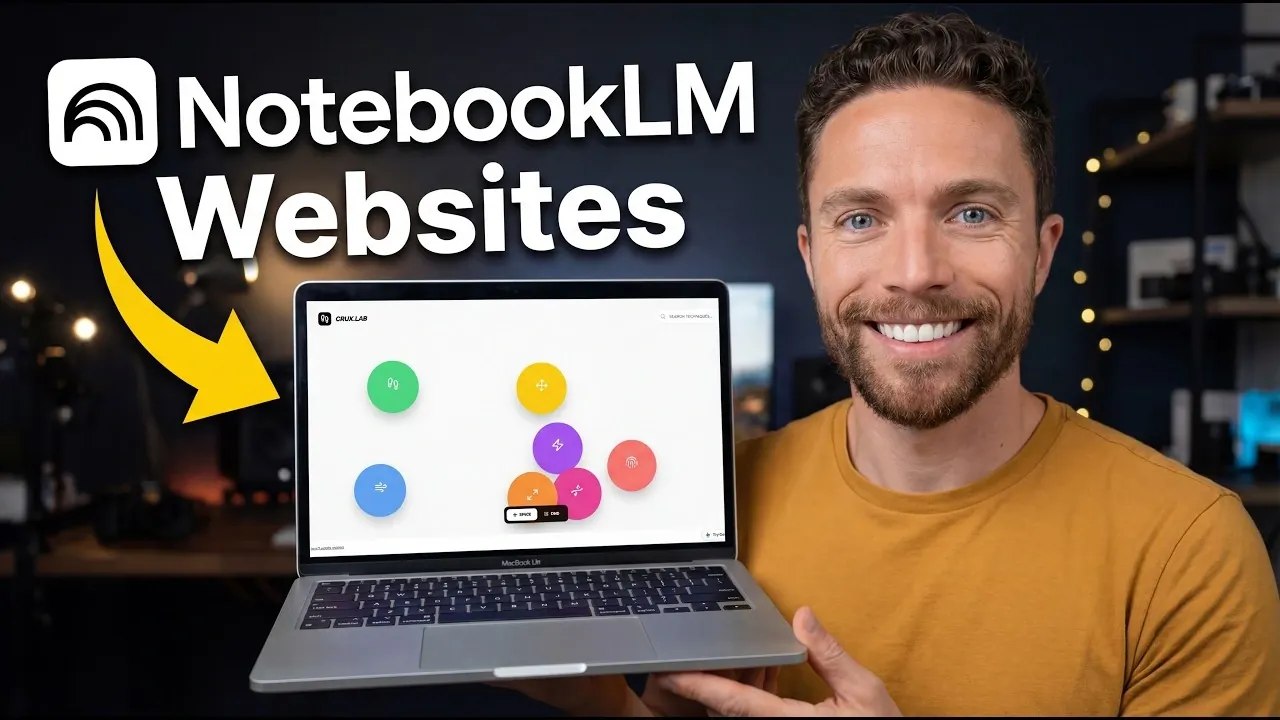
NotebookLM, integrated with Google Gemini, offers a structured approach to creating interactive websites by combining content organization with AI-driven design. According to Paul Lipsky, a key starting point is organizing your content logically to ensure clarity and usability. For example, when designing a portfolio, grouping projects by industry or type can improve navigation and create a more intuitive experience for users.
Explore how to integrate NotebookLM with Google Gemini to use features like the Pro, Thinking and Fast models, each tailored to specific project needs. Learn how to write effective AI prompts to shape your website’s design, incorporate interactive elements such as timelines or quizzes and refine your site through iterative adjustments. This beginner-friendly guide equips you with practical steps to bring your website ideas to life.
Organizing Content: The Foundation of Success
TL;DR Key Takeaways :
- NotebookLM, integrated with Google Gemini, simplifies website creation by transforming organized content into interactive, user-friendly platforms without requiring advanced coding skills.
- Google Gemini offers three models, Pro, Thinking and Fast, tailored for different project needs, allowing users to create anything from detailed portfolios to simple informational sites.
- Customizing AI prompts is essential for aligning the website design with specific goals, such as showcasing products, creating tutorials, or building resource hubs.
- Interactive features like quizzes, timelines and menus enhance user engagement, while customization options allow for personalized designs and layouts.
- NotebookLM generates shareable links for easy distribution and supports responsive designs for mobile accessibility, making sure a seamless user experience across devices.
The cornerstone of any successful website is well-structured content. NotebookLM serves as a central hub for compiling, organizing and refining your material. Whether you’re creating a research hub, portfolio, or product showcase, ensure your content is logically arranged and easy to navigate. A clear structure not only enhances usability but also directly impacts the quality of the website you generate.
To begin, categorize your information into distinct sections or topics. Use NotebookLM’s organizational tools to label and group related content. For example, if you’re building a portfolio, separate projects by type or industry. This logical arrangement simplifies the website creation process and ensures a seamless user experience.
Using Google Gemini for Website Creation
Once your content is ready, the next step is integrating NotebookLM with Google Gemini. This integration unlocks powerful website creation capabilities, allowing you to transform your notebook into an interactive platform. Google Gemini’s “Canvas” tool offers several models tailored to different project requirements:
- Pro Model: Designed for detailed, visually complex websites that require advanced customization.
- Thinking Model: Balances creativity and functionality, making it ideal for versatile projects.
- Fast Model: Optimized for quick and straightforward website creation, perfect for simpler designs.
Select the model that best aligns with your goals. For instance, if you’re developing a polished portfolio, the Pro Model may be the best fit. Conversely, the Fast Model is ideal for creating a simple informational site in minimal time.
Uncover more insights about NotebookLM in previous articles we have written.
- NotebookLM Update Adds Claude Integration for Workflows
- Latest NotebookLM 2026 Updates: Features, Workflow & What Matters
- NotebookLM Infographic Presets, 10 Styles & Custom Looks
- Claude Projects vs NotebookLM: Research Notes or Buildable Workflows
- NotebookLM Data Tables Explained, Free for All Google Users
- NotebookLM Alternative Open Notebook Lets You Build a Private AI Notebook
- NotebookLM Guide: Summaries, Slide Decks, SOPs & Data Tables
- Integrate NotebookLM Research into Docs & Sheets Fast in 2026
- NotebookLM Feature Guide : Cinematic Video Overviews
- NotebookLM Update: Automate Research & Build Reports in Minutes
Customizing AI Prompts for Precision
To ensure your website reflects your vision, guide the AI with specific and detailed prompts. Clearly define your objectives, such as showcasing a product, providing tutorials, or creating a resource hub. For example, if you’re building a product showcase, include details about your target audience, the features you want to highlight and the overall tone or style you prefer.
This step is crucial for balancing creativity with focus. By providing clear instructions, you help the AI deliver results that align with your expectations. Experiment with different prompts to refine the output and don’t hesitate to iterate until the design meets your standards.
Incorporating Interactive Features
Interactive elements are essential for creating an engaging and user-friendly website. NotebookLM offers a range of features that enhance interactivity and improve the overall user experience. Consider incorporating the following elements:
- Quizzes: Use quizzes to test knowledge, gather feedback, or engage users in a fun and interactive way.
- Timelines: Present chronological information effectively, such as project milestones or historical events.
- Interactive Menus: Enable seamless navigation by organizing content into intuitive menus.
Additionally, you can customize the design by adding images, adjusting layouts, or allowing features like dark mode. Iterative feedback during the design process ensures the final product aligns with your vision and meets the needs of your audience.
Exploring Creative Applications
NotebookLM’s flexibility extends beyond traditional website creation, offering opportunities for innovative use cases. Here are some creative ways to use the platform:
- Dashboards: Build data-driven dashboards with visualizations, summaries and interactive charts.
- Resource Hubs: Develop centralized repositories for research, tutorials, or educational materials.
- Portfolios: Showcase your work with high-quality images, detailed descriptions and interactive features that highlight your expertise.
For inspiration, consider using screenshots or screen recordings to refine your website’s design and functionality. These tools allow you to visualize the user experience and make necessary adjustments before finalizing your site.
Sharing and Accessibility
Once your website is complete, sharing it with your audience is straightforward. NotebookLM generates a shareable link, allowing you to distribute your site across various platforms. This feature ensures accessibility and eliminates the need for additional technical steps, making it easy to reach your intended audience.
To further enhance accessibility, consider optimizing your website for mobile devices. Many users access websites on smartphones or tablets, so making sure a responsive design is critical for a positive user experience.
Refining and Optimizing Your Website
Creating an effective website is an iterative process. Experiment with different models and prompts to refine both the design and functionality of your site. For example, if you prefer a minimalist aesthetic, specify this in your prompts and adjust the layout accordingly. Regular testing and user feedback are invaluable for identifying areas of improvement.
Additionally, monitor your website’s performance over time. Use analytics tools to track user engagement, identify popular sections and pinpoint areas that may need enhancement. This data-driven approach ensures your website remains relevant and effective in achieving its goals.
Unlocking the Potential of NotebookLM
NotebookLM, combined with Google Gemini, offers a powerful and flexible platform for creating interactive, visually appealing websites. By organizing your content, customizing AI prompts and incorporating engaging features, you can tailor your website to a variety of use cases, from product showcases to educational hubs. With intuitive design tools, shareable links and the ability to iterate and optimize, NotebookLM enables you to build dynamic, user-friendly platforms with ease.
Media Credit: Paul J Lipsky
Disclosure: Some of our articles include affiliate links. If you buy something through one of these links, Geeky Gadgets may earn an affiliate commission. Learn about our Disclosure Policy.
