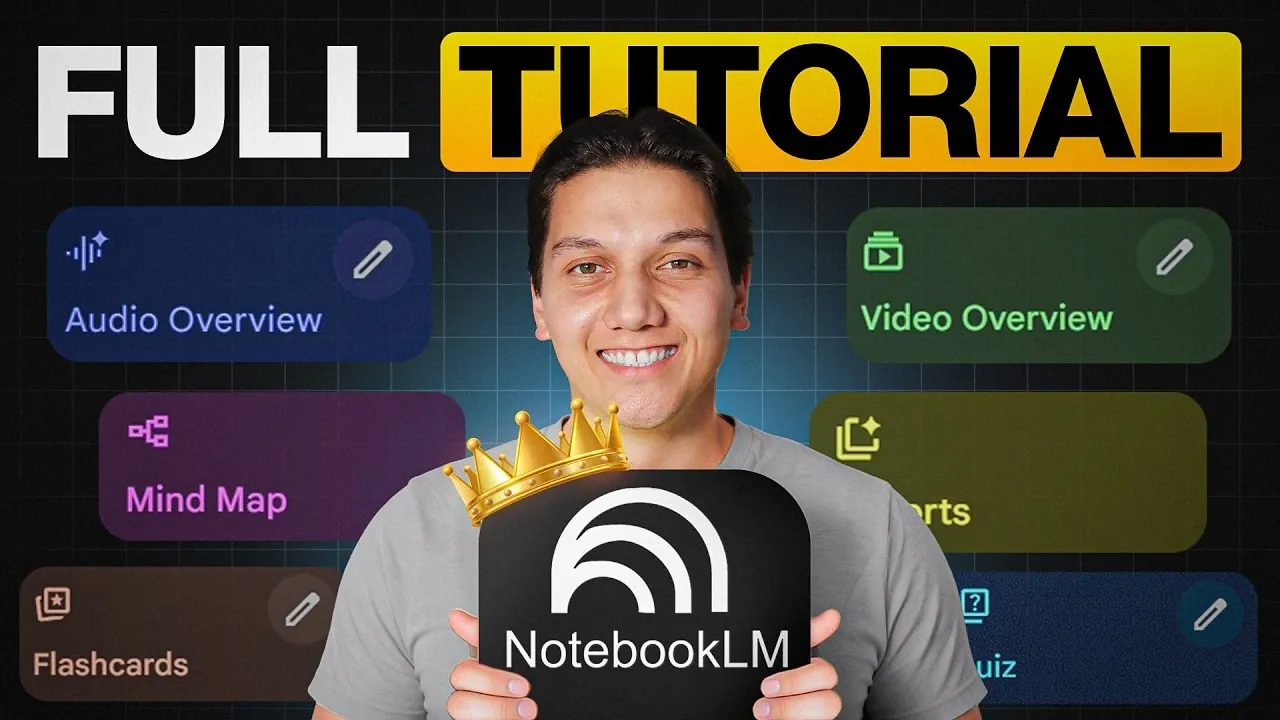
NotebookLM is a platform designed to enhance productivity through advanced AI features and personalized workflows. According to Zinho Automates, one standout capability is its Customizable Slide Decks, which enable users to create professional presentations using editable templates and branding options. This feature is particularly useful for professionals who need to produce polished materials under tight deadlines or adapt content to specific project requirements.
Discover how to use NotebookLM to create detailed infographics with style replication features, automate the organization of research materials for improved efficiency and apply custom AI instructions to achieve precise outputs. This guide also covers integration with platforms like Gemini to expand your content creation capabilities.
NotebookLM Key Features & Updates
TL;DR Key Takeaways :
- NotebookLM in 2026 offers advanced AI-driven features with user-controlled customization, enhancing productivity for professionals across various industries.
- New tools include customizable slide decks, infographic generation, data table creation and mixed media synthesis, streamlining content creation while maintaining quality.
- Workflow automation features, such as automated research organization and platform integration, reduce manual effort and improve efficiency.
- Audio summaries in four formats (Brief, Critique, Debate, Deep Dive) provide flexible learning options for busy professionals.
- Customization options, including detailed prompt crafting and visual style replication, ensure outputs align with user goals and branding needs.
NotebookLM’s latest updates introduce a suite of tools aimed at streamlining content creation while maintaining accuracy and quality. These features cater to a wide range of industries, making sure professionals can achieve their goals with efficiency and precision.
- Customizable Slide Decks: Create polished presentations with editable slides, multiple design templates and branding options tailored to your specific needs.
- Infographic Generation: Design visually engaging infographics using pre-built templates and style replication tools that align with external aesthetics or organizational branding.
- Data Table Creation: Generate structured, comparative data tables that can be exported directly to Google Sheets for seamless sharing and analysis.
- Mixed Media Synthesis: Combine content from diverse sources, such as PDFs, websites, videos and podcasts, into cohesive, evidence-based outputs for comprehensive insights.
These tools are designed to save time and reduce manual effort while maintaining the precision and quality required for professional outputs.
Streamlined Workflow Capabilities
NotebookLM excels at simplifying workflows by automating repetitive tasks and offering advanced customization options. Its features are specifically designed to help you transition seamlessly from research to content creation.
- Automated Research Organization: Automatically collect and organize sources, allowing you to focus on analysis rather than time-consuming data gathering.
- Custom AI Instructions: Personalize the AI’s responses to meet your specific requirements, making sure outputs align with your objectives.
- Platform Integration: Integrate with tools like Gemini to create content directly from curated research, eliminating the need for additional software or manual transfers.
By reducing redundancies and automating routine tasks, NotebookLM allows you to dedicate more time to strategic and creative work.

Take a look at other insightful guides from our broad collection that might capture your interest in NotebookLM.
- NotebookLM Update Adds Claude Integration for Workflows
- Latest NotebookLM 2026 Updates: Features, Workflow & What Matters
- NotebookLM Infographic Presets, 10 Styles & Custom Looks
- Claude Projects vs NotebookLM: Research Notes or Buildable Workflows
- NotebookLM Data Tables Explained, Free for All Google Users
- NotebookLM Alternative Open Notebook Lets You Build a Private AI Notebook
- NotebookLM Guide: Summaries, Slide Decks, SOPs & Data Tables
- NotebookLM Feature Guide : Cinematic Video Overviews
- NotebookLM Update: Automate Research & Build Reports in Minutes
- How to Use NotebookLM & Gemini 3 for Fast, Accurate Research
Audio Summaries for Flexible Learning
NotebookLM now includes audio summaries in four distinct formats, catering to various learning styles and analytical needs. These options provide flexibility and convenience, allowing users to absorb information in ways that suit their preferences.
- Brief: A concise summary of key points for quick understanding and decision-making.
- Critique: A critical analysis that highlights the strengths and weaknesses of the content for a balanced perspective.
- Debate: A presentation of opposing viewpoints to encourage nuanced discussions and deeper understanding.
- Deep Dive: An in-depth exploration of complex topics for thorough comprehension and detailed analysis.
These audio formats make it easier to learn and analyze information on the go, enhancing accessibility and convenience for busy professionals.
Best Practices for Effective Use
To maximize the potential of NotebookLM, adopting certain best practices can lead to more accurate and targeted results. These strategies ensure that you get the most out of the tool’s advanced features.
- Focus on Relevant Sources: Prioritize fewer, high-quality sources to ensure precise and reliable outputs, reducing the need for extensive revisions.
- Craft Detailed Prompts: Use tools like Claude to create specific, well-structured research prompts that guide the AI effectively and produce tailored results.
By implementing these practices, you can streamline your workflow and achieve outputs that align closely with your objectives.
Time-Saving Benefits
NotebookLM is designed to minimize the time spent on manual tasks, allowing you to focus on strategic and creative endeavors. Its time-saving features are particularly valuable for professionals who need to produce high-quality content under tight deadlines.
- Efficient Content Creation: Generate presentations, infographics and data tables with minimal manual adjustments, making sure a faster turnaround time.
- Streamlined Research: Automate the gathering and synthesis of sources, significantly reducing the time spent on repetitive tasks.
These capabilities make NotebookLM an essential resource for professionals seeking to optimize their productivity without compromising on quality.
Customization and Personalization
One of NotebookLM’s standout features is its adaptability. It offers tools that allow you to tailor outputs to your specific needs, making sure they align with your goals and preferences.
- Detailed Prompt Customization: Provide precise instructions to generate highly personalized content that meets your exact requirements.
- Visual Style Replication: Design infographics and presentations that reflect your unique visual identity or organizational branding for a cohesive and professional appearance.
This level of customization ensures that your outputs are not only functional but also visually and contextually aligned with your objectives, enhancing their overall impact.
Why NotebookLM Stands Out in 2026
NotebookLM has solidified its position as a vital tool for professionals in 2026 by combining advanced features with user-focused customization. Its ability to streamline workflows, automate repetitive tasks and deliver high-quality outputs makes it an invaluable resource across industries. Whether you are generating professional slide decks, synthesizing multimedia sources, or creating structured data outputs, NotebookLM ensures precision, efficiency and adaptability. With its emphasis on evidence-based content creation and seamless platform integration, it continues to empower users to achieve their goals with confidence and ease.
Media Credit: Zinho Automates
Disclosure: Some of our articles include affiliate links. If you buy something through one of these links, Geeky Gadgets may earn an affiliate commission. Learn about our Disclosure Policy.
