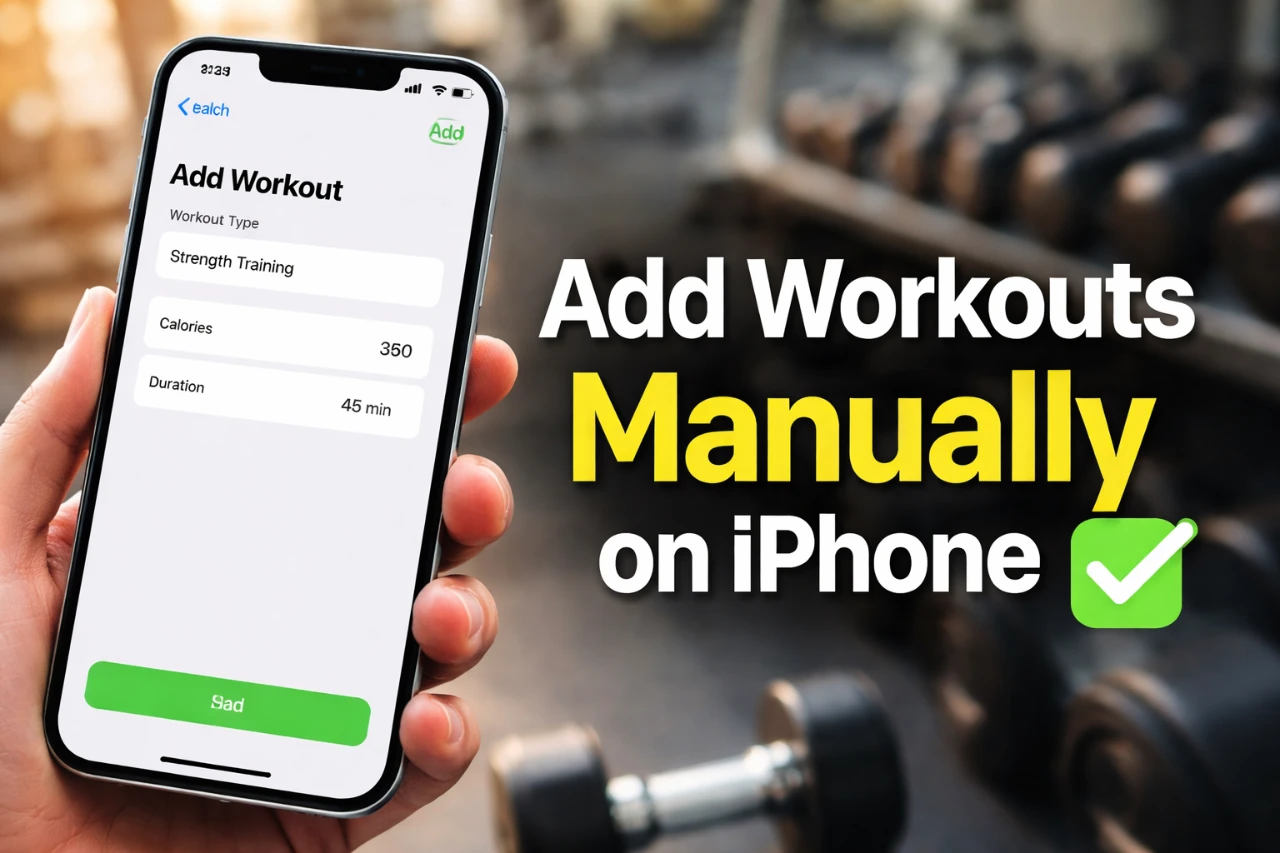
The iPhone Fitness app now includes a valuable feature: the ability to add missed workouts manually. This enhancement ensures your activity rings remain accurate, even when your Apple Watch wasn’t available or its battery was depleted. By allowing you to log workouts retroactively, the app provides greater flexibility in tracking your fitness journey while maintaining consistency with your goals. The video below from Jacob’s QuickTips for iPhone shows us how this can be done on your iPhone.

Why This Feature Matters
Fitness tracking is essential for monitoring progress and staying motivated. However, there are instances when your Apple Watch may not capture your activity—whether you’re swimming, jogging, or participating in other workouts without the device. The manual entry feature addresses this gap by allowing you to log missed sessions directly on your iPhone. This ensures your activity data remains complete and accurately reflects your efforts, helping you stay on track with your fitness objectives.
How to Add a Missed Workout
Adding a missed workout is a straightforward process designed for ease of use. Follow these steps to ensure your fitness records are up to date:
- Open the Fitness app on your iPhone and navigate to the “Workout” tab.
- Tap the “Add Workout” icon to begin the process.
- Select the workout type from a comprehensive list, including activities such as running, swimming, yoga, cycling, and more.
- Input key details like duration, distance, and effort level to accurately represent your session.
- Adjust the date and time if necessary to reflect when the workout actually occurred.
This intuitive process ensures your fitness data remains complete, even if your Apple Watch wasn’t actively tracking your activity at the time.
Enhanced Accuracy with Heart Rate Integration
For users who wore their Apple Watch during the workout, the app can integrate heart rate data into the manual entry. This feature adds a layer of precision by reflecting your effort level and performance. For example, during a high-intensity interval training session, heart rate data provides a clearer picture of the workout’s intensity. By incorporating this information, the app ensures your logged workouts are as accurate and detailed as possible.
Customizable and Flexible Tracking
The manual workout entry feature offers a high degree of customization, making it adaptable to your specific needs. Whether you forgot to wear your Apple Watch, experienced technical issues, or simply missed logging a session, this feature ensures your fitness data remains intact. Additionally, the ability to choose from a wide variety of workout types allows you to log everything from structured gym sessions to casual outdoor activities. This flexibility ensures that no part of your fitness journey is overlooked.
Retrospective Logging for Consistency
Retrospective logging is particularly beneficial for maintaining consistent fitness records. If you completed a workout earlier in the week but forgot to log it, you can easily add it later without disrupting your activity trends. This capability ensures your progress is tracked accurately over time, allowing you to stay aligned with your fitness goals. By keeping your records consistent, you gain a clearer understanding of your overall performance and areas for improvement.
Streamlined Fitness Tracking
The ability to manually add missed workouts in the iPhone Fitness app represents a significant improvement for anyone committed to comprehensive fitness tracking. Features like retrospective logging, heart rate integration, and workout customization make the app more versatile and user-friendly. Whether you’re a dedicated Apple Watch user or someone who occasionally tracks workouts manually, this feature ensures your fitness journey remains seamless, accurate, and reflective of your efforts. By bridging gaps in activity tracking, the app enables you to stay motivated and focused on achieving your health and fitness goals.
Take a look at other insightful guides from our broad collection that might capture your interest in iPhone Fitness app.
- Moviing Online Yoga & Fitness Classes: Lifetime Subscription
- Why iPhone & AirPods Pro 3 Are the Ultimate Fitness Duo
- Nike+ Fuelband SE Fitness Tracker (Certified Refurbished)
- CardioCast® Audio Workout: 2-Yr Subscription – StackSocial
- iOS 26 RC: The Hidden Features Apple Didn’t Announce
Source: Jacob’s QuickTips for iPhone
Disclosure: Some of our articles include affiliate links. If you buy something through one of these links, Geeky Gadgets may earn an affiliate commission. Learn about our Disclosure Policy.
