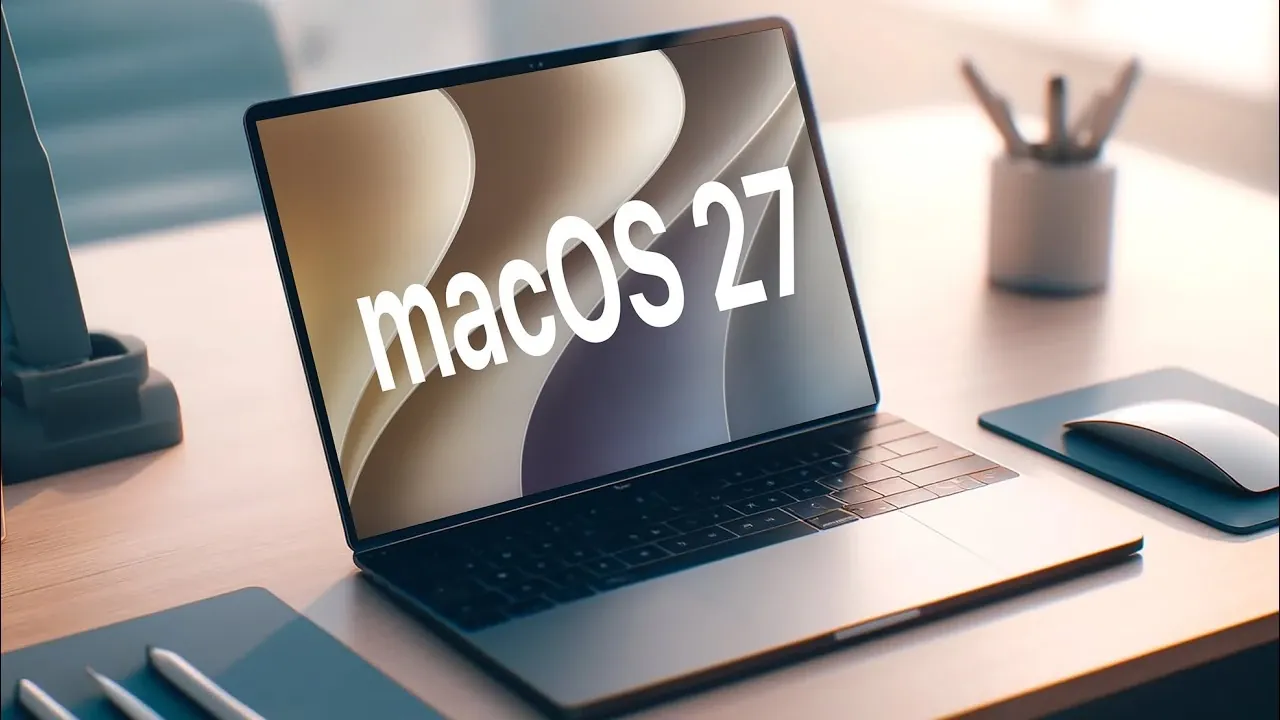
Apple’s macOS 27 “Golden Gate” marks a pivotal moment in the evolution of its desktop operating system. With the release of the first developer beta, Apple has unveiled a host of new features, performance enhancements, and design updates. This version also signifies a major shift, as it officially ends support for Intel-based Macs, focusing exclusively on Apple Silicon devices. Below is a detailed exploration of the key updates and their implications. The video below from HalfManHalfTech gives us more details about the next version of macOS.
Apple Silicon-Only Compatibility
macOS 27 is designed exclusively for Apple Silicon Macs, including devices powered by the M1, M2 and the upcoming M3 chips. If you own an Intel-based Mac, this update will not be available for your device. By narrowing its focus to Apple Silicon, Apple has optimized the operating system to fully use the architecture of its custom chips. This results in faster performance, improved energy efficiency and a more cohesive ecosystem that integrates seamlessly across Apple devices.
This transition also allows Apple to streamline its software development, making sure that macOS 27 is tailored to the unique capabilities of Apple Silicon. For users, this means a more responsive and efficient experience, whether you’re multitasking, running demanding applications, or simply navigating the system.
Performance Upgrades
macOS 27 introduces significant performance improvements, making your Mac faster and more efficient. These enhancements are particularly noticeable on devices powered by the M2 and M3 chips. Key updates include:
- Applications now launch up to 30% faster, thanks to optimized indexing and resource allocation.
- Background app activity is more transparent, giving you greater control over system processes and resource usage.
- Multitasking capabilities have been refined, making sure smoother transitions and improved responsiveness during heavy workloads.
These upgrades are designed to enhance productivity, whether you’re managing multiple apps simultaneously or working on resource-intensive tasks like video editing or software development.
Refined User Interface
The user interface in macOS 27 has been reimagined with a focus on simplicity and modern aesthetics. Apple has introduced several design changes that enhance both the visual appeal and usability of the operating system:
- A minimalist, flat design for app icons, creating a cleaner and more uniform appearance.
- The new “Liquid Glass” effect dynamically adjusts transparency based on your wallpaper and ambient lighting, adding a subtle yet sophisticated touch.
- Unified app toolbars and refined corner radius adjustments contribute to a more polished and consistent look across the system.
These updates not only make the interface more visually appealing but also improve navigation, making it easier for users to interact with their devices.
Smarter Siri with Conversational AI
Siri has received a major upgrade in macOS 27, incorporating conversational AI to enable more natural and context-aware interactions. You can now ask follow-up questions without needing to repeat the original query, making conversations with Siri feel more intuitive and human-like.
However, these advanced AI features are limited to Macs equipped with M3 chips and at least 12GB of memory. This ensures that resource-intensive tasks, such as real-time language processing, run smoothly without impacting overall system performance. For users with compatible devices, Siri’s enhanced capabilities offer a more seamless and efficient way to interact with their Mac.
Safari: A More Productive Browser
Safari in macOS 27 introduces several new features aimed at improving productivity and organization. These updates make the browser a more powerful tool for both casual browsing and professional use:
- Tab grouping allows you to organize tabs by topics or use automatic sorting for better browsing efficiency.
- Enhanced extension management provides a more personalized browsing experience, giving you greater control over installed extensions.
- Notifications for website updates keep you informed about changes to your favorite sites, making sure you never miss important content.
These improvements position Safari as a versatile and efficient browser, catering to a wide range of user needs.
Enhanced Built-In Apps
Apple has updated several built-in apps in macOS 27, adding new features and improving usability. These updates are designed to enhance productivity, creativity and convenience:
- Freeform: Now supports dark mode, folder organization and trackpad drawing, making it an even better tool for brainstorming and collaboration.
- Photos: The new “Reframe” tool uses AI to intelligently adjust photo composition, helping you create the perfect shot.
- Mail and Messages: Smarter sorting and contextual suggestions streamline communication, saving you time and effort.
- Stocks: News+ integration and enhanced top stories provide richer financial insights for investors and market enthusiasts.
- Maps: Improved detail layers and a refreshed app icon make navigation more intuitive and visually appealing.
- Shortcuts: Natural language prompts simplify the creation of automations, making it easier for users to customize their workflows.
- Passwords: Automatic fixes for flagged accounts enhance security, making sure your online accounts remain protected.
- Image Playground: New tools for generating custom images and wallpapers cater to creative users looking to personalize their devices.
These updates demonstrate Apple’s commitment to providing a comprehensive suite of tools that cater to a diverse range of user needs.
Advanced Parental Controls and Family Sharing
macOS 27 introduces more robust parental controls, making it easier for families to maintain a balanced and secure digital environment. Key features include:
- Granular tools for managing screen time and app usage, allowing parents to set precise limits for their children.
- Enhanced communication safety features that protect children from inappropriate content and interactions.
- Improved content filtering to ensure a safer browsing experience for younger users.
These updates provide parents with greater control and peace of mind, making sure that their children can use technology safely and responsibly.
macOS 27: A Step Forward
macOS 27 “Golden Gate” represents a significant advancement in Apple’s desktop operating system. By focusing exclusively on Apple Silicon Macs, Apple has delivered substantial performance improvements, a refreshed user interface and a wide range of new features across its apps and settings. While the decision to end support for Intel-based Macs may be disappointing for some users, it underscores Apple’s commitment to optimizing its ecosystem for the future. Whether you’re a professional, a creative, or a parent managing a family’s digital life, macOS 27 offers tools and enhancements designed to meet your needs and elevate your experience.
Source & Image Credit: HalfManHalfTech
Disclosure: Some of our articles include affiliate links. If you buy something through one of these links, Geeky Gadgets may earn an affiliate commission. Learn about our Disclosure Policy.
