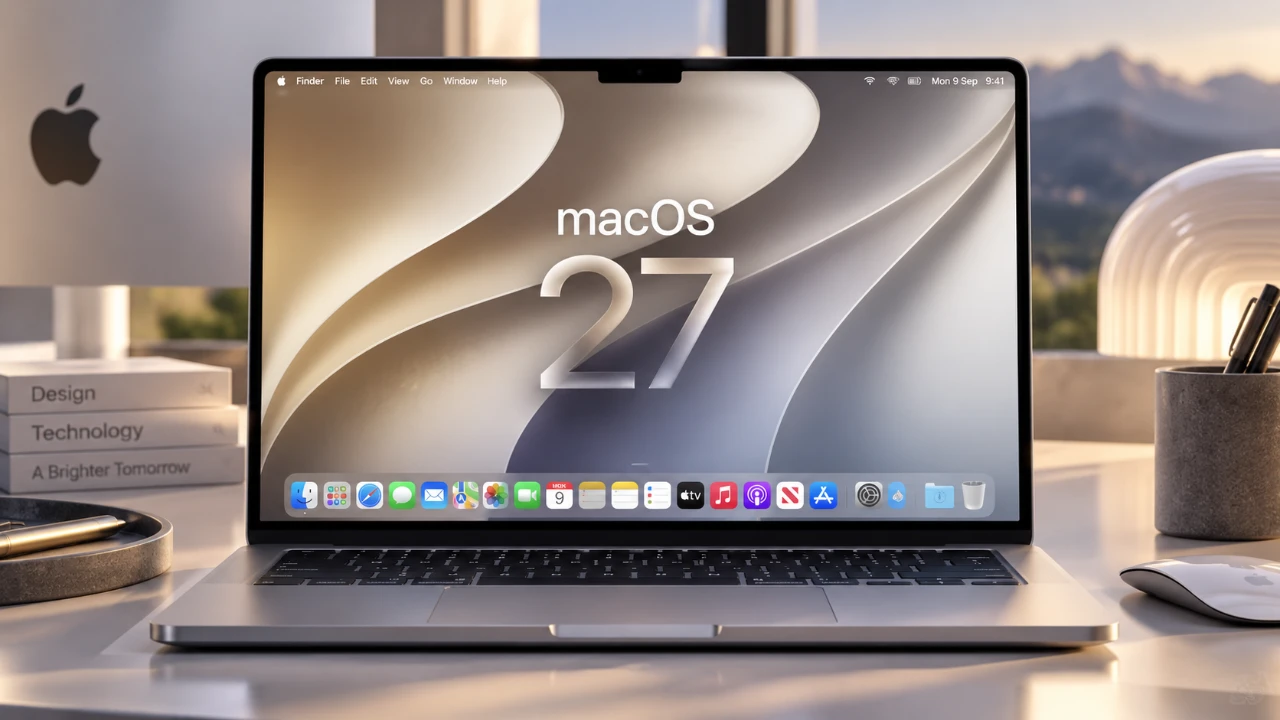
macOS 27 Golden Gate brings a wealth of new features designed to enhance usability, customization, and overall functionality. With over 75 updates, this release caters to a wide range of users, from seasoned macOS enthusiasts to newcomers. The operating system introduces tools that boost productivity, foster creativity, and ensure seamless integration across Apple devices. In the video below, Brandon Butch gives us a look at 15 standout features that deserve your attention to fully use the potential of this release.

Spotlight Search with Siri AI Integration
Spotlight Search now incorporates Siri AI, offering faster and more precise results. This integration allows you to use natural language queries such as “Find yesterday’s presentation” or “Open the latest email from Alex.” Siri’s contextual understanding enhances workflows, allowing you to locate files, emails, or apps with greater efficiency. Whether you’re managing work documents or personal files, this feature simplifies navigation and saves time.
Customizable Menu Bar
The redesigned menu bar introduces greater flexibility, allowing you to personalize controls and rearrange the layout to suit your workflow. A new arrow feature enables you to collapse excess toggles, keeping the interface clean and organized. This is particularly beneficial for users who rely on multiple shortcuts and tools, making sure quick access without cluttering the screen.
Enhanced iPhone Screen Mirroring
Screen mirroring between your Mac and iPhone has been significantly improved, offering resizable displays for a more adaptable experience. This feature is ideal for presentations, app demonstrations, or simply extending your iPhone’s functionality onto a larger screen. The ability to adjust the display size ensures better visibility and usability, whether you’re working or sharing content with others.
Liquid Glass Interface Customization
The Liquid Glass feature introduces adjustable transparency and frosted glass effects throughout the macOS interface. These settings allow you to tailor the visual experience, balancing aesthetics with readability. Whether you prefer a sleek, modern look or prioritize clarity, this feature offers a more immersive and personalized environment.
Accessibility Upgrades
macOS 27 continues Apple’s commitment to inclusivity with new accessibility features. The “Show Borders” option highlights menu items, improving navigation for users with visual impairments. These updates ensure the operating system remains accessible to all, enhancing clarity and usability for a diverse range of users.
Native System Audio Recording
QuickTime now supports native system audio recording, allowing you to capture internal audio directly from your Mac. This feature is particularly useful for content creators, educators and professionals creating tutorials, presentations, or gameplay recordings. By eliminating the need for third-party tools, it streamlines the process and ensures high-quality audio capture.
Enhanced Notes Markup Tools
The Notes app has been upgraded with a built-in markup tool, allowing you to draw directly within your notes. Optimized for trackpads, this feature is perfect for annotating documents, sketching ideas, or adding visual elements to your notes. It provides a seamless way to integrate creativity into your daily tasks.
New Safari Features
Safari introduces several updates aimed at improving browsing efficiency and user experience:
- Swipe-to-refresh: Reload pages quickly with a simple gesture.
- Related Tabs: Automatically organizes tabs based on context, making navigation easier.
- Custom Extensions: Create personalized tools using natural language for enhanced functionality.
- Notify Me: Receive alerts for changes on specific websites, such as product availability or news updates.
These features make Safari more intuitive and adaptable to your browsing habits.
Mail App Smart Replies
The Mail app now offers personalized smart replies based on your messaging patterns. For instance, if you frequently confirm meeting times, the app might suggest responses like “That works for me” or “Can we reschedule?” This feature streamlines email management, saving time and reducing the effort required for routine communications.
Natural Language Calendar Input
Scheduling events in the Calendar app has become more intuitive with natural language input. Typing phrases like “Lunch with Sarah tomorrow at noon” automatically populates event details, eliminating the need for manual entry. This feature simplifies event creation, making it faster and more user-friendly.
Advanced Photo Editing Tools
The Photos app now includes advanced editing tools for cleanup, reframing and extending images. These enhancements allow you to remove unwanted elements, adjust composition and improve photo quality with precision. Whether you’re a casual user or a professional photographer, these tools provide greater control over your images.
Expanded Desktop Widgets
Desktop widgets have been expanded to include extra-large, customizable options. You can add widgets for weather, reminders, or HomeKit devices in a portrait orientation, making them more visible and functional. This update ensures quick access to important information directly from your desktop.
Improved Shared Albums
Shared Albums now support full-resolution photo and video sharing, preserving media quality. Additionally, temporary shared albums with expiration options make it easier to share content without cluttering your library. These improvements enhance collaboration and simplify the process of sharing memories with friends and family.
Visual Intelligence for Photos
The new Visual Intelligence feature uses machine learning to identify objects and places in your photos. You can search for terms like “beach” or “dog” to quickly locate relevant images. This functionality extends to Siri, allowing voice commands such as “Show me pictures of mountains.” It offers a smarter way to organize and access your photo library.
Unlock the Potential of macOS 27 Golden Gate
macOS 27 Golden Gate exemplifies Apple’s dedication to innovation and user-focused design. From AI-powered search and enhanced accessibility to advanced creative tools, this update offers a comprehensive suite of features that cater to diverse needs. By exploring these 15 standout features, you can unlock new levels of productivity, creativity, and convenience in your daily tasks. Whether you’re a professional, a student, or a casual user, macOS 27 provides the tools to elevate your experience.
Here are more guides from our previous articles and guides related to macOS 27 Golden Gate that you may find helpful.
- macOS 27 Beta 3 Unlocks Golden Gate Upgrades for Testers
- What Makes macOS 27 Golden Gate Apple’s Best Update Yet
- Apple Brings Advanced Siri AI to macOS 27
- Apple Releases macOS 27 Golden Gate: What’s New?
- macOS 27 Golden Gate: 10 New Features and AI Upgrades
Source: Brandon Butch
Disclosure: Some of our articles include affiliate links. If you buy something through one of these links, Geeky Gadgets may earn an affiliate commission. Learn about our Disclosure Policy.
