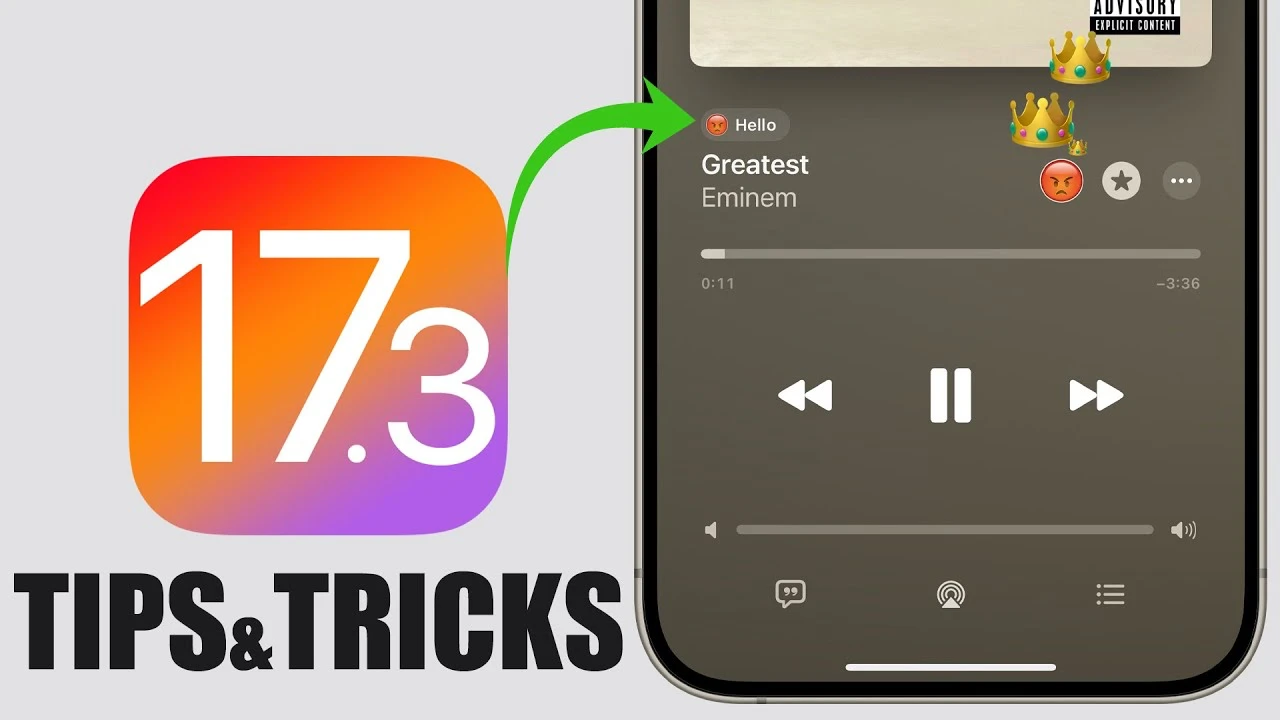
With the release of iOS 17.3, iPhone users are at the cusp of experiencing their devices in ways that are more personalized, collaborative, and secure their devices. This update, rich with new features and enhancements, is designed to refine your daily interaction with your iPhone, making it more enjoyable and efficient.
If you’re keen on understanding how to leverage these updates to their fullest, you’ve come to the right place, the video below from iReviews gives us a look at some tips and tricks for iOS 17.3. Let’s delve into the practical tips and tricks that iOS 17.3 has to offer, ensuring you can maximize your iPhone experience.

Collaborative Playlists in the Music App
Gone are the days of sharing music through convoluted methods. With iOS 17.3, the Music app now supports collaborative playlists, allowing you and your friends to collectively curate playlists. You can invite others to contribute, manage who can add songs, and even reclaim the playlist for personal use, ensuring your music-sharing experience is both inclusive and private.
Custom Playlist Ownership
Privacy and personalization take center stage in iOS 17.3, as it introduces the ability to customize the displayed owner name of a collaborative playlist. This feature ensures that you can maintain your privacy or inject a bit of personality into the playlist’s identity, depending on your preference.
Reacting to Songs with Emojis
Adding a new layer of interaction, iOS 17.3 allows users to react to songs in collaborative playlists using emojis. These reactions are visible to all collaborators, making it a fun way to express your feelings about a particular track and see who shares your taste in music.
Easy Sharing of Collaborative Playlists
Sharing your collaborative playlists has never been easier, thanks to the new sharing options introduced in iOS 17.3. Playlists can now be shared via a link or QR code, which remains active for six days, facilitating effortless sharing among friends and on social media.
New Wallpapers for a Fresh Look
To personalize the appearance of your iPhone further, iOS 17.3 brings an array of new wallpapers with stunning 3D effects and multiple color options. These wallpapers add a fresh vibe to your device, allowing you to customize its look to match your style.
Liquid Detection Alert Sound
Enhancing the device’s safety features, iOS 17.3 introduces a sound alert for liquid detection in the charging port. This alert complements the existing visual warning, helping prevent damage by advising when to refrain from charging your iPhone.
Enhanced Stolen Device Protection
Security is a paramount concern, and iOS 17.3 addresses it by delaying certain actions, like changing passcodes or deleting data, when the device is in an unfamiliar location. This feature adds an extra layer of protection against unauthorized access, giving you peace of mind.
Exclusive Video Feature for iPhone 15 Pro/Pro Max
For users of the iPhone 15 Pro models, iOS 17.3 introduces a special video feature that promises high-quality video recording. While this feature is a significant enhancement for video enthusiasts, it is recommended to be used judiciously to conserve storage space.
Journal App Enhancements
The Journal app received a significant update in iOS 17.3, with new settings that suggest entries based on user activity, contacts, and locations. While these features offer a more personalized journaling experience, it’s worth noting that they may consume additional battery and CPU resources. Users are advised to disable these features if conservation is a priority.
iOS 17.3 is a testament to Apple’s commitment to enhancing user experience through thoughtful updates and features. By taking advantage of these new offerings, you can enjoy a more personalized, secure, and collaborative iPhone experience. Whether you’re looking to share your music, customize your device’s look, or ensure its security, iOS 17.3 has something for everyone. Explore these features, and discover how they can transform your daily iPhone use.
Source & Image Credit: iReviews
Disclosure: Some of our articles include affiliate links. If you buy something through one of these links, Geeky Gadgets may earn an affiliate commission. Learn about our Disclosure Policy.
