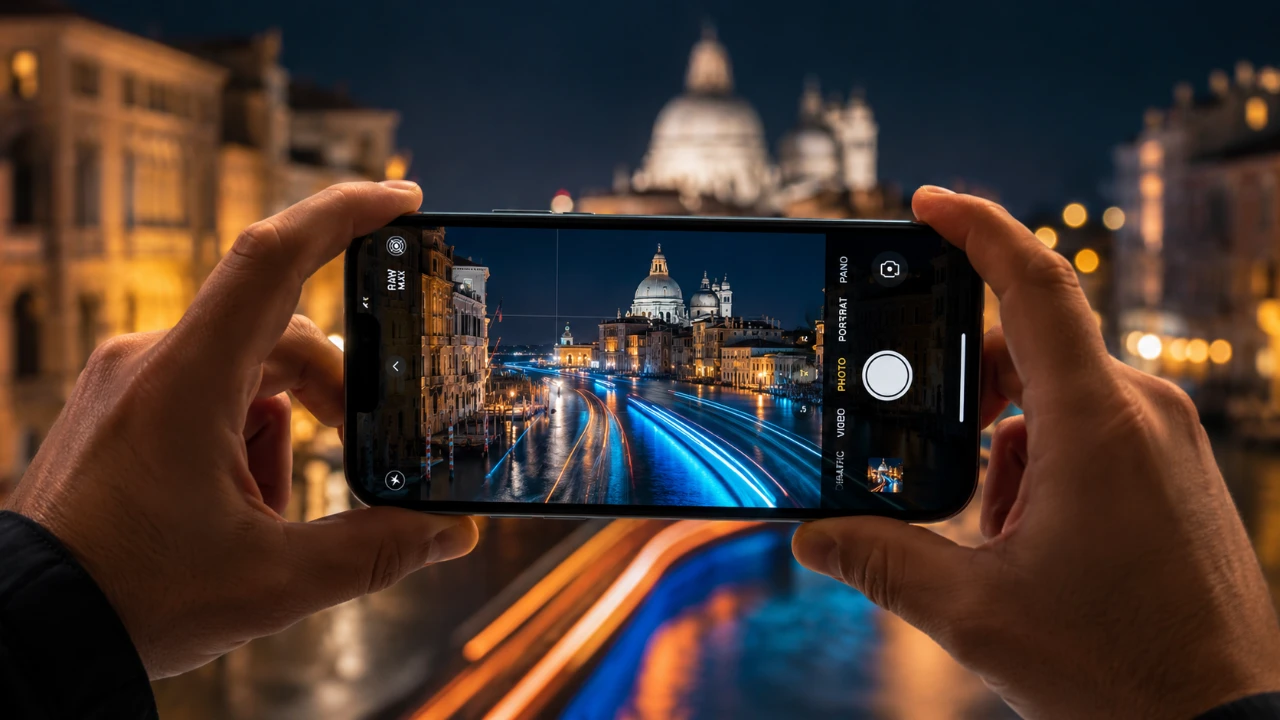
Your iPhone camera is equipped with advanced features that often go unnoticed but have the potential to transform your photography. Hidden within its capabilities are tools that can elevate your photos from simple snapshots to visually stunning images. Among these, Long Exposure, Enhanced Portrait Mode, and Panorama Mode stand out as underutilized yet highly effective features. By learning to use these tools, you can unlock your iPhone’s full potential and create dynamic, professional-quality photos with ease. The video below from iPhone Photography School gives us more details.

1. Long Exposure: Capturing Motion in a Single Frame
Long Exposure photography is a powerful tool for capturing motion and creating dramatic, visually engaging images. This feature allows you to blend motion into a single frame, making it ideal for photographing flowing waterfalls, light trails, or bustling cityscapes. The best part? It’s built directly into your iPhone and doesn’t require any additional apps or equipment.
Here’s how to make the most of Long Exposure:
- Activate the Live Photo mode in your iPhone’s camera. This mode captures a short sequence of frames with every shot.
- Stabilize your phone using a tripod or a flat surface to avoid unwanted camera shake, which can blur the entire image.
- After taking the photo, open it in the Photos app, swipe up to reveal effects and select “Long Exposure.” The motion frames will merge into a single, dynamic image.
For optimal results, experiment with different environments and lighting conditions. Whether you’re capturing the serene flow of water or the vibrant energy of city lights, this feature can add a professional and artistic touch to your photography.
2. Enhanced Portrait Mode: Highlighting Your Subject
Portrait Mode is designed to mimic the shallow depth of field achieved by professional cameras, creating a sharp subject against a beautifully blurred background. This feature is perfect for portraits, product photography, or any scenario where you want your subject to stand out.
To maximize the potential of Portrait Mode:
- Position your subject within the recommended distance displayed on the screen for optimal focus and background blur.
- After capturing the photo, tap “Edit” and use the “F” slider to adjust the depth of field, fine-tuning the background blur to your preference.
- Experiment with the built-in lighting effects, such as Studio Light or Contour Light, to add depth and drama to your image.
For the best results, ensure your subject contrasts with the background and avoid harsh lighting that may create unnatural edges. With practice, you can produce professional-looking portraits that rival those taken with high-end cameras.
3. Panorama Mode: Expanding Your View
Panorama Mode is perfect for capturing wide, sweeping scenes that don’t fit into a single frame. Whether you’re photographing a sprawling landscape, a city skyline, or a towering architectural marvel, this feature seamlessly stitches multiple frames into one cohesive image.
To use Panorama Mode effectively:
- Select Panorama Mode in the camera app and follow the on-screen arrow as you move your phone horizontally.
- Plan your shot by identifying the start and end points of your frame to avoid including unwanted elements.
- Move the camera steadily and at a consistent speed to ensure smooth stitching of the frames.
For a creative twist, try capturing vertical panoramas. This technique works particularly well for tall buildings, trees, or monuments, offering a unique perspective that standard photos cannot achieve. With a steady hand and thoughtful composition, Panorama Mode can help you capture breathtaking images.
Unlocking the Full Potential of Your iPhone Camera
By incorporating Long Exposure, Enhanced Portrait Mode, and Panorama Mode into your photography, you can take full advantage of your iPhone’s advanced capabilities. These features are not only user-friendly but also versatile, allowing you to experiment with various styles and techniques.
Whether you’re capturing the motion of a waterfall, isolating a subject for a portrait, or showcasing the grandeur of a vast landscape, these tools offer endless opportunities for creativity. Take the time to explore and practice with these features and you’ll soon discover just how powerful your iPhone camera truly is. With a little effort and imagination, you can elevate your photography and create images that leave a lasting impression.
Here are more guides from our previous articles and guides related to iPhone Camera Features that you may find helpful.
- iPhone Photography: The Complete Guide to Mastering Your Camera in 2026
- iPhone 17 Pro: The Complete Camera Test
Source & Image Credit: iPhone Photography School
Disclosure: Some of our articles include affiliate links. If you buy something through one of these links, Geeky Gadgets may earn an affiliate commission. Learn about our Disclosure Policy.
