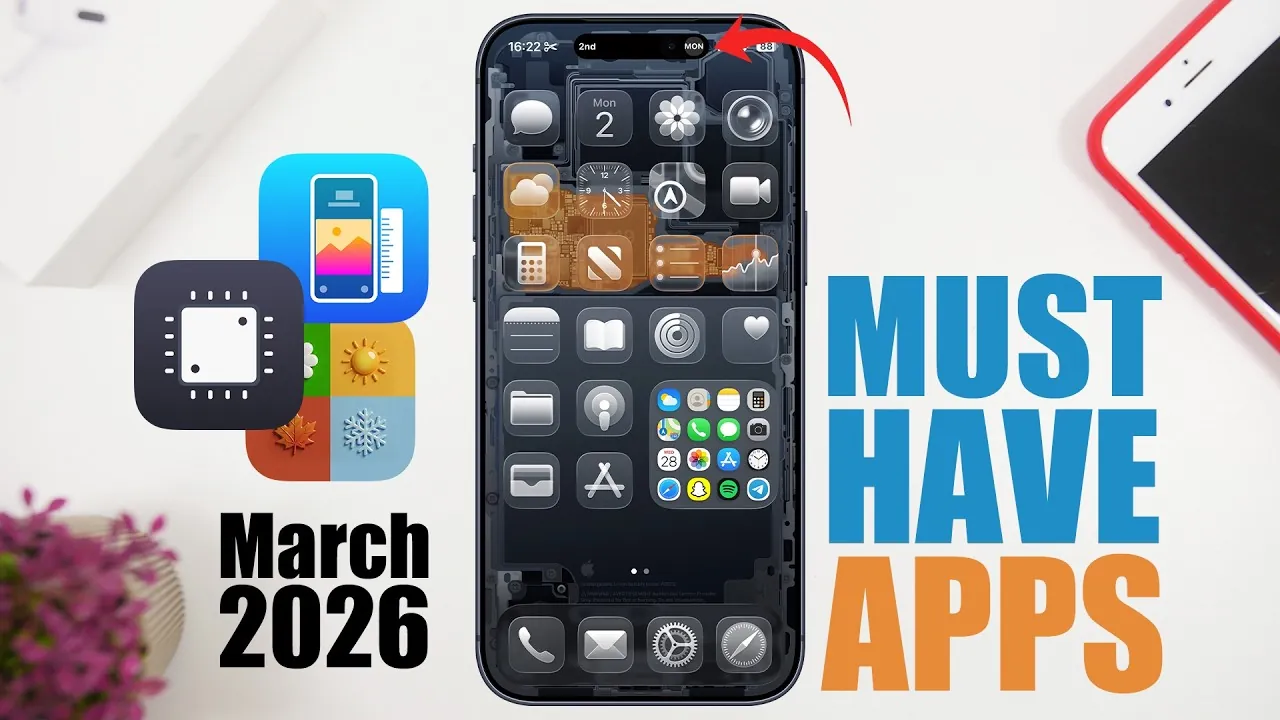
Your iPhone is more than just a communication device—it is a versatile tool designed to help you stay productive, creative, and organized. By integrating the right apps, you can unlock its full potential and tailor it to your unique needs. From media editing and note-taking to performance tracking and file sharing, these carefully selected apps cater to a wide range of requirements. Here’s an in-depth look at eight essential apps that can elevate your iPhone experience in a new video from iReviews.

Media Editor Pro: All-in-One Media Editing
Media Editor Pro is a comprehensive solution for all your media editing needs. It supports a variety of formats, including images, videos, audio, and documents, making it a versatile tool for both personal and professional use. Key features include compression, merging, resizing, and upscaling, all of which are designed to deliver professional-grade results. For instance, you can seamlessly merge multiple video clips into a single file or compress large files to save valuable storage space. Whether you’re preparing content for social media or enhancing personal projects, this app ensures high-quality outcomes with minimal effort.
Live Note: Smarter Note-Taking
Live Note redefines note-taking by integrating seamlessly with your iPhone’s lock screen and dynamic island. This app allows you to create to-do lists, save links, and attach photos directly to your lock screen for instant access. Its standout feature is the 8-hour display timer, which keeps your notes visible for extended periods, making sure you never miss an important task or reminder. Whether you’re managing daily errands or organizing work priorities, Live Note offers a practical and efficient way to keep your essential information front and center.
I Activity Monitor: Real-Time Device Insights
I Activity Monitor provides a detailed, real-time overview of your iPhone’s performance. It tracks critical metrics such as CPU usage, RAM allocation, storage capacity, and battery health, giving you a clear understanding of your device’s status. Additionally, the app includes network monitoring, allowing you to identify data-heavy apps and optimize your device’s efficiency. This tool is particularly useful for troubleshooting performance issues, extending battery life, and maintaining your iPhone’s overall health. With I Activity Monitor, you gain greater control over your device’s functionality.
Air Clap: Effortless File Sharing
Air Clap simplifies file sharing between devices, making it a must-have for seamless collaboration. It enables you to transfer text, photos, and videos across devices connected to the same network, eliminating the need for cables or cloud services. Whether you’re working on a group project, sharing files with colleagues, or transferring media for personal use, Air Clap ensures a fast and hassle-free experience. Its intuitive interface and reliable performance make it an indispensable tool for both professional and casual users.
Warlocks: Custom Wallpaper Design
Warlocks enables you to personalize your iPhone with unique and visually appealing wallpapers. The app offers tools to resize images, add backgrounds, apply gradients, and introduce blur effects, allowing you to create designs tailored to your preferences. Whether you want to refresh your device’s appearance or maintain a polished and professional look, Warlocks makes customization simple and enjoyable. With its user-friendly interface, you can effortlessly transform your iPhone’s aesthetic to match your style.
Summit: AI-Powered Summarization
Summit uses advanced AI technology to summarize websites, text, images, and PDFs, making it an invaluable tool for students, professionals, and anyone seeking quick insights. For example, you can condense a lengthy research paper into key points or extract the main ideas from a news article in seconds. The app also allows you to save, copy, and share summaries, streamlining information processing and enhancing productivity. Summit is ideal for those who need to stay informed while managing a busy schedule.
Zephr Weather: Comprehensive Forecasts and Widgets
Zephr Weather provides detailed and accurate weather forecasts, along with additional features such as air quality data and radar views. Its customizable widgets allow you to access real-time updates directly from your home screen, making sure you’re always prepared for changing conditions. Whether you’re planning a trip, monitoring air quality, or simply staying informed about the weather, Zephr Weather offers a reliable and visually appealing solution. Its intuitive design and comprehensive data make it a standout choice for weather tracking.
Email Video: Simplified Video Resizing
Email Video is a practical app designed to optimize videos for sharing via email or messaging platforms. It allows you to resize and convert videos to meet attachment limits without compromising quality. For instance, you can reduce a large video file to a manageable size, making it easier to share with colleagues, friends, or family. This app is particularly useful for professionals who frequently send video content or casual users looking to share memorable moments. Email Video combines simplicity with functionality, making sure your files are always ready to send.
Unlock the Full Potential of Your iPhone
These eight apps are designed to enhance your iPhone’s functionality, addressing a wide range of needs and preferences. Whether you’re editing media, taking notes, monitoring performance, or sharing files, these tools offer practical solutions to everyday challenges. By incorporating apps like Media Editor Pro, Live Note, and I Activity Monitor into your routine, you can streamline tasks, boost productivity, and customize your device to suit your lifestyle. Explore these options today to make the most of your iPhone and elevate your digital experience.
Master iPhone apps with the help of our in-depth articles and helpful guides.
- Enhance Your iPhone 17 Experience with These Must-Have Apps
- Essential iPhone Apps to Download This September
- 10 iPhone Apps That Will Change Your LIFE!
- How to Use the iPhones Built In Productivity Apps
- Top 30 iPhone Apps to Enhance Your Summer 2025 Experience
Source & Image Credit: iReviews
Disclosure: Some of our articles include affiliate links. If you buy something through one of these links, Geeky Gadgets may earn an affiliate commission. Learn about our Disclosure Policy.
