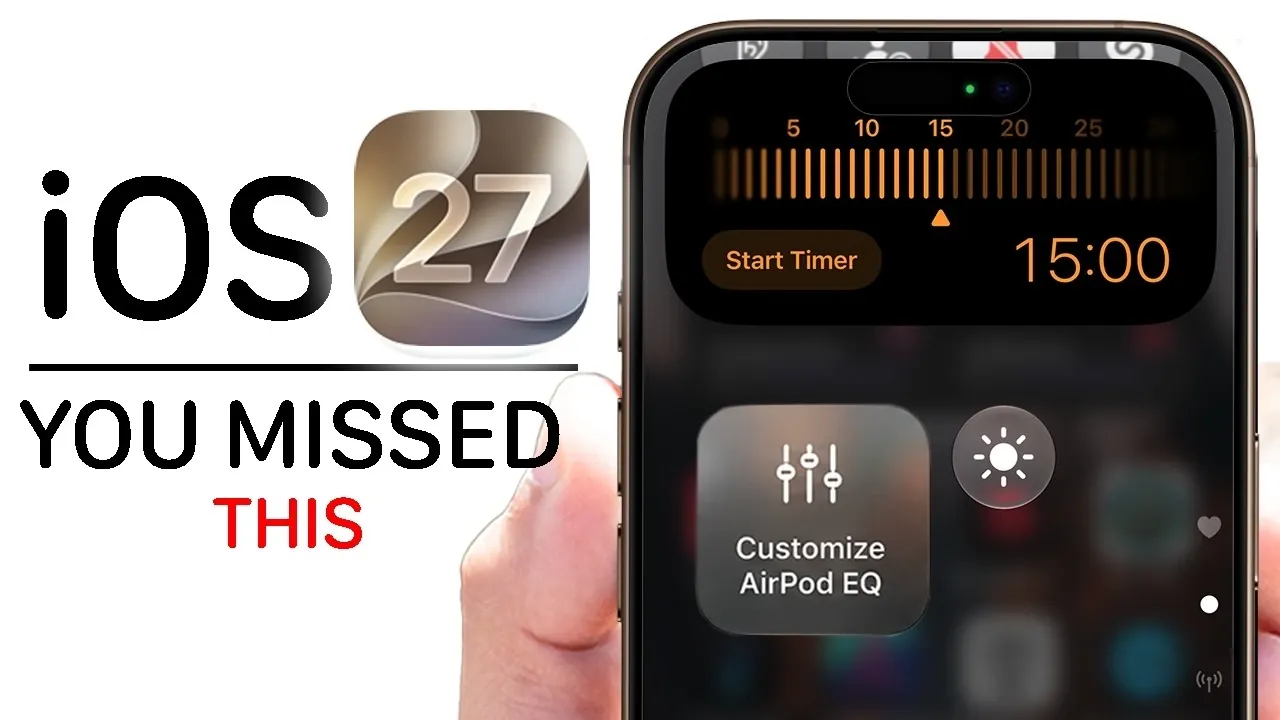
Apple’s latest iOS 27 update introduces over 200 new features, redefining how you interact with your iPhone. With a focus on advanced AI capabilities, enhanced customization, and improved app integration, this update transforms your device into a more intuitive, personalized, and efficient tool. Whether you’re a casual user or a tech enthusiast, iOS 27 offers a range of tools designed to elevate your experience and streamline daily tasks. The video below from Hotshottek gives us more details on what to expect from iOS 27.

Settings: More Control, Tailored to You
iOS 27 introduces significant enhancements to your iPhone’s settings, giving you greater control over how your device operates. These updates are designed to improve usability and adapt to your preferences:
- Liquid Glass customization: Personalize your device’s appearance with real-time feedback, allowing you to create a unique and dynamic look.
- Independent alarm volume: Separate alarm sounds from your ringtone, making sure better customization and avoiding disruptions.
- Wi-Fi Connectivity Assist: Automatically switch between Wi-Fi and cellular data to maintain uninterrupted internet access.
- Detailed Wi-Fi info: Access advanced network details, including compatibility with Wi-Fi 6, 6E, and 7, for improved connectivity management.
These updates empower you to fine-tune your device’s settings, making sure it aligns with your lifestyle and preferences.
Siri: Smarter, Faster, and More Versatile
Siri receives a major overhaul in iOS 27, making it more responsive, versatile, and capable of handling complex tasks. The improvements include:
- Natural-sounding voices: Customize Siri’s tone and gender to better suit your preferences, creating a more personalized interaction.
- Advanced dictation: Enhanced accuracy for punctuation, numbers, and phrases simplifies voice-to-text tasks, making communication seamless.
- System-wide integration: Siri now offers assistance with proofreading, text summarization, and contextual suggestions across apps.
- Enhanced functionality: Resume past conversations, recognize images, and create shortcuts effortlessly, expanding Siri’s utility.
These updates position Siri as a more powerful and indispensable assistant, capable of streamlining your daily activities with ease.
Lock Screen and Home Screen: Personalization Redefined
iOS 27 introduces innovative ways to customize your lock and home screens, enhancing both aesthetics and functionality:
- Repositionable clock: Move the clock on your lock screen to match your personal style and preferences.
- Dynamic wallpapers: Choose wallpapers that adapt to your environment, offering a fresh and engaging visual experience.
- Redesigned app icons: Improved contrast and shadows make app icons more visible and easier to identify.
- Extra-large widgets: Access critical information at a glance with larger widget sizes, improving usability.
These features allow you to create a more visually appealing and functional interface, tailored to your unique needs.
Camera and Photos: Smarter Tools for Better Memories
The camera and photo apps in iOS 27 receive AI-driven upgrades, enhancing your ability to capture and manage memories:
- Reframing and cleanup tools: Edit photos effortlessly with advanced AI assistance, making sure professional-quality results.
- Nutrition recognition: Identify food items and receive instant nutritional insights, making healthier choices easier.
- Temporary shared albums: Collaborate on photo collections across platforms, simplifying group photo sharing.
- Photo tagging: Organize and locate images faster by adding keywords to your photos.
These updates ensure that your photography experience is both intuitive and powerful, helping you preserve and organize your memories with precision.
App Improvements: Everyday Tools, Enhanced
Several core apps receive meaningful updates in iOS 27, improving their functionality and making daily tasks more efficient:
- Safari: Enjoy automatic tab organization, webpage change notifications, and a refreshed interface for a smoother browsing experience.
- Notes: Support for Markdown copying simplifies formatting and enhances productivity.
- Mail: Improved search ranking helps you locate emails faster and more accurately.
- Wallet: Create custom passes for unsupported apps and explore a redesigned Apple Pay interface for smoother transactions.
- Calendar: Use natural language processing with Siri to create events effortlessly, saving time and effort.
These refinements make your favorite apps more intuitive and user-friendly, enhancing your overall productivity.
Accessibility and Parental Controls: Inclusive and Secure
iOS 27 emphasizes inclusivity and safety with updates designed to cater to a diverse range of users:
- Enhanced accessibility: Improved voiceover descriptions and system-wide captions ensure content is accessible to all users.
- Parental controls: Manage family plans, set age restrictions, and approve purchases with greater ease and flexibility.
These features create a safer and more inclusive digital environment, making sure that iOS 27 meets the needs of all users.
CarPlay and Connectivity: A Smarter Driving Experience
CarPlay receives a modern redesign in iOS 27, offering features that enhance your driving experience:
- New wallpapers: Customize your CarPlay interface with fresh and visually appealing designs.
- Deeper Siri integration: Access Siri’s capabilities seamlessly while driving, improving convenience and safety.
- Future updates: Video streaming support promises more entertainment options for passengers, expanding CarPlay’s functionality.
These updates make your iPhone an essential companion for a connected and enjoyable driving experience.
Health and Maps: Smarter Tracking and Navigation
The Health and Maps apps in iOS 27 introduce new tools to improve tracking and navigation:
- Health: Track menopause and premenopause for more comprehensive health monitoring, expanding the app’s utility.
- Maps: Explore cities with the new “fly view” feature, offering a bird’s-eye perspective for interactive and immersive navigation.
These enhancements provide smarter ways to manage your health and explore the world around you.
Small Changes, Big Impact
iOS 27 includes several smaller updates that collectively enhance your overall experience:
- Battery settings: View detailed usage breakdowns and indexing progress for better power management.
- FaceTime: Dual-camera sharing enables collaborative calls and tutorials, improving communication.
- Weather app: New wind views and highlights offer more detailed and accurate forecasting.
- Privacy tools: Hide your location without triggering notifications, giving you greater control over your data.
These subtle yet impactful changes contribute to a more seamless and enjoyable user experience.
iOS 27: A Comprehensive Upgrade
With over 200 new features, iOS 27 focuses on personalization, AI-driven functionality, and seamless integration. Whether you’re customizing your home screen, using advanced AI tools, or exploring new health and privacy features, this update ensures your iPhone is smarter, more intuitive, and better equipped to meet your needs.
Explore further guides and articles from our vast library that you may find relevant to your interests in iOS 27 features.
- Apple Just Confirmed 8 Major Features Coming to iOS 27
- iOS 27 Rumors: Top Features We Need (and What’s Leaked So Far)
- Is Your iPhone on the List? iOS 27 Could Cut Off These Popular Models
- iOS 27 Leak: Apple Is Giving You More Control Over the ‘Liquid Glass’ Design
- What to Expect from Apple’s Massive iOS 27 Update
Source & Image Credit: HotshotTek
Disclosure: Some of our articles include affiliate links. If you buy something through one of these links, Geeky Gadgets may earn an affiliate commission. Learn about our Disclosure Policy.
