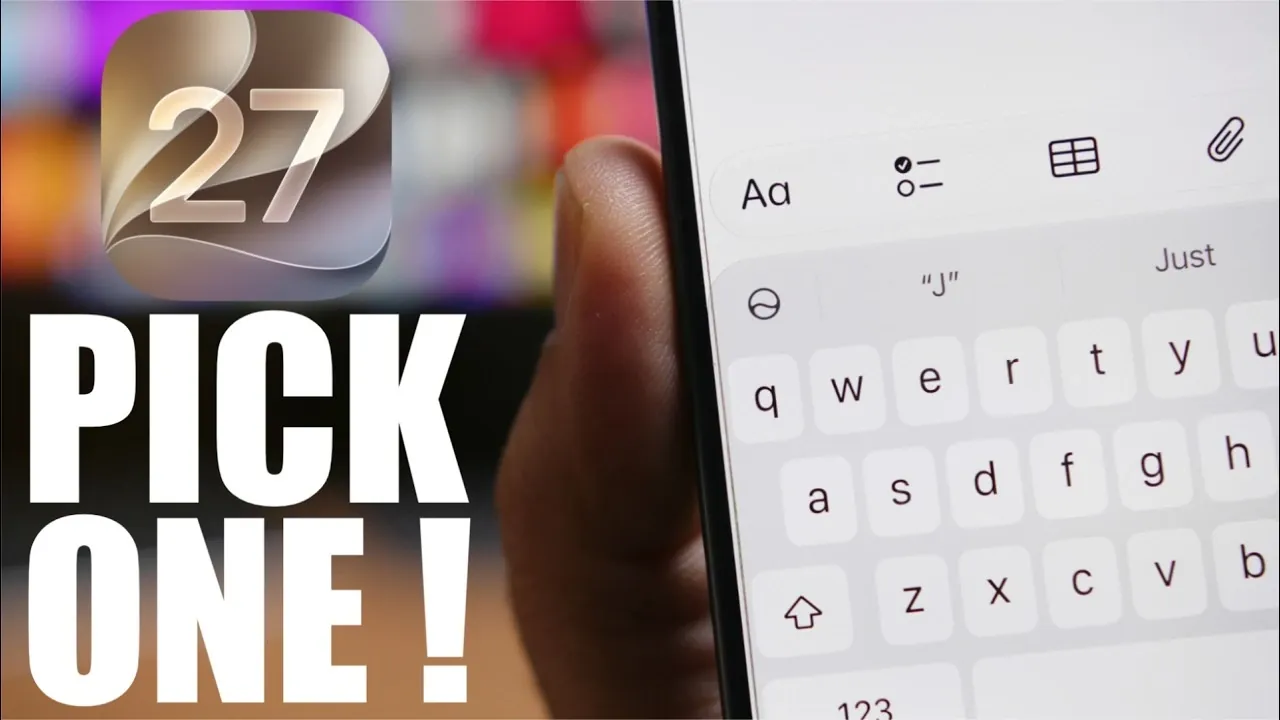
Deciding between the iOS 27 Developer Beta 3 and the iOS 27 Public Beta requires a clear understanding of your priorities and expectations. Both versions provide early access to Apple’s latest operating system, but they are designed for different audiences. Whether you are a developer eager to test new features or a general user seeking a balance between innovation and stability, knowing the distinctions between these betas will help you make an informed decision. The video below from iReviews gives us more details.

Understanding the iOS 27 Beta Timeline
Apple follows a structured and predictable timeline for releasing beta versions, making sure a steady progression toward the final public release. The iOS 27 Developer Beta 3 is set to launch on July 6, 2026, with the Public Beta expected to follow shortly after, likely around July 13 or 14, 2026. This timeline reflects Apple’s commitment to providing regular updates, typically on a two-week cycle, as the development process advances.
Throughout this cycle, Apple focuses on refining features, addressing bugs, and enhancing overall system stability. The final pre-release version, Beta 6, will mark the culmination of these efforts before the official rollout. For users, this predictable schedule offers a clear framework for deciding when to join the beta program, depending on their comfort level with early-stage software.
Performance and Stability: What to Expect
Performance and stability are critical factors when considering beta software. Early feedback from iOS 27 Developer Beta 1 and Beta 2 indicates that Apple has already achieved a high standard, with reports highlighting smooth performance, efficient battery management, and minimal crashes. Developer Beta 3 is expected to build on this foundation, introducing further optimizations to enhance usability.
Historically, Public Betas have been regarded as more stable than Developer Betas, as they are tailored for a broader audience. However, in recent years, Apple has made significant strides in delivering a polished experience earlier in the beta cycle. This has narrowed the stability gap between the two versions. For tech-savvy users who are comfortable with minor risks, the Developer Beta may already be a practical option. On the other hand, users who prioritize reliability may find the Public Beta to be a safer and more refined choice.
Which Beta Should You Install?
Choosing between the Developer Beta and Public Beta depends on your specific needs and tolerance for potential issues. Here’s a breakdown to guide your decision:
- iOS 27 Developer Beta 3: Best suited for developers, tech enthusiasts and early adopters who want immediate access to the latest features. Be prepared to encounter occasional bugs, app compatibility issues, or minor glitches.
- iOS 27 Public Beta: Designed for a wider audience, offering a more stable and refined experience. This is a better option for users who prefer fewer risks while still enjoying early access to new features.
Regardless of which beta you choose, it is essential to back up your device before installation. While Apple has significantly improved beta stability, unforeseen issues can still occur. A full backup ensures that you can restore your device to its previous state if necessary, minimizing the impact of any potential problems.
General Advice for Beta Users
Installing beta software comes with inherent risks and it is important to approach the process with caution. If your device is critical for work, school, or personal use, it is advisable to avoid installing beta versions on your primary device. Even though the iOS 27 Developer Beta 3 is expected to be stable enough for daily use, early-stage software can sometimes lead to app compatibility issues, unexpected behavior, or minor system glitches.
For those who are eager to explore iOS 27’s features ahead of the general public, the Developer Beta offers an exciting opportunity to stay ahead of the curve. However, if you prefer a more cautious approach, waiting for the Public Beta, or even the final release, might be the better choice. Always weigh the potential benefits of early access against the possibility of disruptions to your daily routine.
Balancing Risk and Reward
The decision between the iOS 27 Developer Beta 3 and the Public Beta ultimately depends on your priorities and level of comfort with beta software. If you value early access and are willing to navigate minor risks, the Developer Beta is an excellent option. Conversely, if you prefer a more stable and polished experience, the Public Beta is a safer alternative.
In either case, taking precautions is essential. Backing up your device, understanding the potential risks, and being prepared for occasional issues will help you enjoy the benefits of early access without significant disruptions. By carefully considering your needs and expectations, you can make the most of Apple’s beta program while minimizing potential drawbacks.
Unlock more potential in iOS 27 Beta by reading the previous articles we have written.
- Apple’s iOS 27 Beta 3 Is Just Days Away: Here’s When It Drops
- iOS 27 Beta 2 Changes: What Apple Is Modifying to Improve Performance
- How to Get the iOS 27 Developer Beta Today
- How to Get iOS 27 Beta 1 Right Now (Without a Computer)
- How to Get the Official iOS 27 Update on Your iPhone Today
Source & Image Credit: iReviews
Disclosure: Some of our articles include affiliate links. If you buy something through one of these links, Geeky Gadgets may earn an affiliate commission. Learn about our Disclosure Policy.
