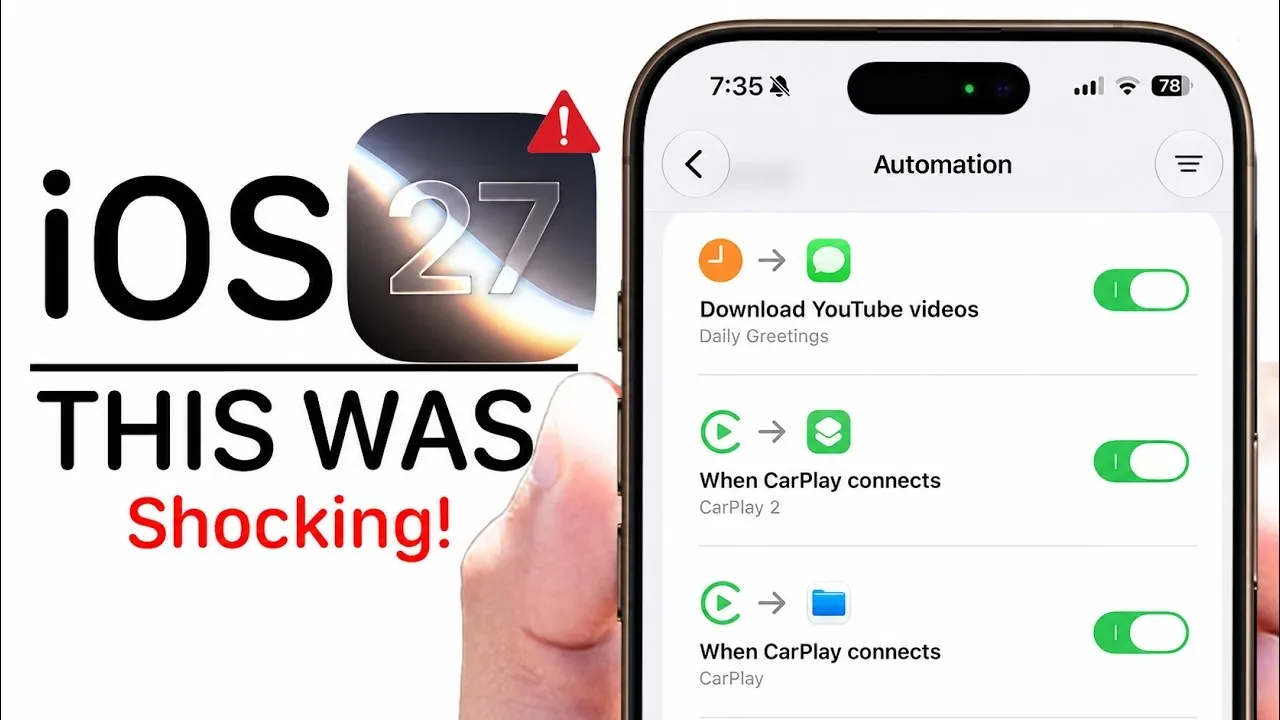
The iOS 27 Beta 2 update brings a host of new features designed to enhance usability, personalization, and overall functionality across Apple devices. From smarter AI integration to improved app controls, this update focuses on refining how you interact with your iPhone, Apple Watch, and other devices. With the public beta set to launch in July and the official release expected this fall, here’s an in-depth look at the most notable updates and what they mean for you, in a new video from HotshotTek.

Enhanced Media Controls on the Lock Screen
Managing your music and podcasts has never been more intuitive. The redesigned “Now Playing” media controls on the lock screen offer a more accessible and user-friendly interface. With larger buttons and a streamlined layout, you can now adjust playback effortlessly, even in fast-paced or multitasking scenarios. Whether you’re commuting, exercising, or simply relaxing, these updates ensure a smoother and more enjoyable experience when interacting with your favorite media.
Siri AI: Smarter, Faster and More Contextual
Siri has undergone a significant upgrade, evolving into the more advanced “Siri AI.” This update introduces improved contextual understanding, allowing Siri to respond more accurately to your commands based on the situation. A new dedicated Siri app provides access to conversation logs and advanced customization options, giving you greater control over how Siri operates. Additionally, integration with CarPlay has been refined, making voice commands while driving more intuitive and reliable. These enhancements aim to make Siri a more effective and indispensable assistant in your daily life.
Streamlined Smart Home Management
The Home app now simplifies the management of your smart home devices. A standout feature is the ability to update your Apple TV directly through the app, eliminating the need for separate updates. This streamlined approach ensures that your smart home ecosystem remains up-to-date with minimal effort, allowing you to focus on enjoying a connected and efficient living environment.
Photography Upgrades with AI Tools
Photography enthusiasts will appreciate the significant updates to the Camera and Photos apps. New AI-powered editing tools now support RAW images, allowing advanced photo refinement and improved results in challenging conditions, such as low light. The addition of the “Move To” option allows you to organize your photo library more efficiently, making it easier to manage large collections. These updates cater to both casual users and professionals, offering tools that enhance creativity and simplify photo management.
Wallet App: Deeper Spending Insights
The Wallet app has been enhanced to provide detailed insights into your spending habits. With features that allow you to track transactions, monitor balances and analyze your financial activity, the app becomes a powerful tool for budgeting and expense management. These updates are particularly useful for users looking to gain better control over their finances, offering a clear and comprehensive view of their spending patterns.
Safari’s Price Tracking Notifications
Online shopping becomes more convenient with Safari’s updated price tracking notifications. This feature introduces improved notification icons that make it easier to monitor changes in product prices. Whether you’re waiting for a discount or tracking multiple items, this tool ensures you stay informed without the need for constant manual checks, saving you time and effort.
Shortcuts App: Manual Control for Automations
The Shortcuts app now offers manual toggles for automations, providing greater flexibility in how and when your shortcuts are executed. This update allows you to customize automations to suit your specific needs, whether you’re streamlining daily tasks or creating complex workflows. By giving you more control, the app becomes a more versatile tool for personalizing your device’s functionality.
CarPlay Improvements
CarPlay receives several enhancements aimed at improving your in-car experience. Support for new widgets expands the functionality of your dashboard, while improved GPS accuracy ensures more reliable navigation. The addition of the “Guides” feature in Apple Maps offers curated recommendations for destinations and routes, making it easier to plan trips and discover new places. These updates make CarPlay a more valuable companion for both everyday commutes and long road trips.
Apple Watch Vehicle Tracking
With watchOS 27, your Apple Watch gains the ability to track your vehicle’s location more effectively. This feature integrates seamlessly with your iPhone, making sure you can always locate your car, whether you’re in a crowded parking lot or an unfamiliar area. By combining convenience with practicality, this update enhances the utility of your Apple Watch in everyday scenarios.
Price Adjustments for Apple Products
Apple has announced price increases for select products, with additional adjustments expected in the near future. While these changes may influence purchasing decisions, the new features introduced in iOS 27 aim to deliver added value through enhanced functionality and user experience. For many users, the benefits of the update may outweigh the impact of the price changes, making it a worthwhile investment.
Release Schedule
The public beta for iOS 27 is set to launch in July, offering an early opportunity to explore these updates and provide feedback. The official release is expected in the fall, likely coinciding with the debut of Apple’s latest iPhone models. This timeline gives users ample time to prepare for the transition and take full advantage of the new features as they become available.
Browse through more resources below from our in-depth content covering more areas on iOS 27 Beta 2.
- iOS 27 Beta 2 Changes: What Apple Is Modifying to Improve Performance
- Apple Just Supercharged Siri AI in iOS 27 Beta 2, Here is What Changed
- Hidden Features Discovered in the iOS 27 Beta 2 Release
- Everything New in iOS 27 Beta 2: Every Feature, Tweak and Bug Fix
- What Apple Secretly Added to CarPlay in iOS 27 Beta 2
Source & Image Credit: HotshotTek
Disclosure: Some of our articles include affiliate links. If you buy something through one of these links, Geeky Gadgets may earn an affiliate commission. Learn about our Disclosure Policy.
