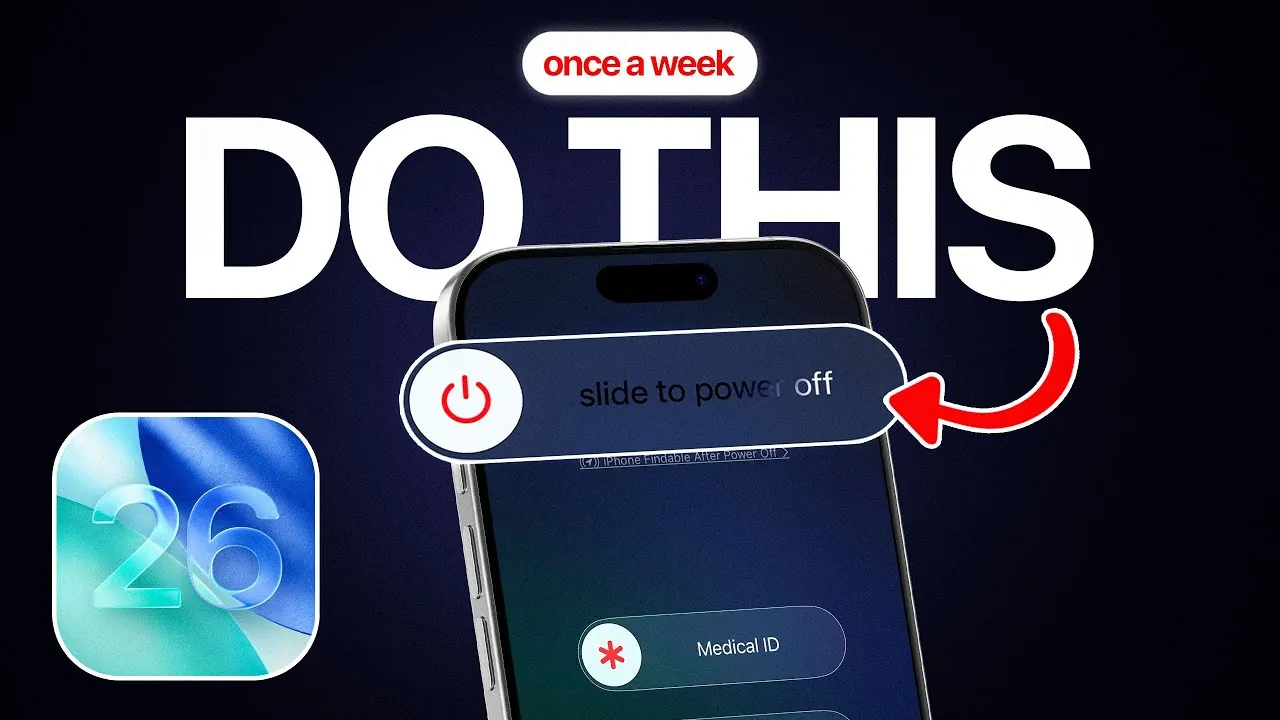
Restarting your iPhone on a weekly basis is a simple yet highly effective practice that can significantly improve its performance, optimize battery life, and enhance overall security. Even with the advanced capabilities of iOS 26, periodic restarts remain essential for maintaining your device’s efficiency and addressing common issues such as performance slowdowns, excessive battery drain, or unresponsive screens. Understanding the importance of this habit and implementing it consistently can help you get the most out of your iPhone. The video below from iDeviceHelp gives us more details.

Standard Power Off: A Routine for Security and Efficiency
Powering off your iPhone once a week for at least five minutes is a straightforward yet impactful step. To perform a standard power off, press the side button and a volume button simultaneously, then slide the power-off slider. This simple action provides several benefits:
- Resets internal processes and clears temporary files that may accumulate over time.
- Prevents overheating by giving the hardware a chance to cool down after prolonged use.
- Enhances security by disrupting any potential malicious activity running in the background.
Cybersecurity experts emphasize the importance of this practice, as it not only improves efficiency but also reduces the risk of cyber threats, making sure your device remains secure and reliable.
Hard Restart: Addressing Performance and Battery Issues
If your iPhone exhibits signs of overheating, sluggish performance, or rapid battery depletion, a hard restart can be an effective solution. To perform a hard restart, press the volume up button, then the volume down button, and hold the side button until the power-off slider appears. This method offers several advantages over a standard power off:
- Forcefully stops background processes that may be consuming excessive system resources.
- Resolves app-related issues or high system demands that could be causing performance lags.
- Optimizes battery life by resetting the system and addressing energy-draining processes.
A hard restart is particularly useful for resolving performance hiccups that a standard restart might not fully address, making sure your device operates more smoothly.
Hard Reboot: Restoring Functionality to Frozen Devices
When your iPhone becomes unresponsive or frozen, a hard reboot is often the most effective solution. To perform a hard reboot, press the volume up button, then the volume down button, and hold the side button until the Apple logo appears. This method is designed to:
- Clear background processes and refresh the system to resolve software glitches.
- Fix app crashes or other issues causing unresponsiveness.
- Restore functionality without resorting to more drastic measures like a factory reset.
A hard reboot is an essential tool for regaining control of your device when it fails to respond to touch or button inputs, allowing you to quickly restore normal operation.
The Advantages of Regular Restarts
Incorporating a weekly restart into your routine provides a range of benefits that contribute to a smoother and more reliable user experience. These include:
- Improved performance by clearing temporary files and resetting processes.
- Enhanced battery optimization by addressing background activity that drains power.
- Increased security by disrupting potential cyber threats or malicious software.
- Prevention of overheating by allowing the device to cool down periodically.
- Recovery from unresponsiveness without data loss, making sure seamless functionality.
These benefits ensure that your iPhone remains efficient, secure, and capable of handling your daily tasks with ease.
Building a Weekly Restart Routine
By familiarizing yourself with the three restart methods—standard power off, hard restart, and hard reboot—you can effectively address a variety of issues and maintain your iPhone’s optimal performance. While iOS 26 offers a robust and advanced platform, even the most sophisticated devices require regular care to function at their best.
Making a weekly restart part of your routine is a small yet impactful step toward making sure your iPhone delivers consistent performance, enhanced security, and a seamless user experience. With just a few minutes of effort each week, you can extend the lifespan of your device and enjoy its full range of capabilities without interruption.
Discover other guides from our vast content that could be of interest on iOS 26 Restart Methods.
- How to Fix iPhone Battery Drain and Overheating in iOS 26
- How to Clear iPhone Cache on iOS 26
- How to Force Restart and Use Recovery Mode on iPhone
- How to Install iOS 26 Beta 1 Without a Computer
- iOS 26 Hidden Features Revealed
Source & Image Credit: iDeviceHelp
Disclosure: Some of our articles include affiliate links. If you buy something through one of these links, Geeky Gadgets may earn an affiliate commission. Learn about our Disclosure Policy.
