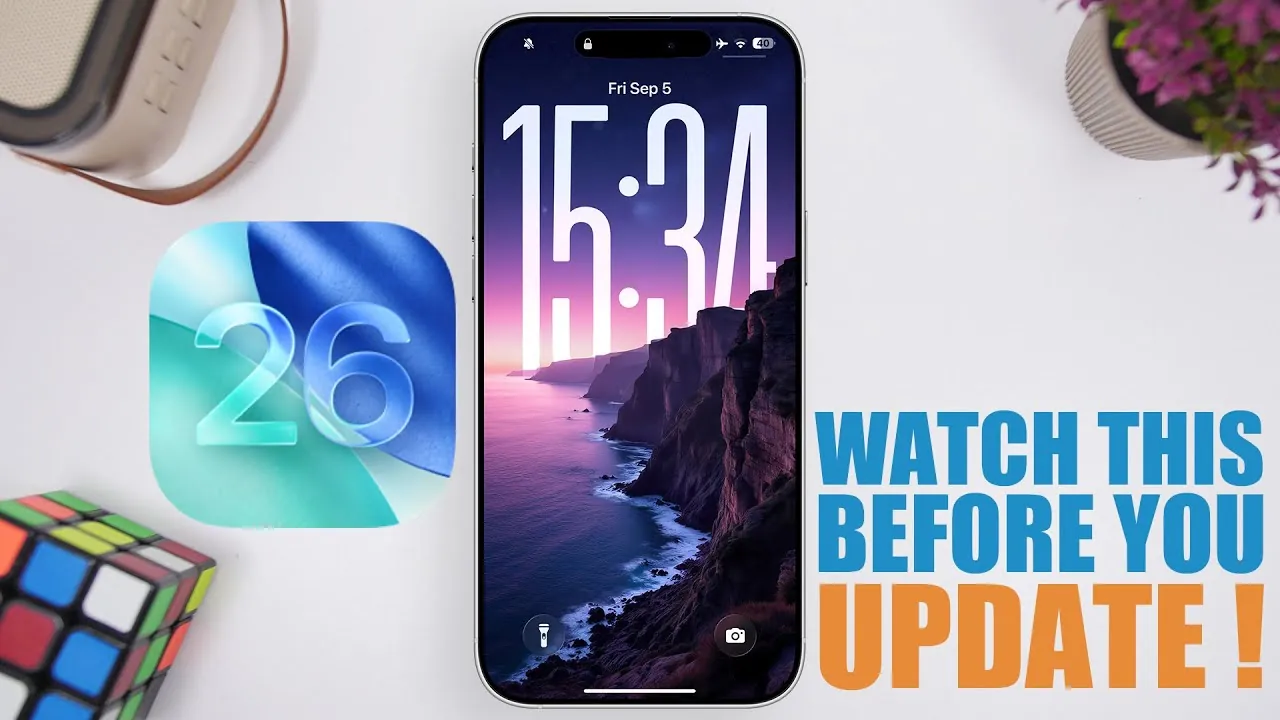
The release of iOS 26 marks a significant step forward for Apple users, introducing a redesigned interface, enhanced performance, and a range of new features. Scheduled for public release on September 15, 2026, alongside the iPhone 17 series, this update promises to elevate the functionality of Apple devices. However, before proceeding with the update, it’s essential to consider several critical factors, including device compatibility, storage requirements, battery performance, and the availability of new features. Understanding these aspects will help you make an informed decision and ensure a smooth transition to the latest operating system. The video below from iReviews gives us more details about the update.

1. Release Date and Availability
iOS 26 is set to officially launch on September 15, 2026, at 10:00 a.m. Pacific Time. For those enrolled in Apple’s beta program, the Release Candidate (RC) version will be accessible starting September 9, 2026. This staggered release schedule allows users to prepare their devices in advance, making sure they meet the necessary requirements for a seamless update. If you’re eager to experience iOS 26 early, the beta program offers a preview, but it’s advisable to back up your data before installing any pre-release software.
2. Device Compatibility
Not all Apple devices will support iOS 26, as the update is optimized for newer hardware. While most devices running iOS 18 are eligible, older models such as the iPhone XS, iPhone XS Max, and iPhone XR are excluded. If you own one of these devices, you won’t be able to install the update. To confirm whether your device is compatible, navigate to the settings menu or consult Apple’s official website. Making sure compatibility is crucial to avoid any unexpected issues during the update process.
3. Storage Requirements
Installing iOS 26 demands a significant amount of storage space, with the update size ranging between 12 and 15 GB. To accommodate the installation, you’ll need at least 20 GB of free storage on your device. If your device is running low on space, consider the following steps to free up storage:
- Delete large app data or media files that are no longer needed.
- Offload unused apps to temporarily remove them while retaining their data.
- Transfer photos, videos, and other files to iCloud or an external storage solution.
Proper storage management ensures a smooth installation process and minimizes the risk of interruptions or errors during the update.
4. Battery Performance
Battery performance has been a point of discussion during the beta testing phase of iOS 26. Some users reported a slight reduction in battery life compared to the previous version, iOS 18.5. While Apple is expected to address these concerns in subsequent updates, it’s worth noting that you may experience a temporary dip in battery efficiency after installing iOS 26. If maintaining optimal battery life is a priority for you, it might be wise to delay updating until Apple releases further refinements. Alternatively, you can explore battery optimization settings to mitigate any potential impact.
5. Feature Availability
iOS 26 introduces a variety of new features designed to enhance user experience, but not all of them will be available immediately upon release. Advanced tools such as enhanced screenshot capabilities and AI-powered integrations like Siri’s compatibility with ChatGPT and Google Gemini are expected to roll out in later updates, likely starting with iOS 26.4. If these features are a primary reason for your interest in the update, you may need to exercise patience. However, the initial release still offers a host of improvements that make it a worthwhile upgrade for most users.
6. Performance Enhancements
One of the most notable aspects of iOS 26 is its focus on performance improvements. Users can expect faster animations, quicker app launches, and higher Geekbench scores, all contributing to a smoother and more responsive experience. These enhancements are particularly beneficial for those who rely on their devices for multitasking or resource-intensive applications. If performance is a key consideration for you, iOS 26 delivers tangible benefits that improve day-to-day usability.
7. Update Process
Updating to iOS 26 is designed to be a straightforward and user-friendly process. Whether you’re transitioning from a beta version or waiting for the public release, Apple’s intuitive update mechanism ensures minimal complications. To update your device, follow these steps:
- Open the settings menu on your device.
- Verify that your device meets the storage and compatibility requirements.
- Navigate to the Software Update section and follow the on-screen prompts to download and install iOS 26.
It’s recommended to connect your device to a stable Wi-Fi network and ensure it has sufficient battery charge or is plugged into a power source during the update process. Taking these precautions will help you avoid any interruptions or delays.
Final Considerations
iOS 26 represents a significant advancement in Apple’s operating system, offering a refreshed design, improved performance, and a range of new features. However, before proceeding with the update, it’s essential to evaluate your device’s compatibility, ensure you have adequate storage, and consider the potential impact on battery performance. While some features will be introduced in later updates, the initial release of iOS 26 provides a solid foundation for a more streamlined and efficient user experience. By preparing your device and understanding the update’s requirements, you can make the most of what iOS 26 has to offer.
Here are more guides from our previous articles and guides related to iOS 26 that you may find helpful.
- Apple iOS 26 Beta 9: Key Insights and Release Details
- iOS 26 Release Date, Features, and Update Guide
- What’s New in iOS 26 Beta 8? Key Features and More
- How iOS 26 Improves Battery Life and Performance on iPhones
- Mangotek RHK26 iOS iPhone microphone
Source & Image Credit: iReviews
Disclosure: Some of our articles include affiliate links. If you buy something through one of these links, Geeky Gadgets may earn an affiliate commission. Learn about our Disclosure Policy.
