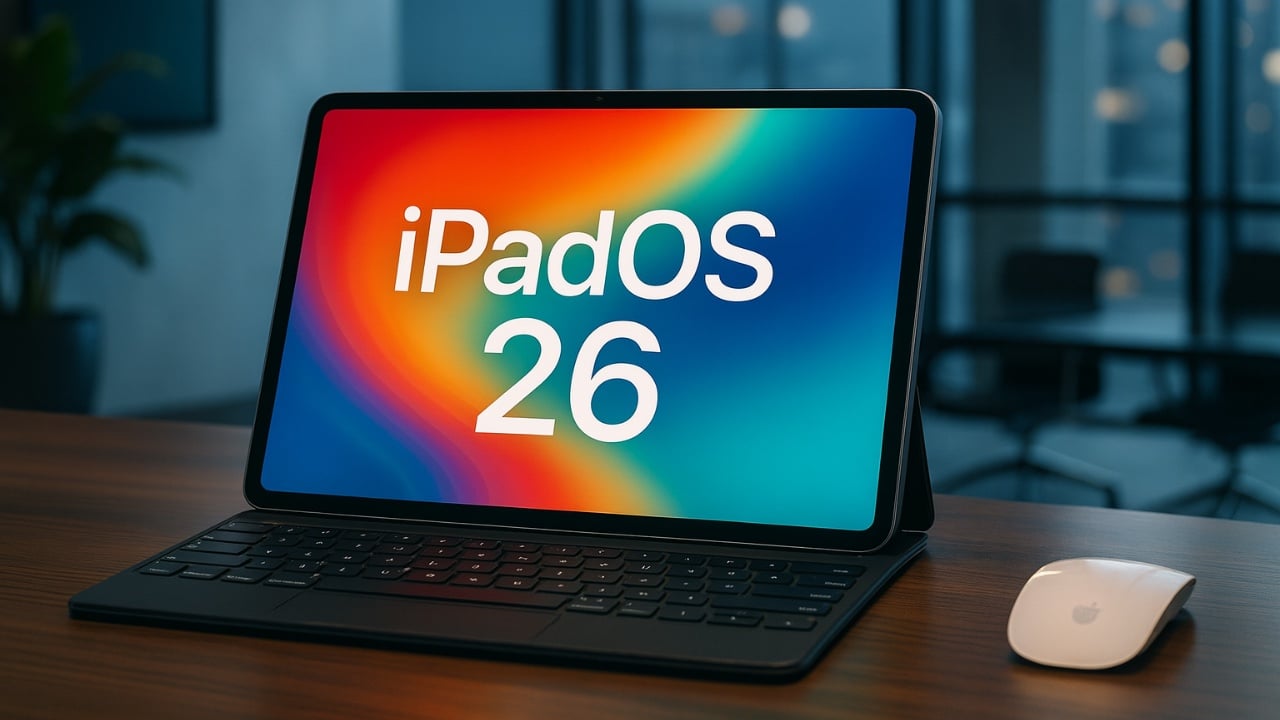
Apple’s iPadOS 26 Beta 6 introduces a range of thoughtful updates aimed at enhancing the overall experience of using an iPad. This release focuses on improving key areas such as multitasking, onboarding, personalization, and visual design. While the changes may appear subtle at first glance, they collectively refine the operating system, making it more intuitive, efficient, and engaging for users. Each enhancement reflects Apple’s commitment to delivering a seamless and user-centered experience. Here’s a closer look at the updates in this release in a new video from SlatePad.

Smarter Multitasking for Enhanced Productivity
Managing multiple tasks on your iPad has become more streamlined with the latest multitasking improvements. The multitasking feature, Exposé, now incorporates app icons at the bottom of each window. This seemingly small addition simplifies navigation by allowing you to quickly identify and switch between open windows. By aligning Exposé with the broader multitasking interface, Apple has created a more cohesive and efficient workflow.
These updates are particularly beneficial for users who rely on their iPads for productivity, as they reduce unnecessary interruptions and make multitasking more intuitive. Whether you’re juggling work documents, creative projects, or entertainment apps, the enhanced multitasking functionality ensures a smoother and more organized experience.
Interactive Onboarding: A Dynamic Start
For new users or those upgrading to iPadOS 26, the onboarding process has been completely reimagined. Instead of static instructional screens, you are now greeted with an interactive animation that highlights the operating system’s key features. This dynamic approach not only captures your attention but also ensures you understand the most important updates from the outset.
The new onboarding experience is designed to be both engaging and informative, making it easier for users to familiarize themselves with the latest enhancements. By presenting essential features in an interactive format, Apple has created a more user-friendly introduction to iPadOS 26, making sure that users can quickly adapt and take full advantage of the system’s capabilities.
Expanded Personalization with New Ringtone Options
Personalization takes center stage in iPadOS 26 Beta 6 with the addition of several new ringtone variations. Building on the default “Reflection” tone, Apple has introduced options such as “Buoyant,” “Dreamer,” “Pond,” “Pop,” “Reflected,” and “Surge.” These new tones provide greater flexibility for customizing your device’s sound profile.
Whether you prefer a calming tone to create a serene atmosphere or an energetic ringtone to keep you alert, there is now a wider selection to suit your preferences. This focus on personalization allows users to make their devices feel more tailored to their individual styles, adding a subtle yet meaningful layer of customization to the iPad experience.
Refined Visual Design for a Cohesive Experience
Apple continues to enhance the visual design of iPadOS with a series of subtle yet impactful updates. These refinements contribute to a more polished and cohesive aesthetic, making sure that every interaction feels intentional and seamless. Key visual updates include:
- Improved transparency effects on the lock screen, creating a sleeker and more modern appearance.
- Chromatic refraction effects in tab bars, adding a sophisticated touch to navigation elements.
- Liquid glass effects applied consistently to toggle switches, enhancing their tactile and polished feel.
- Subtle animations in apps like Preview, improving the fluidity of interactions and transitions.
While these updates may not be immediately noticeable, they collectively elevate the overall user experience. The attention to detail in these design elements reflects Apple’s dedication to creating an operating system that is both functional and visually appealing.
Incremental Refinements for Everyday Use
Rather than introducing sweeping changes, iPadOS 26 Beta 6 focuses on incremental improvements that enhance usability and address minor pain points. This approach underscores Apple’s strategy of perfecting the iPad experience through consistent, detail-oriented updates. By optimizing existing features and refining the user interface, Apple ensures that the iPad remains intuitive, reliable, and enjoyable to use.
These incremental refinements are particularly valuable for users who rely on their iPads for both work and leisure. From smoother multitasking to more personalized settings and visually cohesive design updates, each enhancement contributes to a more seamless and satisfying experience.
A Step Forward in Usability and Design
iPadOS 26 Beta 6 exemplifies Apple’s commitment to delivering a polished and user-focused operating system. The smarter multitasking features, interactive onboarding process, expanded ringtone options, and refined visual design all work together to enhance the overall usability of the iPad. While each change may seem small on its own, its combined impact is significant, demonstrating how attention to detail can elevate the user experience.
With this release, Apple continues to position the iPad as a versatile and sophisticated tool for both productivity and entertainment. The thoughtful updates in iPadOS 26 Beta 6 ensure that the iPad remains a powerful and enjoyable device, meeting the needs of a diverse range of users.
Take a look at other insightful guides from our broad collection that might capture your interest in iPadOS 26 Beta 6.
- iOS 26 Beta 6 Release Date, Features, and Updates
- Apple Releases iPadOS 18 Beta 6 & iPadOS 18.1 Beta 2
- iPadOS 26 Beta 3 Features and Changes: A Complete Breakdown
- What’s new in iOS 15 beta 6 (Video)
- Discover the New Features in iPadOS 26 Beta 4
Source & Image Credit: SlatePad
Disclosure: Some of our articles include affiliate links. If you buy something through one of these links, Geeky Gadgets may earn an affiliate commission. Learn about our Disclosure Policy.
