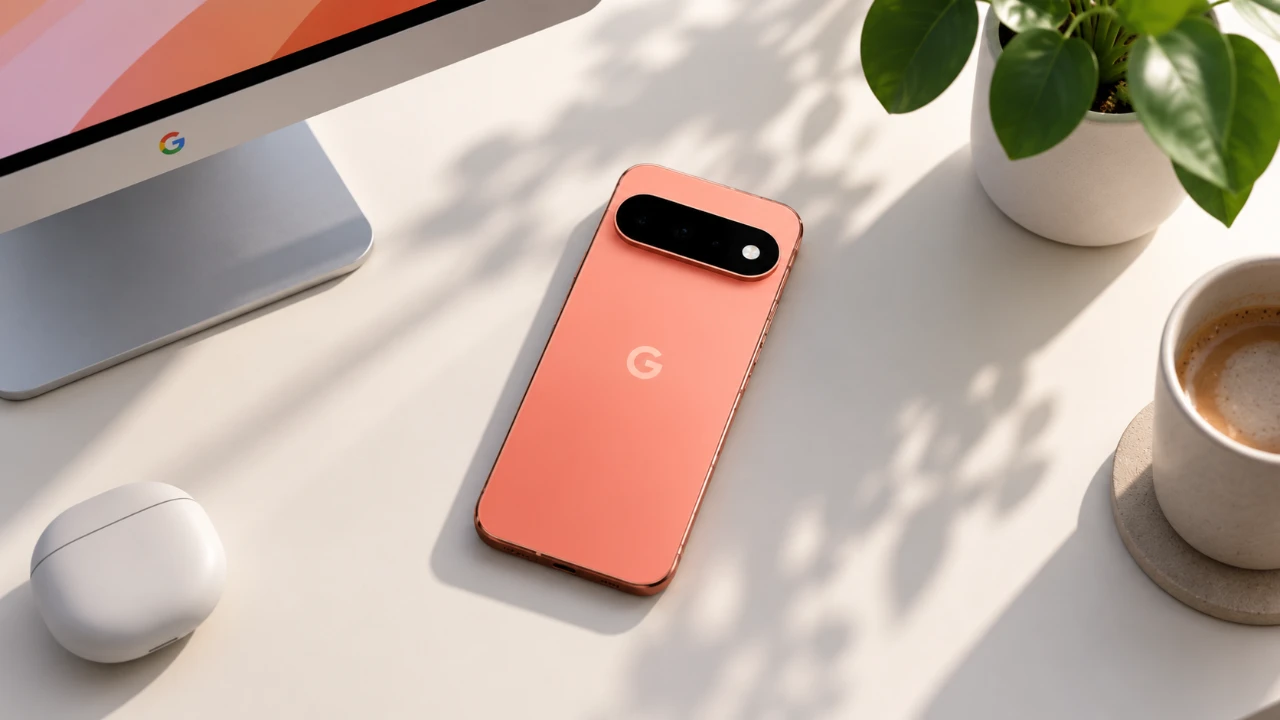
The Google Pixel 11 Pro stands out as a flagship device, combining innovative technology with user-friendly features to redefine the smartphone experience. Whether you’re a tech-savvy individual or a casual user, understanding its key settings can help you fully use its capabilities. The video below from WhatGear explores the most impactful features, from display optimization to advanced security tools, making sure you can make the most of this powerful device.

Optimizing Display Settings
The Pixel 11 Pro’s display is a highlight of its design, offering vibrant visuals and advanced customization options. Fine-tuning these settings can significantly enhance your viewing experience and usability:
- Maximize Screen Resolution: Activate the highest resolution to enjoy sharper, more detailed images and videos.
- Adaptive Brightness: Enable this feature to let your phone automatically adjust brightness levels based on ambient lighting conditions, reducing eye strain and conserving battery life.
- HDR and Adaptive Tone: Turn on HDR for richer colors and deeper contrast, while adaptive tone adjusts the display for optimal visibility in various lighting environments.
- Auto Screen Rotation with Face Detection: Ensure smooth orientation changes by allowing face detection, which intelligently adjusts the screen based on your position.
- Touch Sensitivity: Adjust touch sensitivity for a more responsive experience, particularly useful if you’re using a screen protector.
Unlocking Camera Potential
The Pixel 11 Pro’s camera system is designed to deliver professional-grade photography and videography. By exploring its advanced settings, you can elevate your creative output:
- Pro Zoom: Capture intricate details with enhanced zoom capabilities, perfect for distant subjects.
- Grid Lines: Improve photo composition by allowing grid overlays, helping you align shots with precision.
- Frequent Faces: Automatically prioritize familiar faces for sharper focus in group photos.
- Video Tools: Use features like the teleprompter, audio visualizer and speech enhancement to create polished video content.
- Auto-Tracking Focus: Keep moving subjects in sharp focus, making sure clear and dynamic shots.
- “Add Me” Feature: Seamlessly include yourself in group photos with this intelligent framing tool.
Boosting Performance and Usability
The Pixel 11 Pro is equipped with tools to streamline your daily tasks and improve overall efficiency. These features are designed to enhance productivity and usability:
- Multitasking: Use app bubbles and split-screen mode to manage multiple tasks simultaneously.
- Quick Gestures: Enable intuitive gestures like flip-to-shush or quick tap for faster, hands-free actions.
- One-Handed Mode: Simplify navigation when using your phone with one hand, especially on the go.
- Pause Apps: Minimize distractions by pausing apps during focused work or relaxation periods.
Enhancing Audio Experience
The Pixel 11 Pro delivers an immersive audio experience, making sure high-quality sound for various scenarios. Explore these features to optimize your listening experience:
- Adaptive Sound: Automatically adjust audio output based on your surroundings for consistent sound quality.
- Spatial Audio: Enjoy a surround-sound effect for compatible content, creating a more engaging experience.
- Audio Sharing: Connect multiple Bluetooth headphones to share music, videos, or calls with friends and family.
Maximizing Battery Life
Battery optimization is crucial for staying connected throughout the day. The Pixel 11 Pro includes tools to help you manage power effectively:
- Battery Percentage Display: Keep track of your battery level at a glance by allowing this feature.
- Extreme Charging Mode: Quickly charge your device when the battery is low, making sure you stay powered up during busy days.
Improving Phone Call Features
The Pixel 11 Pro enhances communication with intelligent calling features that improve clarity and convenience:
- Clear Calling: Reduce background noise for clearer conversations, even in noisy environments.
- Wi-Fi Calling: Ensure reliable connectivity in areas with weak cellular signals by using Wi-Fi networks for calls.
- “Hold for Me” Feature: Save time by letting your phone wait on hold during customer service calls, notifying you when a representative is available.
Strengthening Security and Privacy
Protecting your personal data is a priority and the Pixel 11 Pro offers robust security features to keep your information safe:
- App Pinning: Restrict access to specific apps when sharing your phone with others.
- Scam Detection and Spam Blocking: Minimize unwanted calls and messages with advanced filtering tools.
- Advanced Protection: Safeguard your device with theft protection, remote lock and Google’s VPN for secure browsing.
- Adaptive Timeout and Screen Attention: Prevent unauthorized access by keeping the screen active only when you’re looking at it.
- Private Space: Secure sensitive files in a dedicated, encrypted folder for added privacy.
Managing Backups and Data
The Pixel 11 Pro simplifies data management, making sure your important files are safe and accessible:
- Cloud Backups: Automatically back up photos, videos and documents to Google’s cloud services for easy retrieval.
- Lock Screen Notifications: Hide sensitive content from appearing on your lock screen to maintain privacy.
Empowering Content Creators
For content creators, the Pixel 11 Pro offers tools that make capturing and sharing creative work easier and more effective:
- Screen Recorder with Selfie Overlay: Perfect for tutorials, reaction videos, or presentations, allowing you to include your face in recordings.
- Magic Capture: Ensure you never miss key moments with this feature, which simplifies capturing perfect photos and videos.
Source: WhatGear
Disclosure: Some of our articles include affiliate links. If you buy something through one of these links, Geeky Gadgets may earn an affiliate commission. Learn about our Disclosure Policy.
