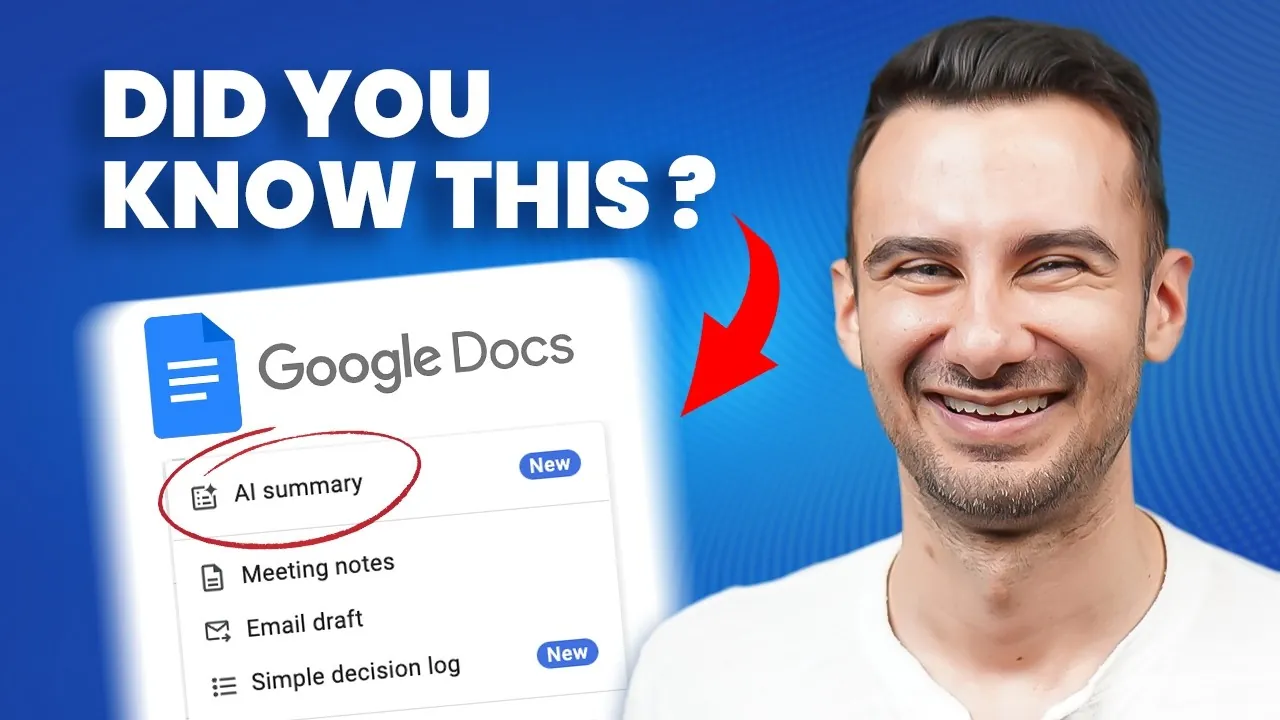
Imagine this: you’re in the middle of an important project, juggling deadlines, and collaborating with a team scattered across time zones. Suddenly, your computer crashes, and hours of work vanish in an instant. Sound familiar? Enter Google Docs, the unsung hero of modern productivity. With its real-time collaboration tools, automatic saving, and seamless accessibility from any device, it’s no wonder this platform has become a staple for students, professionals, and creatives alike. But here’s the catch—while many use Google Docs daily, few truly unlock its full potential. What if you could transform your experience from basic document editing to a powerhouse of efficiency and creativity?
In this comprehensive guide, Kevin Stratvert and team walk you through everything you need to know about Google Docs in 2025, from mastering the basics to exploring advanced features that will transform the way you work. Whether you’re looking to streamline your workflow with keyboard shortcuts, collaborate effortlessly with teammates, or create polished, professional documents, this feature has you covered. You’ll also discover hidden tools, like AI-powered writing assistants and dynamic smart chips, that can save you hours of effort. By the end, you’ll not only feel confident navigating Google Docs but also inspired to push its boundaries. After all, why settle for good enough when you can achieve exceptional?
Comprehensive Google Docs Guide
TL;DR Key Takeaways :
- Google Docs offers a versatile suite of tools for document creation, including text formatting, templates, and autosave functionality, making sure ease of use and efficiency.
- Collaboration features like real-time editing, comments, version history, and built-in chat make it ideal for teamwork and group projects.
- Advanced formatting options, such as tables, images, hyperlinks, and lists, enable users to create polished and professional documents.
- Specialized tools for academic and research purposes include citation management, table of contents generation, and compliance with formatting standards like APA and MLA.
- Productivity-enhancing features, including voice typing, AI-powered tools, smart chips, and e-signatures, cater to both free and premium users for streamlined workflows.
Getting Started: Mastering the Basics
Understanding the foundational features of Google Docs is the first step toward using its full potential. Here’s how you can get started:
- Creating Documents: Begin with a blank document or choose from a variety of pre-designed templates tailored for resumes, reports, proposals, and more.
- Text Formatting: Customize your text with options for font styles, sizes, colors, alignment, and spacing to ensure your content is well-structured and visually appealing.
- Navigation: Use headings to organize your document, improving both readability and accessibility for you and your collaborators.
- Autosave: Google Docs automatically saves your work to Google Drive, providing peace of mind and eliminating the risk of losing progress.
- Keyboard Shortcuts: Streamline your workflow with shortcuts for common actions like undo, redo, copy, and paste.
These basic tools form the foundation of your Google Docs experience, allowing you to create and manage documents with ease and efficiency.
Collaboration Made Easy
One of the most powerful aspects of Google Docs is its ability to assist seamless collaboration, making it an indispensable tool for teams and group projects. Here’s how it supports teamwork:
- Sharing Options: Share documents with others by assigning specific permissions, such as edit, comment, or view access, making sure control over your content.
- Real-Time Collaboration: Work simultaneously with team members, with changes appearing instantly for everyone involved.
- Comments and Suggestions: Provide feedback or propose edits without altering the original text using the comment and suggestion modes.
- Version History: Track changes made to the document over time and restore previous versions if necessary, making sure accountability and flexibility.
- Built-In Chat: Communicate directly within the document to streamline discussions and make decisions more efficiently.
These collaboration tools make Google Docs an ideal choice for remote teams, group assignments, and any workflow requiring real-time input and feedback.
How to Use Google Docs in 2025

Here is a selection of other guides from our extensive library of content you may find of interest on Google Docs.
- How to Use Google Drive Features and Tools in 2025
- How to Use Google Drive: A Complete Beginner’s Guide
- Guide to Mastering Google’s NotebookLM for Beginners
- Google Gemini Settings Guide : Tips to Streamline Your Daily Tasks
- How to use the new Google Gemini AI assistant – Beginners Guide
- How to Use Zapier AI with ChatGPT, Claude, Gemini for Automation
- How to Add Payment Options in Google Forms in 2025
- Beginner’s Guide to AI coding with Cursor
- How to Build a 24/7 AI Agent with No Code Using Make
Advanced Formatting for Professional Results
For users aiming to create polished and professional documents, Google Docs offers a range of advanced formatting options that enhance both functionality and aesthetics:
- Tables: Insert tables and customize them by adjusting column widths, merging cells, or adding background colors to organize data effectively.
- Images: Add visual elements by inserting, resizing, cropping, and resetting images to complement your content.
- Lists: Use bullet points, numbered lists, or checklists to present information in a clear and organized manner.
- Hyperlinks: Link to external websites or specific sections within your document for easy navigation and additional context.
These features allow you to create documents that are not only functional but also visually engaging, making sure a professional impression.
Specialized Tools for Research and Academic Writing
Google Docs is particularly well-suited for academic and research purposes, offering tools that simplify the process of creating structured and compliant documents:
- Formatting: Apply academic standards with features like double-spacing, headers, footers, and page numbering.
- Spell Check and Grammar: Use built-in proofreading tools to ensure your work is free from errors.
- Citations and Bibliographies: Format references in styles such as APA, MLA, or Chicago using the citation tool.
- Table of Contents: Automatically generate a table of contents to improve navigation in lengthy documents.
- Bookmarks: Create internal links to specific sections for enhanced usability and quick access.
These tools are invaluable for students, researchers, and professionals who need to produce high-quality, well-organized documents.
Boosting Productivity with Free and Paid Features
Google Docs includes a variety of features designed to enhance productivity, catering to both free users and those who opt for premium tools:
- Free Tools: Take advantage of voice typing for dictation, Markdown support for formatting, and the format painter for replicating text styles.
- Translation: Translate entire documents or specific sections into multiple languages with ease.
- AI-Powered Features: Access premium tools like Google Gemini to generate text, refine content, or create AI-generated images for enhanced creativity.
- Smart Chips: Add dynamic elements such as dates, files, or templates like meeting notes and task trackers to streamline workflows.
- E-Signatures: Use e-signature functionality to sign legal or contractual documents directly within Google Docs.
These features empower users to work smarter, save time, and achieve more, whether using the free version or exploring premium options.
Importing, Exporting, and Sharing
Google Docs simplifies the process of sharing and distributing your work across various platforms, making sure accessibility and compatibility:
- Printing: Customize your print layout with options for orientation, paper size, and margins to meet your specific needs.
- Web Publishing: Publish documents online with auto-updates, making sure viewers always see the most current version.
- File Compatibility: Import and export Microsoft Word documents seamlessly, preserving formatting, comments, and suggestions.
These features ensure that your documents remain versatile and adaptable, regardless of the platform or audience.
Maximizing the Potential of Google Docs
Google Docs is a robust and user-friendly platform that caters to a wide range of personal, academic, and professional needs. By mastering its basic functions, exploring advanced tools, and using its productivity-enhancing features, you can create, collaborate, and share documents with ease. Whether you’re a student, a professional, or a casual user, Google Docs equips you with the tools to work efficiently and effectively in today’s digital landscape.
Media Credit: Kevin Stratvert
Disclosure: Some of our articles include affiliate links. If you buy something through one of these links, Geeky Gadgets may earn an affiliate commission. Learn about our Disclosure Policy.
