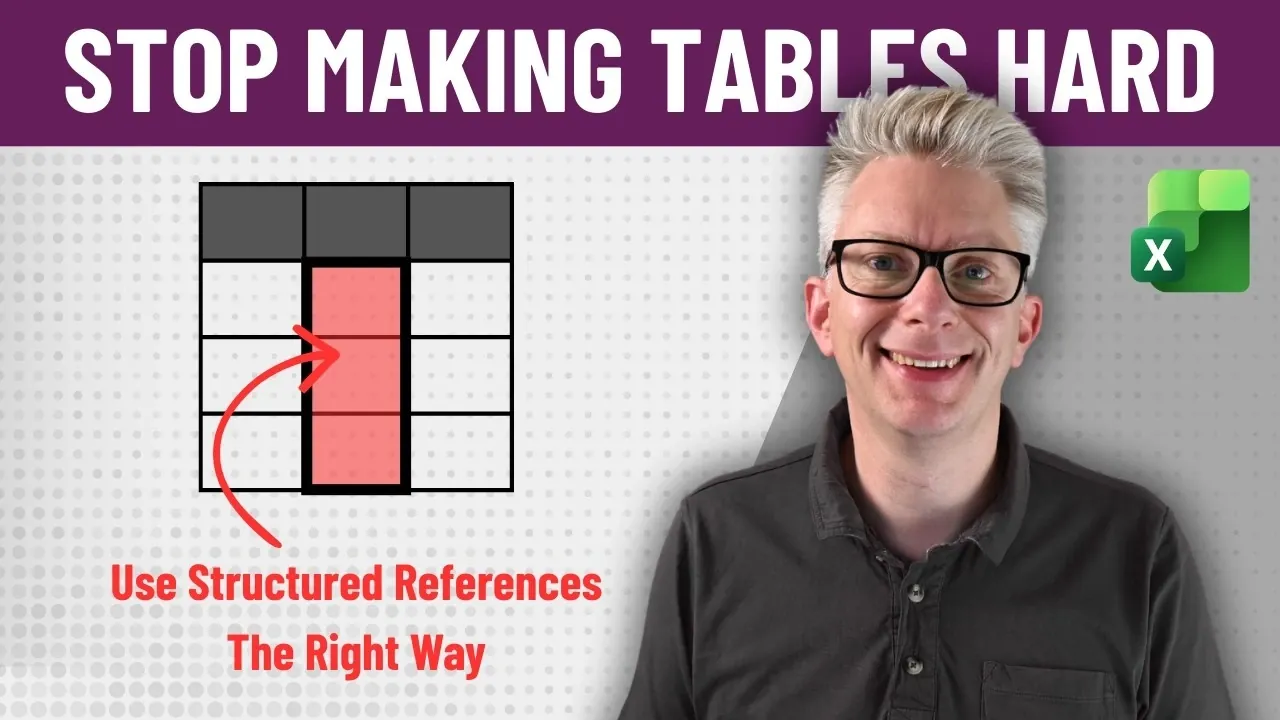
Structured references in Excel often get a bad reputation for being overly complex, but this perception usually stems from misunderstanding their purpose and functionality. Unlike traditional cell references like “B2” or “C3,” structured references rely on table and column names, such as “Sales[Revenue],” to make formulas more readable and adaptable. Excel Off The Grid explains how these name-driven references not only improve clarity but also reduce errors by automatically adjusting to changes in your data structure. For example, when new rows or columns are added to a table, structured references update seamlessly without requiring manual adjustments.
In this deep dive, you’ll learn how to organize your data to fully use structured references, including tips for adhering to first normal form (1NF) principles and creating descriptive table and column names. You’ll also explore the syntax behind structured references, such as using `#Header` or `#Total` to reference specific parts of a table. Finally, the guide will address common pitfalls, like mixing name-driven and positional references and offer practical strategies to ensure your formulas remain stable and easy to maintain as your data evolves.
Mastering Excel Structured References
TL;DR Key Takeaways :
- Structured references in Excel replace traditional cell references with table and column names, improving clarity, adaptability and reducing errors in dynamic data environments.
- Organizing data in a logical, consistent manner (e.g., adhering to first normal form) is essential for using structured references effectively.
- Name-driven references enhance readability and maintainability, aligning with modern data tools like SQL and Power Query, while minimizing formula errors.
- Excel tables include built-in features like table names, column identifiers and structured reference syntax (e.g., `#Header`, `#Total`) to simplify data management and ensure integrity.
- Best practices for structured references include using descriptive names, avoiding positional references and fully using Excel’s table features for stable and adaptable formulas.
What Are Structured References?
Structured references are a modern alternative to traditional cell references in Excel. Instead of pointing to specific cells like “B7” or “C3,” structured references use table and column names, such as “Sales[Revenue].” This approach offers several distinct advantages:
- Clarity: Formulas become easier to read and interpret, as they explicitly describe the data being referenced.
- Adaptability: References automatically update when data is added, removed, or reorganized, reducing the need for manual adjustments.
- Error Reduction: The risk of broken formulas caused by moving or resizing data is significantly minimized.
These benefits make structured references particularly valuable in dynamic environments where data frequently changes or grows. They align with modern data management practices, offering a robust and reliable alternative to traditional cell references.
Why Name-Driven References Are Superior
Name-driven references prioritize readability and adaptability, making them a superior choice for managing data in Excel. For example, instead of writing a formula like “B7 * C7,” you can use “Sales[Quantity] * Sales[Price].” This approach explicitly communicates the formula’s purpose, reducing ambiguity and making it easier to understand and maintain.
This methodology mirrors the principles of other data tools, such as SQL, Power Query and DAX, which emphasize the use of named objects and structured data. By treating Excel tables as name-driven objects, you can ensure consistency, minimize errors and enhance the overall clarity of your work.
Table Structured References Explained

Uncover more insights about Excel functions in previous articles we have written.
- New Excel Features 2026 : 17 Tools to Speed up Work
- Modern Excel Functions to Know in 2026 for Faster Analysis
- Best Excel Functions for Data Analysis in 2026 : FILTER, XLOOKUP, LET
- 8 New 2026 Excel Features to Build Dashboards & Clean Messy Data Faster
- 10 New Excel Functions to improve your formulas
- Master Excel 2025 : New Features for Desktop, Web, Mac & iPad
- Best Excel formulas and functions
- How to Use Excel’s Copilot() for Smarter Data Analysis
- Excel Functions Guide 2026 : SUM to XLOOKUP with Clear Examples
- Excel LAMBDA Guide for Dynamic Tables and BYROW Processing
Organizing Data for Structured References
To fully use the power of structured references, your data must be organized in a logical and consistent manner. This involves adhering to the principles of first normal form (1NF), which requires the following:
- Data stored in a tabular format with unique rows, making sure no duplicate entries.
- Consistent and descriptive column headings that clearly define the data they contain.
- Avoidance of repeating groups, merged cells, or other structural inconsistencies.
For instance, a table named “Employees” with columns such as “Full Name,” “Department,” and “Hire Date” provides a clear and logical structure. This organization makes it easier to reference and analyze data using structured references. When data is properly organized, you eliminate the need for positional references, which can become unreliable as data grows or changes.
Understanding Excel Table Features and Syntax
Excel tables are designed to function as named objects, with built-in features that support structured references. These features include:
- Table Names: When you create a table, Excel automatically assigns it a name (e.g., “Sales”). You can rename it to something more descriptive for better clarity.
- Column Identifiers: Each column within a table is given a unique name (e.g., “Quantity” or “Revenue”).
- Structured Reference Syntax: You can reference specific parts of a table using syntax like “Sales[Revenue]” or “Sales[Quantity].”
Excel also provides additional syntax elements, such as `#Header`, `#Total`, and `#All`, to reference specific parts of a table. For example, “Sales[#Header]” refers to the header row of the “Sales” table, while “Sales[#All]” includes all rows and columns, including headers and totals. These features enhance usability and ensure the integrity of your data.
Balancing Name-Driven and Positional Behavior
Although structured references are primarily name-driven, Excel includes some positional features for convenience. For example, selecting adjacent columns in a table may generate a range reference like “Sales[[Quantity]:[Revenue]].” While this can simplify certain tasks, it may also introduce confusion if not properly understood.
It is essential to recognize that these positional elements are designed for ease of use rather than for making sure data integrity. By focusing on name-driven references, you can maintain a consistent and reliable approach to data management. This ensures that your formulas remain stable and adaptable, even as your data evolves.
Best Practices for Using Structured References
To maximize the benefits of structured references, consider the following best practices:
- Organize Data Properly: Ensure your data adheres to first normal form, with clear and consistent column headings and no structural inconsistencies.
- Use Descriptive Names: Assign meaningful names to tables and columns to improve readability and make formulas easier to understand.
- Avoid Positional References: Focus on name-driven references to ensure your formulas remain stable and adaptable, even as your data changes.
- Use Table Features: Take advantage of Excel’s built-in table features, such as structured reference syntax and additional elements like `#Header` and `#Total`.
By following these practices, you can create a more efficient and reliable data management system in Excel.
Unlocking the Full Potential of Structured References
Structured references in Excel are not inherently difficult to use. The challenges arise when tables are treated as position-driven objects rather than name-driven ones. By organizing your data effectively, adopting proper table practices and prioritizing name-driven references, you can unlock the full potential of structured references.
This approach simplifies your work, reduces errors and aligns with modern data management principles. When used correctly, structured references provide a clear, stable and future-proof solution for managing and analyzing data in Excel. They are an indispensable tool for anyone seeking to improve efficiency and accuracy in their data workflows.
Media Credit: Excel Off The Grid
Disclosure: Some of our articles include affiliate links. If you buy something through one of these links, Geeky Gadgets may earn an affiliate commission. Learn about our Disclosure Policy.
