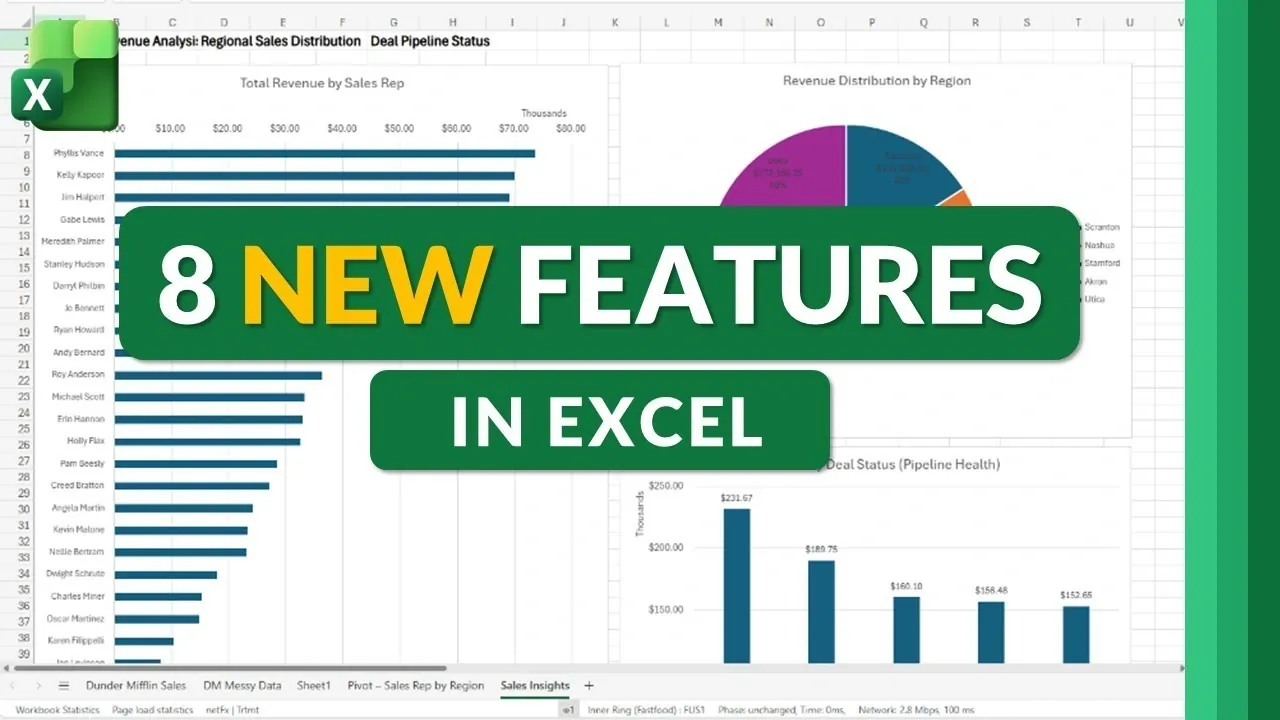
What if your spreadsheets could think for you, solve problems instantly, and even predict your next move? Microsoft Excel’s 2026 updates are making that vision a reality. Mike Tholfsen takes a closer look at how these new features, ranging from AI-powered workflows to smarter error handling, are transforming the way we interact with data. Imagine asking Excel to clean up messy datasets or build a pivot table with just a simple command, no formulas required. These updates aren’t just incremental improvements; they’re a bold leap toward making Excel more intuitive, accessible, and powerful than ever before. For anyone who’s ever struggled with troubleshooting formulas or managing complex data, these changes could redefine your entire experience.
In this explainer, we’ll uncover eight standout features that are reshaping Excel for the future. From the redesigned Power Query interface that simplifies data imports to extended change tracking for better collaboration, there’s something here for every type of user. Whether you’re a seasoned analyst or a casual spreadsheet user, these updates promise to save time, reduce errors, and unlock new possibilities for data analysis. And with AI-driven innovations like Agent Mode, the potential for smarter, faster workflows is truly exciting. As we explore these features, you might just find yourself rethinking what Excel can do, and how it fits into your daily work.
Top Excel 2026 Features
TL;DR Key Takeaways :
- Excel 2026 introduces advanced error-handling tools, including detailed explanations and actionable suggestions, improving accuracy and reducing troubleshooting time.
- Power Query’s redesigned “Get Data” interface simplifies data management, making it easier to connect to and organize multiple data sources efficiently.
- Web-specific updates enhance collaboration with editable chart labels and extended change tracking, now retaining edit history for up to a year.
- AI-powered tools like Agent Mode and automatic formula creation streamline complex tasks, making advanced features accessible to all users and boosting productivity.
- Mac users benefit from seamless integration with Microsoft Forms, allowing real-time data syncing for improved survey data collection and analysis.
Enhanced Error Handling for Greater Accuracy
Excel 2026 introduces advanced tools for error handling, making it easier to diagnose and resolve formula issues. When errors occur, you now receive detailed explanations and actionable suggestions to address them. This feature is particularly beneficial when working with complex calculations, as it reduces the time spent troubleshooting and ensures smoother workflows.
Additionally, spill error handling for pivot tables has been significantly improved. If conflicts arise due to data placement, Excel provides clear insights into the issue and offers practical solutions. This ensures that your pivot tables remain functional and accurate, even when dealing with dynamic or large datasets. These enhancements help maintain data integrity and minimize disruptions.
Simplified Data Management with Power Query
Managing data in Excel has become more intuitive with the redesigned “Get Data” interface in Power Query. The updated layout is user-friendly, allowing you to connect to various data sources more efficiently. Enhanced organization of these sources ensures that you can quickly locate and access the information you need, streamlining the process of importing and transforming data.
This redesign is particularly useful for users who frequently work with multiple data sources, as it reduces the complexity of managing connections and transformations. By simplifying these processes, Excel enables you to focus on analyzing data rather than navigating cumbersome interfaces.
8 New Features in Microsoft Excel for 2026
Discover other guides from our vast content that could be of interest on the latest Excel features.
- How to Use Excel’s Allow Edit Ranges for Controlled Collaboration
- The Best New Excel Update for Faster Reports and Fewer Errors
- Excel AI Agent Mode Explained: Features, Benefits and Limitations
- 7 New Microsoft Excel spreadsheet features August 2024
- New Excel Dark Mode : Activation, Benefits and Limitations 2025
- AI Assistant Mode in Microsoft Excel : Step-by-Step Guide for 2026
- 7 Excel Features Most People Overlook for Better Productivity
- 12 Apple Numbers Features That Outshine Excel in 2025
- 17 Ways New Excel COPILOT Function Can Clean Your Data
- 10 Excel Data Analyst Skills to Transform Daily Data to Insights
Web-Specific Features for Better Collaboration
The web version of Excel has received several updates to improve customization and collaboration, making it a more versatile tool for teams working in shared environments. Key enhancements include:
- Editable Chart Labels: You can now modify data labels directly within charts, providing greater flexibility in tailoring visualizations to meet specific needs.
- Extended Change Tracking: The “Show Changes” feature now tracks edits for up to a year, compared to the previous 30-day limit. This is particularly valuable for collaborative projects, where understanding the history of changes is critical for maintaining transparency and accountability.
These updates make the web version of Excel a powerful tool for teams, allowing better communication and more effective project management.
AI-Powered Tools for Smarter Workflows
Artificial intelligence plays a central role in Excel 2026, introducing features that simplify complex tasks and enhance productivity. These AI-driven tools include:
- Agent Mode: This feature allows you to interact with Excel using natural language. You can ask the AI to clean messy data, create pivot tables, generate dashboards, or analyze trends. By eliminating the need for advanced technical expertise, Agent Mode makes sophisticated tasks more accessible to all users.
- Automatic Formula Creation: Excel can now generate formulas based on the context of your data. Whether you’re performing calculations or text operations, this feature reduces the learning curve for beginners while saving time for experienced users.
These tools empower users to focus on deriving insights from their data rather than spending time on manual tasks, making Excel a more efficient and user-friendly platform.
Improved Integration for Mac Users
For Mac users, Excel now offers seamless integration with Microsoft Forms. This feature enables live data syncing between forms and spreadsheets, making it easier to collect and analyze survey data in real time. Whether you’re managing customer feedback, conducting research, or tracking responses, this integration ensures that your data remains current and actionable.
This improvement highlights Excel’s commitment to providing a consistent and powerful experience across platforms, catering to the needs of Mac users who rely on Excel for data management and analysis.
The Value of These Updates
The 2026 updates to Microsoft Excel demonstrate a clear focus on addressing user needs through smarter tools and enhanced functionality. By tackling common challenges such as error handling, data management, and collaboration, Excel continues to evolve as a versatile and indispensable tool for modern data analysis. Here are the key benefits of these updates:
- Time Savings: Automation and AI reduce the effort required for repetitive tasks, allowing you to focus on more strategic activities.
- Improved Accuracy: Advanced error-handling tools help minimize mistakes in complex calculations, making sure reliable results.
- Enhanced Collaboration: Features like extended change tracking and web-specific updates streamline teamwork and improve communication.
These advancements make Excel a more powerful and efficient platform for professionals across industries, reinforcing its role as a leader in data management and analysis.
Looking Ahead with Excel
Microsoft Excel’s 2026 updates reflect its ongoing commitment to innovation and user-centric design. With features like Agent Mode, improved spill error support, and extended change tracking, Excel enables users to work more efficiently and effectively, whether on desktop, web, or Mac. These enhancements ensure that Excel remains a vital tool for data management, analysis, and collaboration in an increasingly data-driven world.
Media Credit: Mike Tholfsen
Disclosure: Some of our articles include affiliate links. If you buy something through one of these links, Geeky Gadgets may earn an affiliate commission. Learn about our Disclosure Policy.
