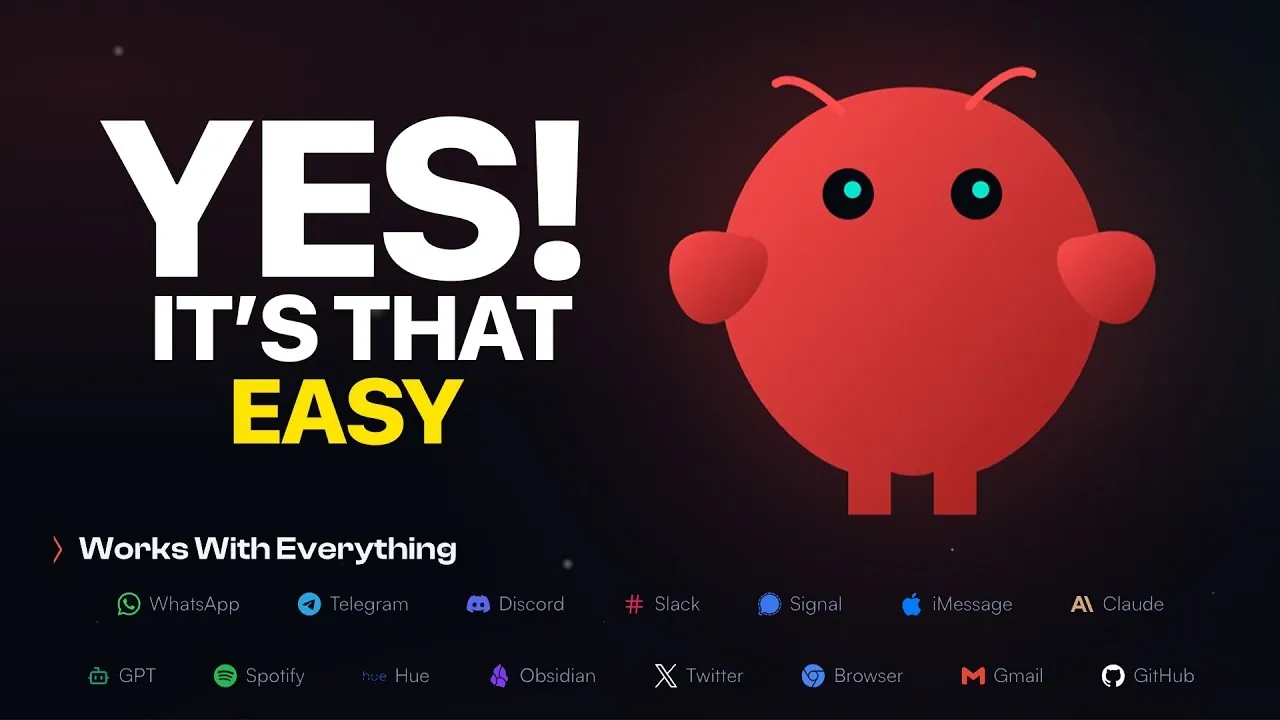
Have you ever wished for a personal assistant that could handle your daily tasks seamlessly across platforms like Telegram, Slack, or Discord? Below, Jannis Moore breaks down how Clawdbot, an AI-powered assistant, can transform the way you manage your schedule, automate workflows, and retrieve information, all while adapting to your unique needs. Whether you’re a busy professional juggling meetings or a tech enthusiast eager to explore its customization options, Clawdbot promises to simplify your routines and boost your efficiency. With its ability to be hosted locally or in the cloud, this versatile system offers a level of flexibility that’s hard to match. Imagine reclaiming hours of your day by letting Clawdbot handle the repetitive tasks for you.
In this Clawdbot beginner guide, you’ll discover everything you need to know to get started with Clawdbot, from installation and configuration to exploring its core features. You’ll learn how to integrate it with your favorite communication platforms, set up secure permissions, and even customize its functionality to suit your workflow. Along the way, you’ll uncover practical tips for maximizing its potential while making sure your data remains safe and secure. Whether you’re curious about its real-time responses or intrigued by its advanced automation capabilities, this guide will help you unlock the full power of Clawdbot. The possibilities might just surprise you.
What is Clawdbot and Why Use It?
TL;DR Key Takeaways :
- Clawdbot is an AI-powered assistant that integrates with platforms like Telegram, Discord, WhatsApp, and Slack to automate workflows, manage schedules, and retrieve information efficiently.
- It offers flexible deployment options, allowing users to host it locally or in the cloud, catering to both personal and professional needs.
- Key features include task automation, real-time responses, data storage, and customizable interfaces, enhancing productivity and simplifying daily routines.
- Advanced customization options enable users to add custom skills, integrate third-party apps, and configure security settings for tailored functionality.
- Security is a priority, with recommendations to monitor activities, set permissions, and limit autonomy to mitigate risks, especially for local deployments.
Clawdbot is an advanced AI system capable of executing a wide range of tasks across multiple platforms. Its primary strength lies in its adaptability, allowing you to deploy it on a local machine or a cloud server based on your preferences. By integrating with widely used communication tools, Clawdbot can handle tasks such as scheduling, reminders, and even custom workflows.
For professionals, Clawdbot offers a streamlined way to manage operations, while tech enthusiasts can explore its customization options to create unique solutions. Its ability to automate repetitive tasks and provide real-time responses makes it a valuable tool for enhancing productivity and simplifying daily routines.
Getting Started: Installation Made Simple
Setting up Clawdbot is straightforward, even for beginners. Follow these steps to get started:
- Visit the official Clawdbot website and navigate to the Quick Start guide.
- Download the installation package compatible with your operating system (macOS, Windows, or Linux).
- Run the installation command in your terminal or command prompt to initiate the setup process.
- Execute the setup file to initialize Clawdbot and prepare it for configuration.
During installation, ensure you have administrative access to your device to avoid permission-related issues. The process is designed to be user-friendly, allowing you to get Clawdbot up and running with minimal effort.
Clawdbot Beginner Guide : Overview & Setup Guide

Learn more about AI assistants by reading our previous articles, guides and features :
- ClawdBot AI Assistant Guide : Run on Mac, Windows, iOS or
- How to Build an AI Assistant with n8n and OpenAI Chat Models
- ElevenLabs 11ai Launches : The Voice-First AI Assistant
- Build an Offline AI Assistant on a Pi 5 Using a RLM AA50
- How to Set Up a Local AI Assistant Using Cursor AI (No Code
- How to Use a Personal AI Assistant Without Coding
- How to easily build a Voice to Voice AI Assistant
- Build your own private personal AI assistant using LocalGPT API
- Windows Co-Pilot AI assistant arrives
- AI Assistant Mode in Microsoft Excel : Step-by-Step Guide for 2026
Configuring Clawdbot for Your Needs
After installation, configuring Clawdbot to align with your specific requirements is essential. Proper configuration ensures optimal performance and security. Here’s how to proceed:
- Select an AI Model Provider: Choose a provider such as OpenAI and input your API key to enable Clawdbot’s AI functionalities.
- Integrate Communication Platforms: For Telegram, use BotFather to create a bot, obtain its token, and link it to Clawdbot. Similar steps apply for Discord, WhatsApp, and Slack.
- Set Permissions: Define user permissions and whitelist access to ensure only authorized individuals can interact with Clawdbot.
Taking the time to configure these settings will allow Clawdbot to operate efficiently and securely across your chosen platforms, providing a seamless user experience.
Exploring Clawdbot’s Core Features
Once configured, Clawdbot offers a range of features designed to simplify task management and enhance productivity. Some of its core functionalities include:
- Send Commands: Use communication platforms like Telegram to interact with Clawdbot by sending commands and receiving real-time responses.
- Store and Retrieve Data: Use Clawdbot’s memory storage to save personalized data, such as task lists, reminders, or notes.
- Choose Your Interface: Interact with Clawdbot through its web interface or terminal, depending on your preference and technical expertise.
These features make Clawdbot a powerful tool for managing daily tasks, accessing information quickly, and staying organized.
Customizing Clawdbot for Advanced Use
Clawdbot’s flexibility extends to its customization options, allowing users to tailor its functionality to meet specific needs. Advanced users can enhance Clawdbot’s capabilities in the following ways:
- Installing Custom Skills: Add features such as task scheduling, integration with third-party apps like Apple Notes, or browser automation for repetitive tasks.
- Developing Custom Skills: For developers, Clawdbot supports the creation of unique capabilities tailored to specific workflows or industries.
- Configuring Security Settings: Adjust permissions and define operational boundaries to ensure Clawdbot functions securely and within your control.
These customization options make Clawdbot a versatile tool for both personal and professional use, allowing users to adapt it to their unique requirements.
Prioritizing Security and Managing Risks
While Clawdbot offers numerous benefits, it is essential to address potential security risks, particularly when running it locally. Local deployment grants Clawdbot access to your system files, which could pose vulnerabilities if not managed properly. To mitigate risks:
- Enable approval settings to limit Clawdbot’s autonomy and prevent unauthorized actions.
- Regularly review and update permissions to ensure only authorized users have access.
- Monitor Clawdbot’s activities to detect and address any unusual behavior promptly.
By implementing these precautions, you can maintain a secure environment while using Clawdbot’s capabilities effectively.
Advanced Deployment Options
For users requiring continuous availability, deploying Clawdbot on a server is an excellent option. This setup ensures 24/7 operation, making it ideal for businesses or individuals who rely on uninterrupted AI assistance. Advanced deployment options include:
- Streaming Configurations: Enable real-time data processing to handle dynamic tasks efficiently.
- Chrome Job Automation: Automate browser-based workflows to save time and increase productivity.
These advanced features expand Clawdbot’s capabilities, making it suitable for complex and demanding use cases, such as managing large-scale operations or automating intricate workflows.
Maximizing Clawdbot’s Potential
Clawdbot is a versatile and powerful AI assistant that simplifies task management and enhances productivity. By following this guide, you can set up, configure, and customize Clawdbot to meet your specific needs. Its ability to integrate with popular communication platforms, support advanced customization, and prioritize security makes it a valuable tool for both personal and professional use. As you explore its features, remember to regularly update configurations and monitor its performance to ensure optimal functionality and security.
Media Credit: Jannis Moore
Disclosure: Some of our articles include affiliate links. If you buy something through one of these links, Geeky Gadgets may earn an affiliate commission. Learn about our Disclosure Policy.
