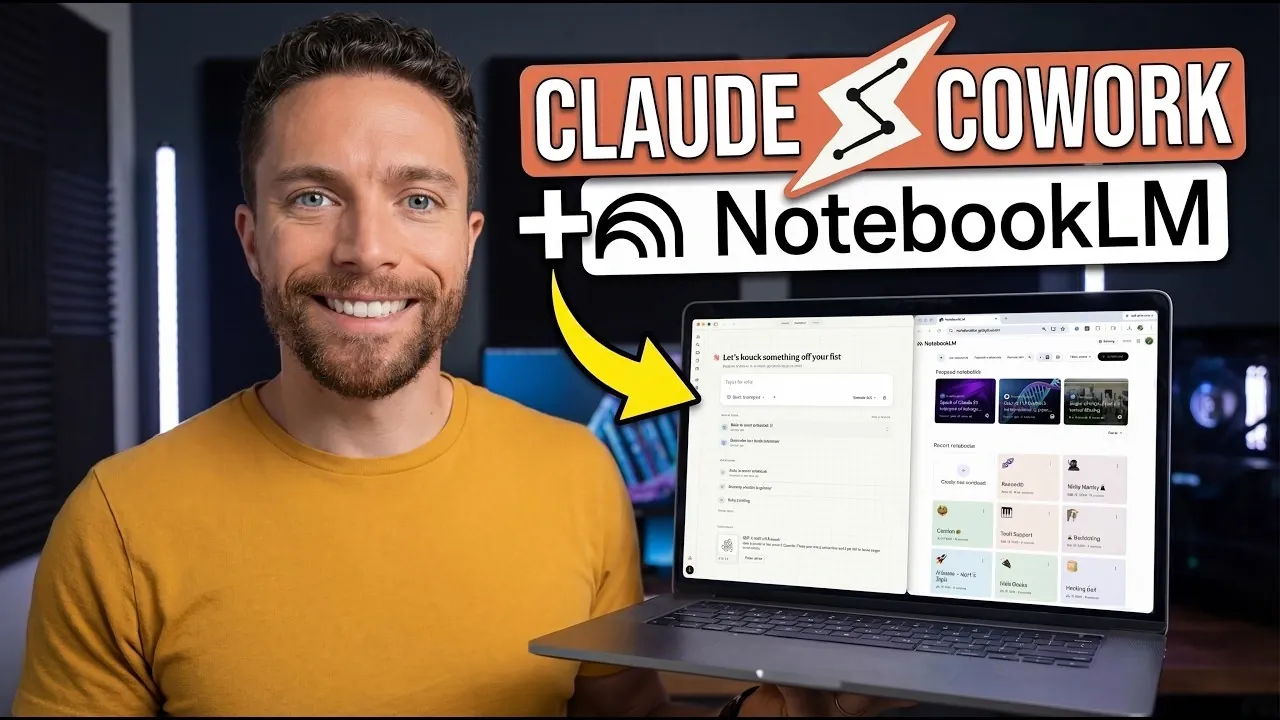
NotebookLM and Claude combine distinct functionalities to streamline complex workflows in complementary ways. NotebookLM excels at organizing and structuring large datasets, making it ideal for tasks like compiling research or preparing detailed reports. Claude, by contrast, focuses on automating repetitive processes, such as generating formatted slide decks or scheduling recurring updates. According to Paul Lipsky, this pairing allows users to shift their focus toward higher-level work. For instance, NotebookLM can categorize research findings while Claude transforms them into polished deliverables, reducing manual effort and enhancing efficiency.
Explore how to integrate these platforms by examining specific features and strategies. Learn how to configure custom workflows that connect the two systems, use the Claude Chrome extension for browser-based automation and address practical considerations like API limitations and data security. Additionally, gain insight into applying these capabilities to real-world tasks, such as automating daily briefings, creating professional-grade presentations and converting research into actionable formats.
How NotebookLM and Claude Complement Each Other
TL;DR Key Takeaways :
- Combining NotebookLM’s organizational capabilities with Claude’s automation features creates a powerful system for managing tasks, conducting research and streamlining workflows.
- NotebookLM excels at structuring and categorizing large volumes of information, while Claude automates repetitive tasks and integrates with third-party tools for seamless workflows.
- The integration enables practical applications such as research organization, automated slide deck creation and daily briefings, enhancing productivity and efficiency.
- Advanced use cases include personalized audio briefings, podcast automation and data-driven insights, showcasing the system’s adaptability to specialized needs.
- Proper setup, including security configurations, API monitoring and regular performance reviews, ensures reliable and efficient operation while mitigating potential risks and limitations.
NotebookLM excels at organizing and structuring large volumes of information, making it an ideal tool for tasks like compiling research, creating infographics, or preparing detailed presentations. Claude, on the other hand, specializes in automating repetitive tasks and connecting with third-party tools to streamline workflows. Together, these platforms form a complementary system that fills functional gaps and provides a comprehensive solution for managing complex workflows.
For example, NotebookLM can structure and categorize your data, while Claude automates tasks such as generating branded slide decks or distributing daily briefings. This synergy allows you to focus on strategic decision-making rather than spending time on manual, repetitive processes. By using the strengths of both tools, you can create a workflow that is both efficient and adaptable to your specific needs.
Steps to Set Up the Workflow
Setting up this integrated system is straightforward and does not require advanced technical expertise. A custom skill acts as a bridge between NotebookLM and Claude, allowing seamless interaction between the two platforms. The Claude Chrome extension plays a pivotal role in browser automation, allowing you to perform tasks such as web scraping or data extraction directly from your browser.
- Install the Claude Chrome Extension: Begin by downloading and installing the Claude Chrome extension to enable browser-based automation.
- Configure Permissions: Grant access to specific websites and APIs to ensure secure interaction between Claude and external tools.
- Set Up Custom Skills: Use a custom skill to link NotebookLM and Claude, allowing them to work together seamlessly.
- Test the Workflow: Run initial tests to ensure that tasks such as data organization and automation are functioning as intended.
Once the setup is complete, the system simplifies complex tasks without requiring coding knowledge, making it accessible to a wide range of users. Proper configuration ensures that the workflow operates securely and efficiently.
Advance your skills in NotebookLM by reading more of our detailed content.
- NotebookLM Update Adds Claude Integration for Workflows
- Latest NotebookLM 2026 Updates: Features, Workflow & What Matters
- NotebookLM Infographic Presets, 10 Styles & Custom Looks
- Claude Projects vs NotebookLM: Research Notes or Buildable Workflows
- NotebookLM Data Tables Explained, Free for All Google Users
- NotebookLM Guide: Summaries, Slide Decks, SOPs & Data Tables
- Integrate NotebookLM Research into Docs & Sheets Fast in 2026
- NotebookLM Feature Guide : Cinematic Video Overviews
- NotebookLM 2026 Guide: Research-to-Content with Gemini
- NotebookLM in Gemini: New Workflow, Sources & Syncing
Practical Applications of the Integration
The integration of NotebookLM and Claude unlocks a variety of practical applications that can transform how you approach daily tasks. These include:
- Research Organization: Automatically categorize and summarize research materials, creating structured outlines or mind maps for projects.
- Slide Deck Creation: Generate professional, branded presentations from scripts or research data, saving time and effort.
- Automated Daily Briefings: Schedule updates or summaries to keep you informed without requiring manual input.
For instance, you can use NotebookLM to compile insights from a YouTube script and rely on Claude to transform this data into a polished slide deck. Similarly, Claude can automate the delivery of weekly updates, making sure consistency and accuracy in your communications. These applications demonstrate the versatility of the system and its ability to adapt to various professional needs.
Maximizing Efficiency and Resource Management
This workflow is designed to minimize resource consumption and eliminate unnecessary delays. By automating repetitive tasks, you can allocate more time to high-value activities that require your expertise. Additionally, integrating tools like Sonnet with Claude can further enhance efficiency by allowing specialized functionalities such as audio transcription or content summarization.
To optimize performance, monitor task execution and adjust settings as needed. For example, scheduling tasks during off-peak hours can reduce processing times and improve overall responsiveness. Regularly reviewing system performance ensures that the workflow continues to operate at peak efficiency.
Advanced Use Cases for Specialized Needs
Beyond basic applications, the integration of NotebookLM and Claude supports advanced functionalities tailored to specific requirements. These include:
- Personalized Audio Briefings: Generate customized audio summaries using detailed prompts and distribute them via podcast feeds.
- Podcast Automation: Automatically update podcast feeds with third-party tools like Cortex, making sure timely content delivery.
- Data-Driven Insights: Use NotebookLM to analyze large datasets and rely on Claude to present the findings in a clear and actionable format.
These advanced use cases highlight the flexibility of the system, allowing you to customize it to your unique needs. Whether managing a team or working independently, this workflow adapts to your requirements, enhancing productivity and reducing manual effort.
Critical Setup Considerations
To implement this workflow effectively, it is essential to follow best practices during the setup process. Key considerations include:
- Security and Permissions: Carefully configure permissions to ensure secure interactions between Claude and external tools.
- API Limitations: Be aware of potential restrictions or changes imposed by third-party platforms, which may impact functionality.
- Regular Monitoring: Continuously monitor system performance and adjust settings as needed to maintain optimal efficiency.
By addressing these considerations, you can ensure that the workflow operates reliably and securely. Staying informed about potential changes to APIs or platform policies will help you adapt the system as needed.
Understanding Potential Risks and Limitations
While the integration of NotebookLM and Claude offers significant benefits, it is not without challenges. The unofficial API connections used in this setup may be subject to changes or restrictions by providers like Google, potentially impacting functionality. Adjustments to the workflow may be required to address such changes.
Additionally, exceeding usage limits or permissions can lead to delays or increased costs. To mitigate these risks, monitor system performance regularly and adjust settings as needed. Staying proactive and informed ensures the longevity and effectiveness of your workflow.
Unlocking New Possibilities with NotebookLM and Claude
The integration of NotebookLM and Claude demonstrates the potential of combining advanced AI tools to enhance productivity and simplify daily operations. By using their respective strengths, you can automate complex workflows, organize research and create professional presentations with ease. With careful setup and ongoing monitoring, this powerful combination provides a comprehensive solution for modern professionals seeking efficiency and precision. Whether you are managing a team or working independently, this system enables you to achieve more with less effort, unlocking new possibilities for success.
Media Credit: Paul J Lipsky
Disclosure: Some of our articles include affiliate links. If you buy something through one of these links, Geeky Gadgets may earn an affiliate commission. Learn about our Disclosure Policy.
