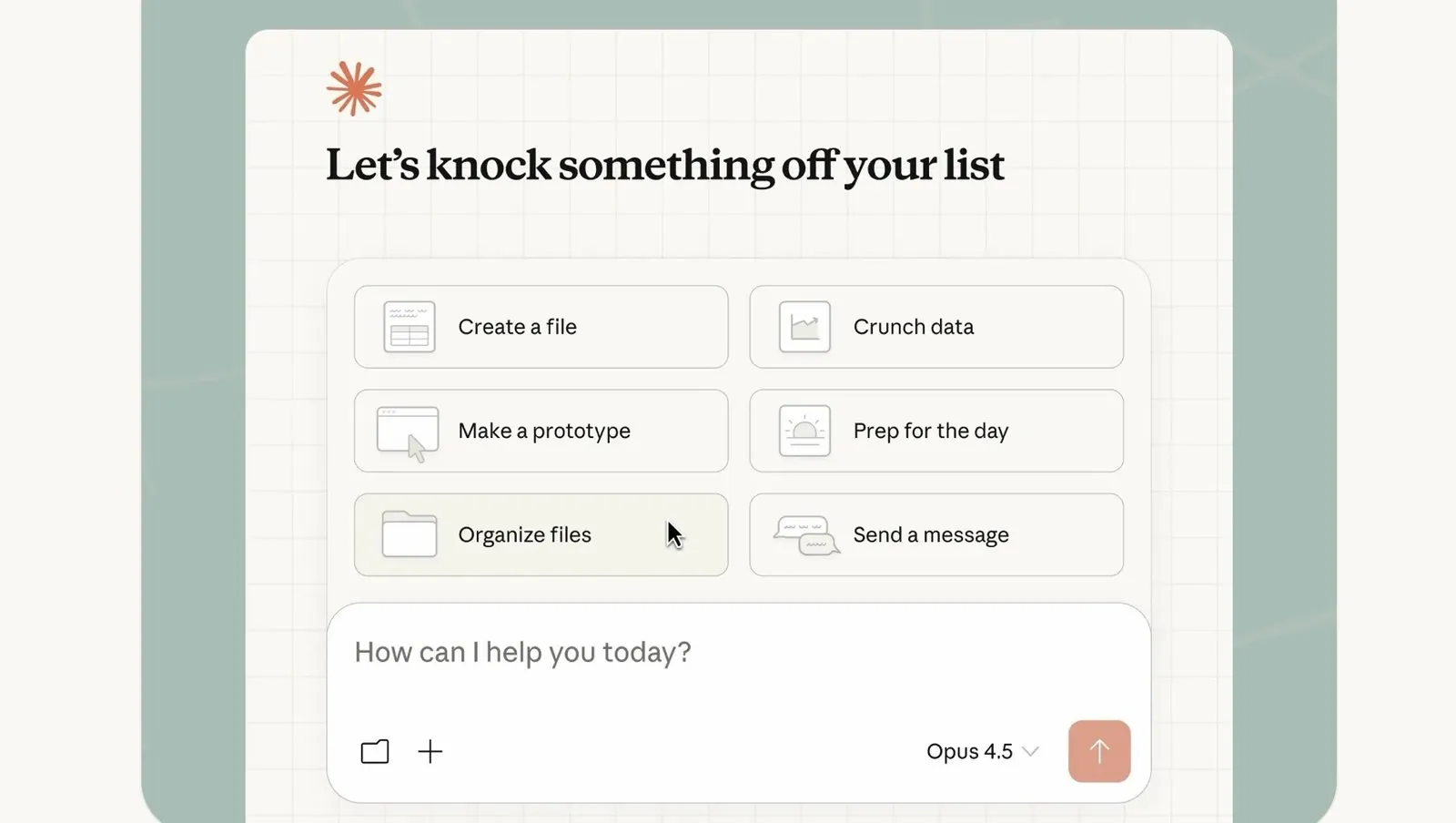
Claude Cowork is an AI assistant designed to simplify task management and automate workflows, making it an excellent choice for beginners and professionals alike. In this deep dive, Jack Roberts walks through the essentials of getting started with Claude Cowork, including how to set up a sandbox environment for safe experimentation. By focusing on practical steps like customizing global instructions and integrating external platforms, the guide ensures that even users with no technical background can create workflows tailored to their needs.
Explore how to automate repetitive tasks, integrate platforms like Google Calendar or Slack and use advanced features such as reusable skills for custom workflows. You’ll also gain insight into scheduling automated tasks, creating data visualizations and using plugins for multi-step processes. Whether you’re looking to streamline daily responsibilities or tackle complex projects, this guide provides actionable strategies to help you make the most of Claude Cowork.
What is Claude Cowork?
TL;DR Key Takeaways :
- Claude Cowork is an AI-powered tool designed for task management and workflow automation, allowing users to automate repetitive tasks, integrate tools and improve productivity with minimal effort.
- Key features include task automation, tool integration with platforms like Google Calendar and Slack and data visualization for tasks such as project tracking and competitive analysis.
- Users can expand functionality through reusable skills and plugins, allowing for custom workflows, document formatting and multi-step task automation.
- Scheduled task automation ensures consistency by automating recurring responsibilities like email summaries, financial reports and file organization.
- Advanced features cater to technical users, including Claude Code integration for software development tasks and token optimization for cost management on advanced plans.
Claude Cowork is a versatile AI assistant specifically designed for task management and workflow automation. Unlike Claude Chat, which focuses on conversational AI, or Claude Code, which caters to software development, Claude Cowork specializes in automating repetitive tasks and organizing workflows. Its intuitive interface makes it accessible to users of all skill levels, allowing you to integrate tools, manage tasks and create efficient processes with minimal effort.
By using its capabilities, you can reduce manual effort, improve task accuracy and focus on higher-priority responsibilities.
Getting Started: Setup and Configuration
To begin using Claude Cowork, follow these essential steps to ensure a smooth setup and configuration process:
- Download and Install: Start by downloading the Claude desktop application, which serves as the central hub for managing your workflows and tasks.
- Create a Sandbox Environment: Set up a dedicated folder or workspace for testing tasks without affecting other files. This ensures a secure and distraction-free environment for experimentation.
- Customize Global Instructions: Adjust settings to align with your specific needs, such as defining task priorities, setting overview formats, or configuring notification preferences.
These steps ensure that Claude Cowork is tailored to your workflow requirements from the outset, providing a solid foundation for efficient task management.
Claude Cowork Tutorial for Beginners

Find more information on Claude Cowork by browsing our extensive range of articles, guides and tutorials.
- Claude Cowork AI Automation Tool for Files, Sheets, Docs & Browser Tasks
- Cowork Completed 7 Days of Work in Just 15 Minutes
- Claude Cowork Features, Google Drive and Gmail Integrations
- Cowork Automations : File Cleanup, Plots, Reports & More
- Claude Cowork Guide for Beginners, Install, Set up & First Tasks
- Claude Cowork Pricing and Limits: Pro and Max Plans from $20
- Cowork : AI Desktop Automation Assistant for macOS
- Claude Cowork for Mac : Features, Price and Key Limits in 2026
- Claude Cowork Plugins & Custom Skills Guide for Marketing Teams
- How Claude Cowork Works, Pricing & Limits: Beginners Guide 2026
Core Features and Functionalities
Claude Cowork offers a robust set of features designed to simplify and enhance your daily operations. Here are some of its core functionalities:
- Task Automation: Automate repetitive tasks such as organizing files, summarizing emails, or generating reports, saving you valuable time.
- Tool Integration: Seamlessly connect with popular platforms like Google Calendar, Notion and Slack to synchronize your workflows and ensure consistency.
- Data Visualization: Generate charts, dashboards and other visual outputs for tasks such as competitive analysis, project tracking, or customer insights.
These features make Claude Cowork a powerful tool for improving productivity across various professional and personal domains.
Skills and Plugins: Expanding Capabilities
One of the standout aspects of Claude Cowork is its ability to support reusable skills and plugins, allowing users to expand its functionality:
- Reusable Skills: Develop custom skills for specific tasks, such as extracting transcripts from videos, generating infographics, or automating document formatting.
- Plugins for Multi-Step Workflows: Use plugins to automate complex workflows that involve multiple tools or steps. These plugins can also be shared with team members to promote collaboration and consistency.
By using these features, you can customize Claude Cowork to meet the unique demands of your projects, making sure maximum efficiency and adaptability.
Automating Scheduled Tasks
Scheduled task automation is a key feature of Claude Cowork, allowing you to stay on top of recurring responsibilities without manual intervention. Here are some practical examples:
- Set up daily email summaries or automated meeting recaps to keep track of important communications.
- Automate the generation of financial reports, project updates, or performance metrics on a regular schedule.
- Schedule routine maintenance tasks, such as desktop cleanups or file organization, to ensure a clutter-free workspace.
This functionality helps you maintain consistency and ensures that critical tasks are completed on time, freeing you to focus on strategic priorities.
Advanced Features for Technical Users
For users with technical expertise, Claude Cowork provides advanced features that cater to more complex workflows and requirements:
- Claude Code Integration: Seamlessly integrate Claude Code to handle software development tasks, such as debugging, code generation, or testing.
- Token Optimization: Manage costs effectively by optimizing token usage, particularly if you are on an advanced subscription plan with usage limits.
These advanced capabilities make Claude Cowork an invaluable tool for developers and technical professionals looking to enhance their productivity and streamline their processes.
Practical Applications
Claude Cowork is designed to address a wide range of real-world use cases, making it a versatile tool for professionals across industries. Here are some practical applications:
- Content Repurposing: Convert blog posts into infographics, social media updates, or presentation slides to maximize content reach.
- Inbox Management: Automate email sorting, filtering and summarization to save time and reduce clutter.
- Meeting Recaps: Generate concise and actionable summaries of meetings for easy reference and follow-up.
- Interactive Outputs: Create visually engaging HTML reports, dashboards, or presentations to communicate insights effectively.
These examples highlight how Claude Cowork can simplify complex tasks, reduce manual effort and enhance overall productivity.
Actionable Steps to Get Started
To begin using Claude Cowork effectively, follow these actionable steps:
- Identify a time-consuming or repetitive task in your daily routine, such as summarizing emails or generating reports.
- Use Claude Cowork to automate this task by creating a custom workflow or using its built-in features.
- Gradually expand your use of the tool to include more complex workflows, integrations and advanced functionalities.
This incremental approach allows you to familiarize yourself with the tool’s capabilities while building confidence and efficiency over time. By starting small and scaling up, you can fully harness the potential of Claude Cowork to transform your workflow.
Media Credit: Jack Roberts
Disclosure: Some of our articles include affiliate links. If you buy something through one of these links, Geeky Gadgets may earn an affiliate commission. Learn about our Disclosure Policy.
