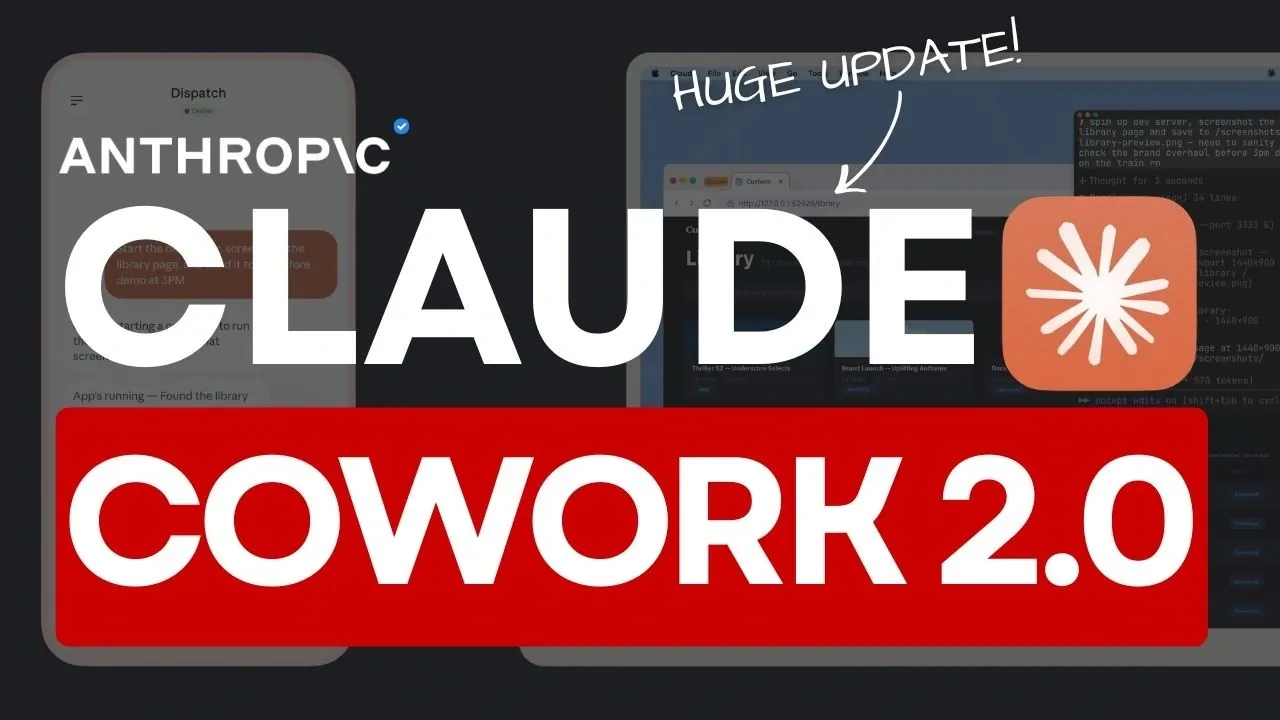
Claude Cowork 2.0 introduces direct computer control, a feature that allows users to assign tasks like managing files, navigating applications and drafting documents directly to the AI. According to Universe of AI, this system integrates with platforms such as Google Calendar and Slack while accommodating manual workflows when necessary. To ensure transparency and security, every action requires explicit user permission, maintaining oversight throughout the process.
Explore how the “Dispatch” functionality supports cross-device continuity, allowing smooth transitions between desktop and mobile environments. Learn about practical use cases, including project management, file organization and automated reporting. Gain insight into the system’s current limitations and strategies for effectively working within them.
What is Direct Computer Control?
TL;DR Key Takeaways :
- Claude Cowork 2.0 introduces advanced AI capabilities, including direct computer control for managing files, executing commands and integrating with tools like Google Calendar and Slack.
- The “Dispatch” feature enables cross-device continuity, allowing seamless transitions between devices for uninterrupted workflows and productivity.
- Security is prioritized with permission-based access, task interruption options and automated vulnerability detection to safeguard user data and actions.
- Practical use cases include organizing files, generating reports, managing projects and automating recurring tasks, enhancing efficiency for personal and professional applications.
- Current limitations include MacOS-only availability, performance inconsistencies and variability in output quality, as the system is still in its research preview phase.
At the core of Claude Cowork 2.0 is its ability to perform direct computer control, allowing you to delegate repetitive or time-consuming tasks to the AI. This feature allows Claude to:
- Open and navigate various applications with ease.
- Conduct web searches and browse the internet efficiently.
- Organize and manage files and folders on your system.
- Draft emails, reports, or other documents with minimal input.
The system is designed to integrate seamlessly with tools like Google Calendar and Slack, automating tasks where possible. When direct integrations are unavailable, Claude adapts by performing tasks manually, making sure flexibility for a wide range of users. Whether you’re juggling a complex project or managing routine activities, this feature simplifies workflows and reduces the time spent on mundane tasks.
How Secure is Cowork?
Security is a cornerstone of Claude Cowork 2.0, making sure that users remain in control of their data and actions. The system requires explicit permission before accessing applications or executing commands, providing a layer of transparency and control. Key security measures include:
- Permission-based access to sensitive operations, making sure tasks are only performed with your approval.
- The ability to interrupt or halt tasks mid-execution if necessary, giving you full oversight.
- Automated detection of vulnerabilities, such as prompt injection attacks, to safeguard your data.
While these features provide robust protection, users should exercise caution during this research preview phase. To minimize risks, start by using the system with trusted applications and avoid exposing sensitive or critical data.

Discover other guides from our vast content that could be of interest on Claude Cowork.
- Claude Cowork AI Automation Tool for Files, Sheets, Docs & Browser Tasks
- Claude Cowork Completed 7 Days of Work in Just 15 Minutes
- Cowork Features, Google Drive and Gmail Integrations
- Claude Cowork Automations : File Cleanup, Plots, Reports & More
- Cowork Guide for Beginners, Install, Set up & First Tasks
- Claude Cowork Pricing and Limits: Pro and Max Plans from $20
- Cowork : AI Desktop Automation Assistant for macOS
- Claude Cowork for Mac : Features, Price, and Key Limits in 2026
- Claude Cowork Plugins & Custom Skills Guide for Marketing Teams
- Cowork Dispatch Enables Remote AI Desktop Control
Introducing the Dispatch Feature
The “Dispatch” feature is a standout addition to Claude Cowork 2.0, offering cross-device continuity that ensures your workflows remain consistent across multiple devices. This feature is particularly valuable for professionals who need to stay productive on the go. Examples of its functionality include:
- Starting a overview on your desktop and seamlessly continuing it on your mobile device without losing context.
- Generating daily summaries or checking emails across devices for uninterrupted productivity.
- Handling recurring tasks, such as organizing files or updating project statuses, with minimal effort.
By allowing smooth transitions between devices, Dispatch eliminates the friction often associated with multitasking in a multi-device environment. This feature ensures that your productivity remains uninterrupted, regardless of where you are working.
Practical Use Cases
Claude Cowork 2.0 is designed to address a variety of practical needs, making it a versatile tool for both personal and professional applications. Some of the most impactful use cases include:
- Organizing and managing digital files and folders to maintain a clutter-free workspace.
- Generating detailed reports or analyzing data for business or academic purposes.
- Assisting with project management tasks, such as scheduling meetings or tracking progress.
- Creating spreadsheets, organizing photos, or managing documents remotely from your mobile device.
By automating these tasks, Claude allows you to focus on higher-priority activities, ultimately enhancing your overall efficiency and productivity.
Current Limitations
While Claude Cowork 2.0 offers a range of innovative features, it is important to acknowledge its current limitations. These include:
- Availability restricted to MacOS users, limiting access for those on other operating systems.
- Performance inconsistencies that may arise due to its early-stage development.
- Variability in output quality, particularly when handling complex or nuanced tasks.
These challenges are expected to diminish as the system evolves and undergoes further refinement. For now, users should approach the tool with realistic expectations, using its strengths while remaining mindful of its experimental nature.
What Lies Ahead?
The future of Claude Cowork 2.0 holds immense potential as the system continues to mature. Anticipated advancements in functionality and AI capabilities promise to deliver more precise and reliable task execution. Whether you’re managing professional workflows or personal projects, this tool is poised to become an indispensable asset in your productivity toolkit.
By combining direct computer control, cross-device continuity, and robust security protocols, Claude Cowork 2.0 offers a glimpse into the future of AI-powered computing. While it is not without its limitations, its innovative features provide a compelling reason to explore its capabilities. As artificial intelligence continues to advance, tools like Claude Cowork 2.0 are paving the way for a new era of seamless and efficient workflows.
Media Credit: Universe of AI
Disclosure: Some of our articles include affiliate links. If you buy something through one of these links, Geeky Gadgets may earn an affiliate commission. Learn about our Disclosure Policy.
