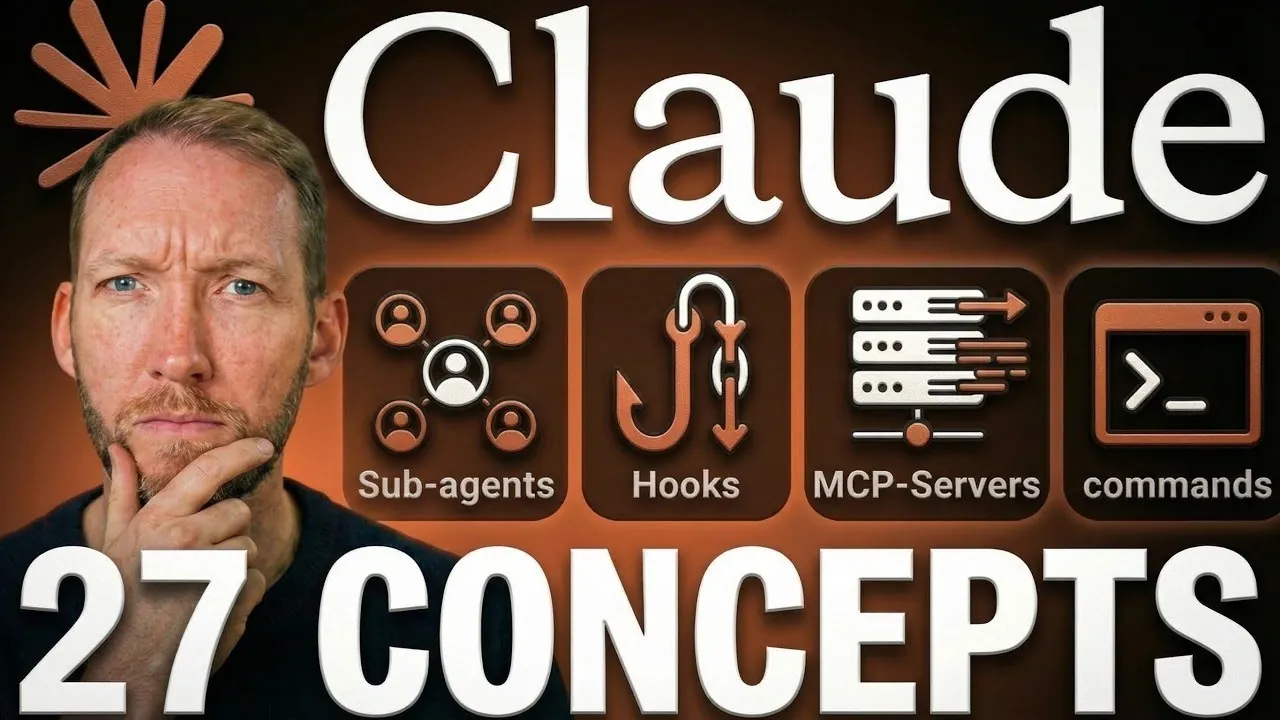
Claude Code is a system for task automation and workflow management that allows users to perform actions using natural language commands. By eliminating the need for extensive programming knowledge, it simplifies tasks like running terminal commands, generating scripts and organizing files. According to Simon Scrapes, one standout feature is the customizable claude.md file, which lets users define task-specific rules and preferences to maintain consistency across workflows.
Learn how to craft precise prompts to improve output accuracy, manage permissions to ensure security and use work trees for handling parallel tasks. This breakdown also covers how compact context and sub-agents can help streamline multi-step processes. These insights will provide practical strategies for integrating Claude Code into your projects.
Claude Code Concepts
TL;DR Key Takeaways :
- Claude Code is an AI-powered tool that automates tasks, manages workflows and develops applications using plain English commands, eliminating the need for extensive technical expertise.
- Key features include natural language processing, tool integration, context management, conversation history and customizable permissions for enhanced functionality and security.
- Advanced tools like compact context, work trees and customizable models optimize workflows, while specialized features like hooks, sub-agents and MCP servers cater to advanced users.
- Customization options such as project-specific preferences, memory persistence and deny lists allow users to tailor Claude Code to their specific needs and enhance operational efficiency.
- Practical applications include multimodal support, automated checkpoints and cost-effective subscription plans, making it suitable for a wide range of users and industries.
Core Features That Define Claude Code
Claude Code distinguishes itself by seamlessly integrating with your system to execute tasks based on natural language instructions. It translates plain English commands into actionable steps, such as generating scripts, organizing files, or optimizing workflows. This capability eliminates the steep learning curve associated with traditional programming, empowering users to achieve results efficiently, even with minimal coding knowledge.
By combining natural language processing with terminal command execution, Claude Code bridges the gap between simplicity and functionality, making it a versatile tool for both beginners and experienced users. To effectively use Claude Code, it is essential to understand its foundational features. These include:
- Prompts: Clear and specific instructions are critical for accurate outputs. Ambiguous commands can lead to errors or unintended results, so precision is key.
- Permissions: You maintain control over what Claude Code can access, making sure a balance between functionality and security. For example, you can restrict access to sensitive files or limit execution rights.
- Tool Integration: Built-in tools for reading, writing and executing commands make Claude Code a versatile assistant for a variety of tasks.
- Context Window: Its short-term memory management prevents “context rot,” making sure ongoing tasks remain coherent and relevant.
- Conversation History: Resume previous sessions seamlessly, allowing continuity for long-term projects without losing progress.
Become an expert in Claude Code with the help of our in-depth articles and helpful guides.
- Claude Code 2.1 Custom Output Modes for Beginners & Pros
- Claude Code Update: LSP Support, Sub-Agents and Ultrathink
- Agent Browser Lets Claude Code Control Chromium for Automations
- Nested Claude Code System for Parallel Work in Tmux on macOS
- Guide to Installing Claude Code on Windsurf and Cursor
- Claude Code Workflow : Creator’s 8-step Path to Faster Builds
- The Story Behind Claude Code’s Recent Performance Issues
- Claude Code MCP Upgrade 2026 : Cut Tokens by 95% with Smart Loading
- New Claude Code Remote Control Feature Released By Anthropic
- Claude Code No Longer Works with Third Party IDEs
Customizing Claude Code for Your Needs
Claude Code offers robust customization options to adapt its behavior to your specific requirements. These customization features include:
- claude.md: A project-specific file where you can define preferences, rules and operational guidelines tailored to individual tasks.
- Memory: Persistent preferences ensure your workflows remain personalized across sessions, saving time on repeated configurations.
- Deny Lists: Restrict access to sensitive or irrelevant files, enhancing both security and focus while maintaining operational efficiency.
Advanced Tools for Optimizing Workflows
For managing complex projects, Claude Code provides advanced tools designed to streamline workflows and enhance productivity:
- Compact Context: Summarizes and manages long conversations, reducing redundancy and maintaining clarity throughout extended interactions.
- Models: Choose between HiQ, Sonnet and Opus models based on the complexity and nature of your tasks, making sure optimal performance for different scenarios.
- Flags: Launch sessions with specific options to customize behavior, allowing tailored solutions for diverse requirements.
- Work Trees: Create isolated environments for parallel task management, allowing you to handle multiple projects simultaneously without overlap.
Specialized Features for Advanced Users
Claude Code extends its functionality with specialized features designed to meet the needs of advanced users. These include:
- Skills: Pre-written instructions for specific tasks streamline repetitive processes, saving time and effort on routine operations.
- Hooks: Automated scripts triggered by specific events reduce manual intervention, improving efficiency and consistency.
- Sub-Agents and Agent Teams: Delegate tasks to specialized agents or collaborative teams, enhancing productivity and allowing multitasking.
- MCP Servers: Integrate Claude Code with external tools like Notion or Airtable to expand its capabilities and improve workflow integration.
Efficiency and Cost Management
Claude Code is designed to balance efficiency with cost-effectiveness, offering features that help you manage resources effectively:
- Token Usage: Costs are determined by the size of inputs and outputs, allowing you to monitor and control expenses based on your usage.
- CLI Mode: Run tasks autonomously without user interaction, making it ideal for repetitive or time-sensitive operations.
- Ralph Loop: Automates iterative task completion, making it invaluable for tackling complex, multi-step projects with minimal oversight.
- Git Integration: Built-in version control helps you track and manage changes, making sure transparency, accountability and ease of collaboration.
Practical Applications of Claude Code
The versatility of Claude Code makes it suitable for a wide range of real-world applications. Some practical use cases include:
- Multimodal Support: Combine images with text for faster problem-solving and enhanced communication, particularly in collaborative environments.
- Checkpoints: Automatic snapshots allow you to undo changes, providing a safety net for experimentation and iterative development.
- Cost Plans: Flexible subscription options and token-based pricing cater to different usage levels, from casual users to enterprise clients.
Claude Code enables users to approach tasks, projects and workflows with greater efficiency and precision. By mastering its core features, customization options and advanced tools, you can unlock its full potential to boost productivity and streamline operations. Whether you are a beginner exploring automation or an experienced user managing complex projects, Claude Code equips you with the tools needed to achieve your goals effectively.
Media Credit: Simon Scrapes
Disclosure: Some of our articles include affiliate links. If you buy something through one of these links, Geeky Gadgets may earn an affiliate commission. Learn about our Disclosure Policy.
