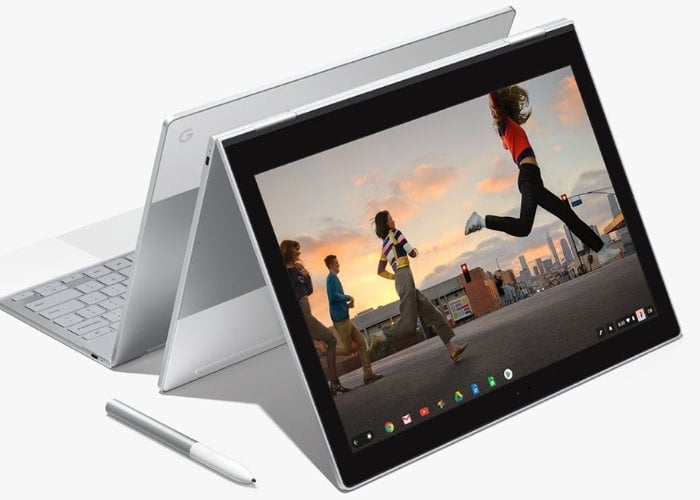
As well as fixing numerous bugs and providing enhancements, tweaks and new features the latest Chrome OS 76 release also finally brings support for virtual desktops to the operating system. Other features include the ability to view a list of changes as versions are released in the future. Previously you would have needed to check the Chrome Release blog for update notes.
– What’s new with your Chromebook? : Your Chromebook updates automatically to provide you with the latest features and to keep the software fresh and speedy. Here’s some highlights from recent releases:*
– Hey Google, what’s on my agenda? : The Google Assistant is now available on your Chromebook. Say “Hey Google” or click the Assistant logo from the Launcher to ask a question, set a reminder, play music, control smart home devices, and more.**
– Get more done with Virtual Desks : Master your multitasking with virtual desks. Now, with different sets of screens, you can compare tasks, organize projects, or simply separate work and play. To create a new virtual desk, click the “show all windows” button on your keyboard, and select “new desk”.
– Easier audio control : If you’ve ever struggled to figure out which tab or application is playing audio on your Chromebook, there are now new media controls to help you. Click the bottom right of your screen (where the clock is) to see controls for all audio that is playing on your device and manage it in one convenient place.
– Add bonus time with Family Link : Family Link helps you create healthy digital ground rules for children and teens. It’s now easier for parents to add extra screen time within the Family Link app when screen time is almost over.
– Navigate easily with Automatic Clicks : Introducing new ways you can interact with your Chromebook without putting any pressure on the touchpad or mouse. Use updated controls to hover over an item to left click, right click, double-click, drag and scroll. This feature and more are available in your Accessibility settings.
Source: Google
Disclosure: Some of our articles include affiliate links. If you buy something through one of these links, Geeky Gadgets may earn an affiliate commission. Learn about our Disclosure Policy.
