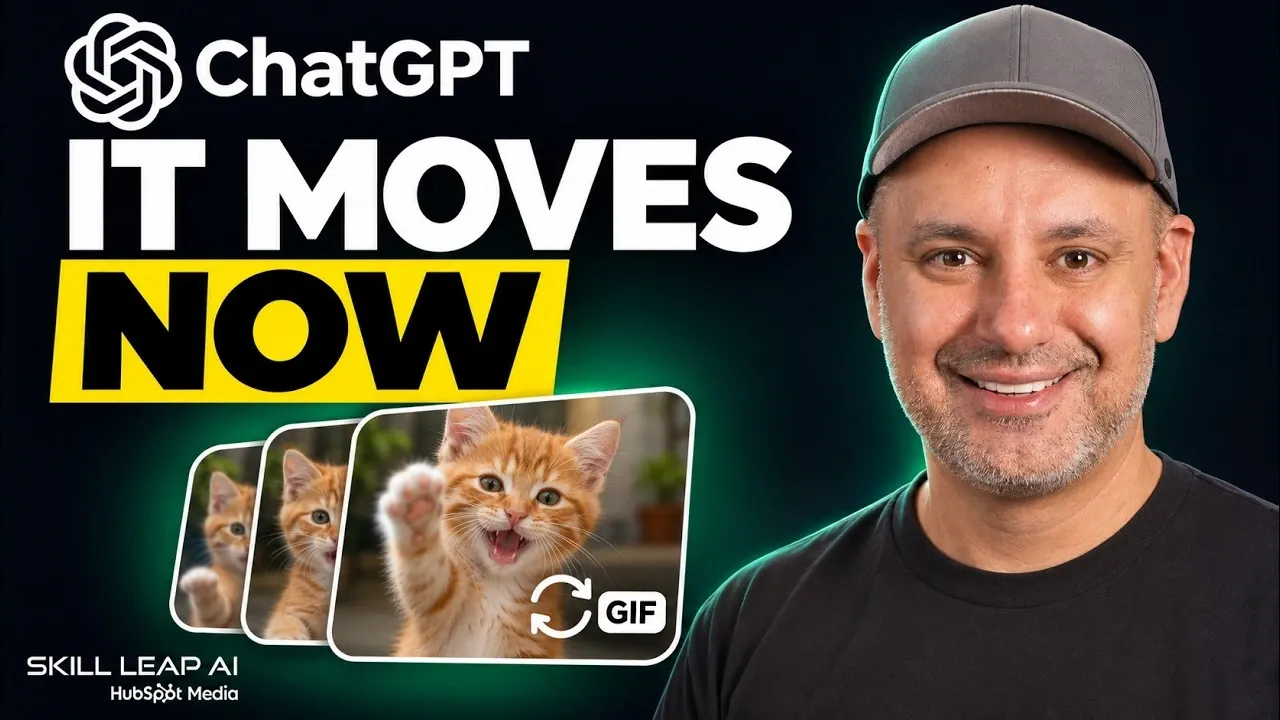
ChatGPT’s image model 2.6 introduces the ability to create and edit GIFs directly within the platform, expanding options for working with animated visuals. Users can adjust playback speeds, apply animation effects, and save files for later use. For instance, a basic sketch was turned into an animated mascot for a fictional coffee brand, demonstrating its application in branding projects, as shown by Skill Leap AI.
Explore advanced editing features such as cinemagraph creation and background swapping to enhance animations. Learn how improved text accuracy contributes to more precise visual outputs and discover how to save reference images for use in future prompts. Additionally, gain insight into the branching conversation feature, which supports iterative workflows for consistent results in creative projects.
TL;DR Key Takeaways :
- ChatGPT’s image model 2.6 reportedly offers a 50% speed improvement over its predecessor, introduces GIF creation with adjustable playback speeds, and allows users to save and reuse image references for consistent branding or iterative design.
- The advanced editing tools enable users to modify animations, add subtle movements, and change backgrounds, though some limitations were noted in tasks like animating static images, where unintended movements occurred.
- Users can save images as references and recall them in prompts using the “@” symbol, demonstrated by creating a YouTube thumbnail featuring the ChatGPT logo and text.
- The model excels at restyling images into artistic formats, such as claymation, and creating animated storyboards, maintaining consistent shots and storytelling in tests like a delivery drone animation.
- Version 2.6 shows improved consistency and text accuracy, preserving main objects in product shots while altering other elements, making it valuable for dynamic advertisements and promotional materials.
ChatGPT’s Image Model 2.6 Brings GIFs and Advanced Editing
The release of ChatGPT’s image model 2.6 introduces features aimed at improving creative workflows. Available on all ChatGPT plans, including the free tier, this update offers faster performance, GIF creation, advanced editing tools, and the ability to save and reuse image references. However, free-tier users face limits on the number of images they can generate.
Faster Performance and GIF Creation
The 2.6 model delivers a reported 50% increase in speed over its predecessor, significantly enhancing user experience. A key feature is the ability to create GIFs directly within ChatGPT. Users can adjust playback speeds, either slowing down or speeding up animations to achieve the desired effect. These GIFs are saved as .gif files and can be shared via links or downloaded.
In testing, the model transformed a rough sketch into a polished, animated mascot for a fictional coffee brand. This mascot was saved as a reference image, allowing reuse across various contexts without re-uploading. This functionality is particularly useful for projects requiring consistent branding or iterative design.

Advance your skills in ChatGPT images by reading more of our detailed content.
- ChatGPT Images 2.5 Turns Rough Sketches Into Final Art
- Easily Create Stunning Visuals with ChatGPT’s New 4o Image Generator
- Why OpenAI’s New ChatGPT Image 2 is a Massive Leap for AI Generation
- Designing logos with words using DallE 3 and ChatGPT
- Bing DallE 3 vs ChatGPT DallE 3 the differences compared
- ChatGPT vs Midjourney 7 : Same Prompt Image Generation Comparison
- ChatGPT-4o Omni Text, Vision, and Audio capabilities explained
- Which AI Image Tool Wins? Nano Banana Pro vs ChatGPT vs Midjourney vs Flux
Advanced Editing and Animation Tools
The new edit page offers a comprehensive suite of tools for modifying animations. Users can add subtle movements, such as blinking or hopping, or change backgrounds. For example, a can of lemonade was edited to retain its text and design while its background was swapped between a sunset beach, a snowy cabin, and a neon-lit cityscape. Additional effects, like condensation and ice movement, were applied, though the condensation effect was subtle.
The model also supports “cinema graphs,” where one part of an image moves while the rest remains static. In one test, waves in a photo from Unsplash were animated while the rest of the image stayed frozen. However, slight unintended movements in the GIF revealed some limitations, suggesting a video model might handle such tasks better.
Saving and Reusing Reference Images
Version 2.6 introduces the ability to save images as references. By typing the “@” symbol followed by the saved name, users can reference these images in prompts without re-uploading them. In one demonstration, an uploaded image was cut out from its background and saved as a reference photo. This saved image was later used to create a YouTube thumbnail featuring the ChatGPT logo and the text “It moves now.”
Restyling and Storyboarding
The model excels at restyling images into various artistic formats. For example, a photo was converted into a claymation style, described as a “really good restyling example.” Additionally, the model is effective at creating animated storyboards. A 15-second storyboard depicted a delivery drone flying over a city and delivering a package to a dog. This was followed by a full-color version, maintaining consistent shots and storytelling throughout.
Improved Consistency and Text Accuracy
Version 2.6 shows marked improvements in consistency and text accuracy. For instance, in product shots, the model preserved the integrity of the main object while altering other elements. This precision is particularly valuable for creating dynamic advertisements or promotional materials. Additionally, the model’s handling of text has improved, building on earlier capabilities.
Branching Conversations for Iterative Design
The ability to branch conversations allows users to explore multiple versions or iterations of an image or GIF without losing earlier ideas. This feature is especially useful for refining designs or animations, making the tool more versatile for iterative workflows. By branching, users can experiment with creative directions more effectively.
Free Resources and Use Cases
To help users explore the model’s features, a library of 53 prompts has been compiled specifically for the image 2.6 model. These prompts, available for free, cover a wide range of use cases, including animated advertisements and artistic restyling. Users can copy and paste these prompts into ChatGPT to experiment with its capabilities.
Additionally, the website Futuredia offers over 170 AI use cases, including a section on AI workflows. Like the prompt library, this resource is free and provides insights into broader applications of AI tools.
The image model 2.6 represents a significant step forward in creative AI. Its faster performance, enhanced editing tools, and features like GIF creation and reference saving make it a versatile asset for designers, marketers, and content creators. While free-tier users face some limitations, the model’s accessibility ensures its capabilities reach a wide audience, showcasing the evolving potential of AI-driven creativity.
Media Credit: Skill Leap AI
Disclosure: Some of our articles include affiliate links. If you buy something through one of these links, Geeky Gadgets may earn an affiliate commission. Learn about our Disclosure Policy.
