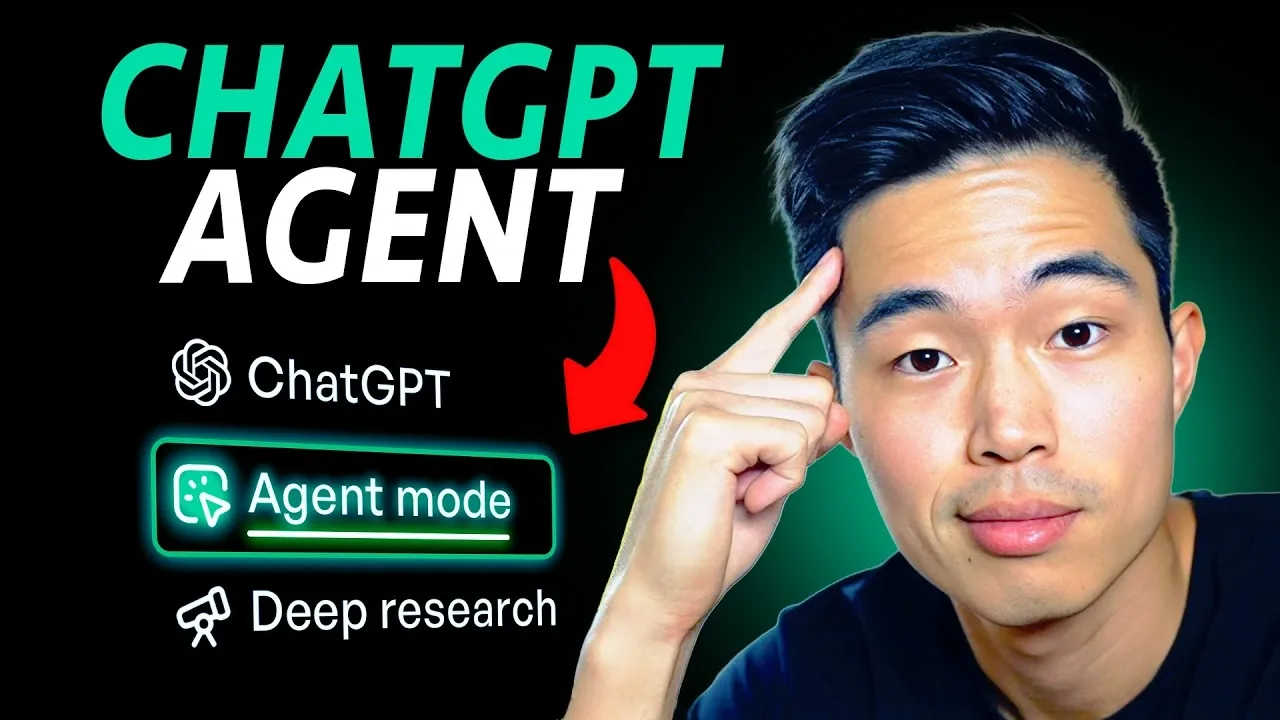
What if you could delegate your most tedious tasks to an AI that not only understands your goals but also executes them with precision? Charlie Chang explains how ChatGPT Agent Mode, a innovative feature in 2026, is redefining how we approach productivity and problem-solving. Imagine an AI that drafts your overviews, plans your trips, or even analyzes your finances, all while you focus on what truly matters. This isn’t just a futuristic vision; it’s happening now. With its ability to handle multi-step workflows autonomously, ChatGPT Agent Mode is poised to become an indispensable ally for professionals and individuals alike, offering unparalleled efficiency and adaptability in managing everyday challenges.
In this hands-on walkthrough, we’ll explore eight innovative ways to use ChatGPT Agent Mode, from automating outreach campaigns to creating polished presentations in minutes. Whether you’re looking to streamline your workday, simplify travel planning, or enhance your content creation process, this guide will reveal how to unlock the full potential of this AI-powered assistant. Along the way, you’ll discover time-saving strategies and practical applications that could transform how you approach both work and life.
ChatGPT Agent Mode Overview
TL;DR Key Takeaways :
- ChatGPT Agent Mode automates multi-step tasks, enhancing productivity by integrating with platforms like Gmail, Google Calendar, and Slack to streamline workflows and reduce manual effort.
- It simplifies complex processes such as creating professional presentations, conducting in-depth research, and generating financial analyses, saving time and making sure accuracy.
- The tool customizes travel itineraries, manages outreach campaigns, and assists in content creation, aligning outputs with user preferences and audience expectations.
- Recurring tasks like monitoring real estate listings or compiling market trends are automated, delivering structured updates and eliminating repetitive manual searches.
- Requiring a ChatGPT Plus subscription, it integrates seamlessly with popular apps, offering a versatile and efficient virtual assistant solution for both personal and professional use.
1. Streamlining Productivity
ChatGPT Agent Mode serves as a robust ally in managing daily tasks, seamlessly integrating with platforms like Gmail, Google Calendar, and Slack. It automates routine activities such as drafting overviews, summarizing meetings, and sending reminders. For example, it can prioritize your to-do list based on deadlines and importance, making sure you stay on track. By reducing the need for manual effort, this feature helps you remain organized and focused, allowing you to allocate more time to strategic priorities. Automation of repetitive tasks is a key advantage, allowing you to maintain productivity without unnecessary distractions.
2. Simplifying Presentation Creation
Creating professional presentations has never been easier. ChatGPT Agent Mode can generate polished slides tailored to your input, such as themes, data, or specific topics. By integrating with tools like Zapier or Gamma, it automates slide design and formatting, saving hours of manual work. This capability is particularly beneficial for professionals preparing for meetings, pitches, or conferences. Whether you need a detailed financial overview or a visually appealing marketing deck, the ability to produce high-quality presentations quickly ensures you can focus on delivering impactful content rather than spending excessive time on design.
3. Conducting In-Depth Research
For professionals who require detailed and accurate research, ChatGPT Agent Mode is an invaluable resource. It can analyze market trends, compile competitor data, and summarize industry insights into actionable overviews. This feature is especially useful for individuals in fields such as marketing, finance, or academia, where informed decision-making relies on comprehensive data. By automating the research process, it not only saves time but also ensures access to reliable and well-organized information, empowering users to make strategic choices with confidence.
4. Planning Trips with Ease
Organizing travel can be a time-consuming and stressful task, but ChatGPT Agent Mode simplifies the process by creating detailed itineraries tailored to your preferences, budget, and schedule. From finding the best flights and accommodations to suggesting activities and dining options, it ensures every aspect of your trip is planned efficiently. Whether you’re arranging a business trip or a family vacation, this feature eliminates the hassle of manual planning. The ability to customize itineraries ensures that your travel experience aligns perfectly with your needs, saving both time and effort.
8 Incredible ChatGPT Agent Use Cases

Master ChatGPT Agents with the help of our in-depth articles and helpful guides.
- How to Use ChatGPT Agent Mode to Automate Your Day
- How to Use ChatGPT Agent Mode to Build Apps More Efficiently
- How ChatGPT 5 Agent Mode Can Automate Your Tedious Tasks
- ChatGPT Atlas AI Browser Guide, Agent Mode and Key Features
- Excel AI Agent Mode Explained: Features, Benefits and Limitations
- 7 Ways New ChatGPT Agent Can Boost Sales & Efficiency in 2025
- How to Use ChatGPT-5: Beginner to Pro Guide 2025
- How to Use ChatGPT 5 Study Mode for Smarter Learning
- AI Browsing : What to Know About OpenAI’s New ChatGPT Atlas
- 22 Expert Tips to Unlock the Full Potential of ChatGPT 5 Today
5. Enhancing Financial Analysis
Managing finances, whether for personal or professional purposes, becomes significantly easier with ChatGPT Agent Mode. It can analyze spreadsheets, such as profit and loss statements, to identify trends, savings opportunities, or areas for improvement. By automating financial data analysis, it enables users to make informed decisions without requiring advanced expertise in finance. For businesses, this feature can highlight key performance indicators, while for individuals, it can assist in budgeting and expense tracking. The automation of financial insights ensures accuracy and efficiency, allowing better resource management.
6. Assisting Content Creation
Content creators can use ChatGPT Agent Mode to streamline their workflow and enhance output quality. It assists in outlining scripts, optimizing SEO, and generating ideas for articles, videos, or social media posts. By analyzing top-performing content and audience preferences, it ensures your work remains relevant and engaging. This feature is particularly valuable for bloggers, marketers, and social media managers aiming to stay competitive in a rapidly evolving digital landscape. The ability to align content with audience expectations ensures higher engagement and better results.
7. Automating Outreach
Effective communication is essential for building and maintaining relationships, and ChatGPT Agent Mode automates this process seamlessly. It drafts personalized emails, manages outreach campaigns, and integrates with tools like Zapier and Sinflow to streamline workflows. This functionality is especially useful for sales and marketing professionals seeking to enhance their outreach efforts. By automating repetitive communication tasks, it allows you to focus on building meaningful connections. The ability to personalize and automate outreach ensures efficiency without compromising on quality.
8. Compiling Recurring Information
For tasks that require frequent searches, such as monitoring real estate listings, job opportunities, or product deals, ChatGPT Agent Mode offers a practical solution. It performs daily searches and delivers results in structured formats like Google Docs or spreadsheets. This feature ensures you stay updated without the need for repetitive manual searches. Whether you’re tracking market trends or scouting for the best deals, the automation of recurring information gathering saves time and ensures you never miss important updates.
How to Access ChatGPT Agent Mode
To use ChatGPT Agent Mode, a ChatGPT Plus subscription is required, priced at $20 per month. This tool supports integration with popular apps like Gmail, Slack, Dropbox, and Zapier, enhancing its functionality and adaptability. By identifying tasks that can be delegated to the agent, users can unlock significant time savings and improve overall efficiency. The seamless integration with widely used platforms ensures that ChatGPT Agent Mode fits naturally into your existing workflows, maximizing its utility.
The Future of Virtual Assistance
ChatGPT Agent Mode represents a significant advancement in virtual assistance technology, offering a wide range of applications that cater to both professional and personal needs. By automating repetitive or complex processes, it allows users to focus on strategic priorities and creative endeavors. Whether you’re streamlining workflows, conducting research, or planning trips, this technology acts as a dependable partner, delivering the efficiency and precision of a virtual team. As adoption continues to grow, the potential for enhanced productivity and convenience makes ChatGPT Agent Mode an indispensable tool in 2026.
Media Credit: Charlie Chang
Disclosure: Some of our articles include affiliate links. If you buy something through one of these links, Geeky Gadgets may earn an affiliate commission. Learn about our Disclosure Policy.
