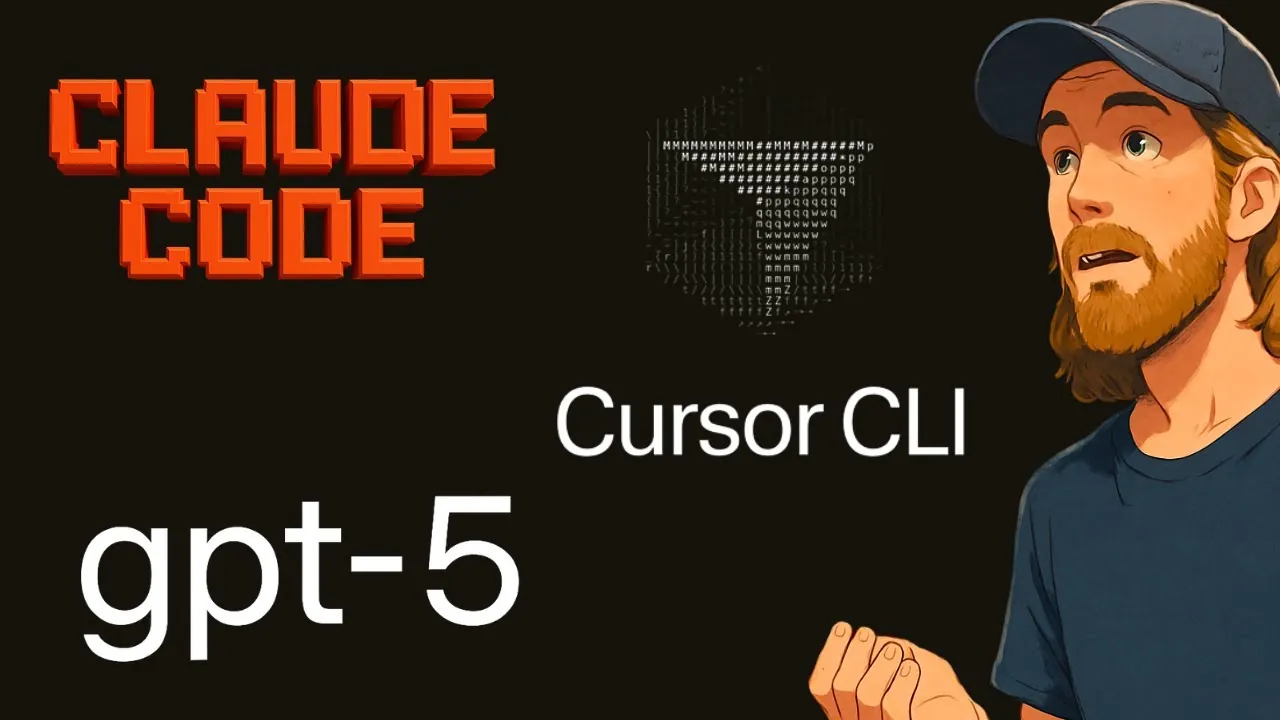
What if the tools you choose for your next coding project could mean the difference between seamless success and hours of frustration? In the rapidly evolving world of AI-driven development, models like ChatGPT-5, CursorCLI, and Claude Code are transforming how developers approach complex tasks. But with so many promises of efficiency and innovation, how do these tools actually perform when put to the test? Whether you’re building a innovative video-generation app or refining a simpler workflow, understanding the strengths and limitations of these technologies is critical. This exploration dives deep into their real-world capabilities, uncovering surprising insights that could reshape your approach to software development.
In the sections ahead, All About AI explores how these tools stack up in key areas like instruction-following, tool-calling, and adaptability to complex workflows. From Claude Code’s standout ability to execute intricate tasks with minimal intervention to the potential—and pitfalls—of pairing ChatGPT-5 with CursorCLI, this comparison offers a nuanced look at each tool’s role in the AI coding landscape. Whether you’re a seasoned developer or experimenting with AI for the first time, this analysis will help you identify the right tool for your needs. The stakes are high, but so is the potential—what could these tools unlock for your next project?
AI Tools for Coding Comparison
TL;DR Key Takeaways :
- Claude Code emerged as the most effective tool, excelling in handling complex tasks, planning, and execution, while also suggesting innovative features like AI voice narration and dynamic background music.
- ChatGPT-5 demonstrated strong tool-calling and debugging capabilities but struggled with complex workflows, making it more suitable for simpler coding tasks or casual users.
- CursorCLI, still in its beta phase, showed potential but faced significant challenges in execution and planning, requiring further refinement for practical use.
- Developers are encouraged to tailor workflows to the specific strengths of each tool and refine prompts to achieve better outcomes, regardless of the tool chosen.
- The competition between AI tools like ChatGPT-5, Claude Code, and CursorCLI is driving innovation, offering developers more efficient and creative solutions for software development.
ChatGPT-5: A Promising Tool with Room for Growth
ChatGPT-5 is designed to excel in tool-calling and instruction-following, making it a strong contender for coding and development tasks. Its quick response times and ability to handle debugging scenarios effectively have been praised by users. However, its performance can be inconsistent, particularly when addressing complex tasks such as building fully functional applications.
For instance, when paired with CursorCLI, ChatGPT-5 struggled to generate a working video-generation application. This revealed gaps in its planning and execution capabilities, especially for intricate workflows that demand precision and adaptability. These challenges highlight areas where further refinement is necessary to improve its reliability for advanced use cases.
Despite these limitations, ChatGPT-5 remains a valuable tool for casual users or developers working on simpler coding tasks. Its potential lies in its ability to integrate with other platforms, which could make it a more versatile option as it evolves. Developers seeking a tool for basic coding assistance or debugging support may find ChatGPT-5 to be a practical choice.
Claude Code: A Standout Performer
Claude Code distinguished itself as the most capable tool in this comparison, successfully creating a video-generation application on the first attempt. Its ability to plan and execute tasks with minimal adjustments underscores its strength in managing complex software development scenarios. Additionally, Claude Code suggested innovative features, such as AI voice narration and dynamic background music, which added significant value to the application’s functionality.
This model’s seamless execution and advanced capabilities make it an excellent choice for developers seeking efficient and reliable tools. Its performance highlights the importance of robust planning and adaptability in AI-driven coding environments. By setting a high standard for competitors, Claude Code demonstrates how AI can streamline development processes and enhance creativity.
For developers working on complex applications or requiring a tool that can handle multi-layered workflows, Claude Code offers a level of reliability and innovation that is difficult to match. Its ability to deliver results with minimal intervention makes it a standout option in the current landscape of AI coding tools.
ChatGPT-5 vs CursorCLI vs Claude Code
Unlock more potential in AI coding by reading previous articles we have written.
- Everything We Know About ChatGPT 5 So Far
- 10 Features of ChatGPT 5 That Will Transform AI Technology
- OpenAI Horizon Alpha: Open Source ChatGPT-5 AI Model Details
- ChatGPT 5 : Everything You Need to Know
- ChatGPT 5 Release Date, Features and What It Means for AI
- ChatGPT 5 Overview : Features, Benefits and Ethical Implications
- The Truth About ChatGPT-5 – Why OpenAI Is Holding Back
- ChatGPT 5 vs Claude Sonnet: Real-World AI Coding Comparison
- ChatGPT 5 Review: Strengths, Weaknesses & What It Means for AI
- Discover the Power of ChatGPT 5 for Building Apps and Games
CursorCLI with ChatGPT-5: Potential Hampered by Limitations
CursorCLI, when paired with ChatGPT-5, faced significant challenges during testing. The Cursor Agent, which is still in its beta phase, struggled with execution due to incomplete or flawed planning. While the Cursor IDE showed promise as a development environment, it requires further refinement to meet the practical needs of developers.
These limitations highlight the need for continued development and rigorous testing to improve CursorCLI’s usability and effectiveness. Despite its current shortcomings, CursorCLI holds potential as a tool for integrating AI into coding workflows. When paired with a more reliable model, it could become a valuable asset for developers seeking to streamline their processes.
For now, CursorCLI may be best suited for experimental use or as a supplementary tool rather than a primary development platform. Developers interested in exploring its capabilities should be prepared to navigate its current limitations while keeping an eye on future updates that may enhance its functionality.
User Feedback and Broader Insights
Feedback on ChatGPT-5 has been mixed. While some users appreciate its tool-calling and debugging capabilities, others find it less reliable than Claude Code for complex coding tasks. This variability suggests that ChatGPT-5 may be better suited for casual users or simpler projects rather than advanced development scenarios.
The competition between models like ChatGPT-5 and Claude Code benefits developers by driving innovation and improving performance. Platforms such as OpenCode further enrich this ecosystem by offering a versatile space to test various models, including GPT-5 Mini. These platforms allow developers to experiment with different tools, refine their prompts, and better understand the unique strengths of each model.
Refining prompts and tailoring workflows to the specific strengths of each tool are critical factors that can significantly influence outcomes. Developers who invest time in understanding these nuances are more likely to achieve success, regardless of the tool they choose.
Key Takeaways for Developers
In this comparison, Claude Code emerged as the most capable tool, demonstrating its ability to handle complex tasks with ease and efficiency. Its performance underscores the importance of robust planning and adaptability in AI-driven development. However, ChatGPT-5 and CursorCLI also show promise, particularly for tool-calling and instruction-following in simpler or experimental projects.
As these technologies continue to evolve, ongoing testing and refinement will be essential to unlocking their full potential. Developers should carefully assess their specific needs and the strengths of each tool to make informed decisions. Whether you’re working on a simple project or tackling a multi-layered application, understanding the capabilities and limitations of these tools is key to achieving success.
By using the unique strengths of each model and staying informed about updates and advancements, developers can maximize the benefits of AI in their workflows. The future of AI-driven software development holds immense potential, and tools like ChatGPT-5, CursorCLI, and Claude Code are paving the way for more efficient and innovative coding solutions.
Media Credit: All About AI
Disclosure: Some of our articles include affiliate links. If you buy something through one of these links, Geeky Gadgets may earn an affiliate commission. Learn about our Disclosure Policy.
