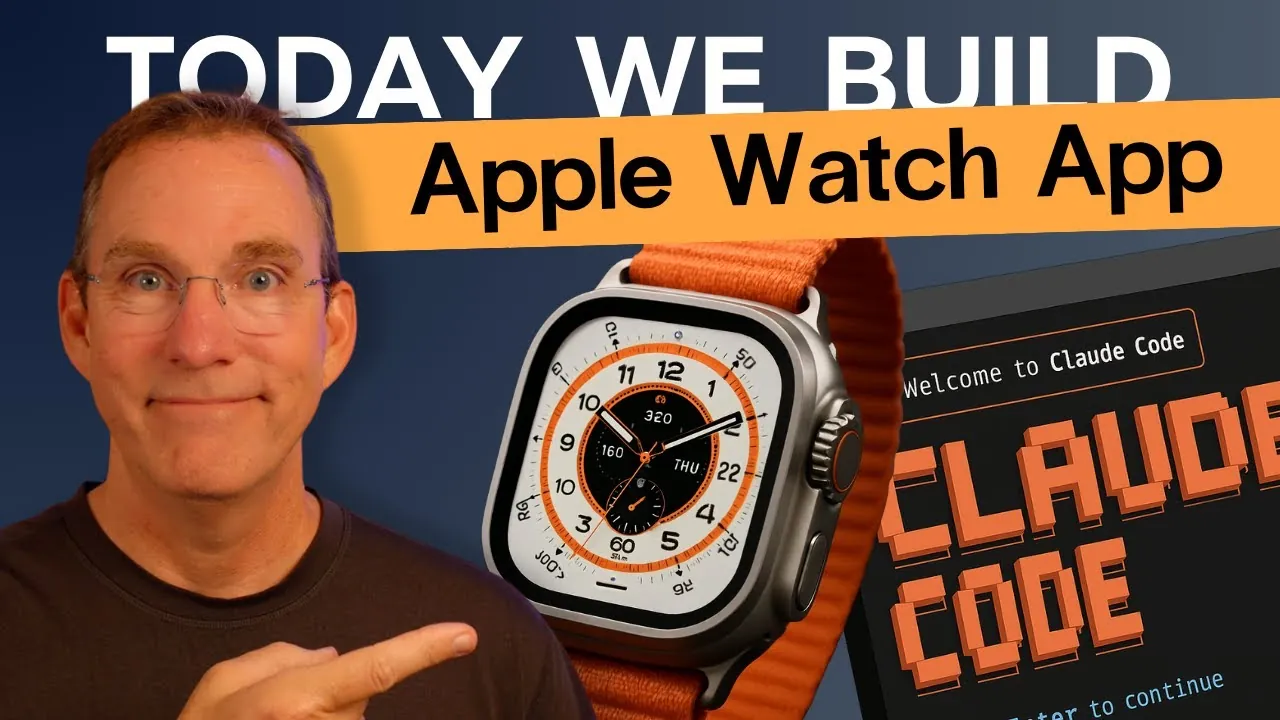
What if building an Apple Watch app didn’t have to feel like navigating a maze of code, frameworks, and endless debugging? Imagine transforming hours of tedious development into a streamlined, almost intuitive process—with the help of AI. That’s exactly what happened during the creation of “Nudger,” a watchOS app designed to deliver customizable reminders and notifications. By pairing Apple’s Xcode with the AI-powered Claude Code, developers tackled challenges like notification triggers, haptic feedback, and user interface design with newfound efficiency. This isn’t just a story about coding—it’s a glimpse into how AI is reshaping app development, making it faster, smarter, and more accessible.
Matt Maher shows how Claude Code became a silent partner in the development of “Nudger,” automating repetitive tasks, solving debugging headaches, and even suggesting tailored code snippets for complex features. You’ll discover how this AI tool complemented Xcode’s robust capabilities, from crafting a scalable app foundation to refining user experience details. Whether you’re an experienced developer or just curious about the intersection of AI and app creation, this journey reveals how technology can simplify the intricate process of building for watchOS. It’s not just about writing code—it’s about rethinking how we create.
AI-Powered Apple Watch App
TL;DR Key Takeaways :
- The “Nudger” Apple Watch app was developed to provide customizable reminders, including one-time “nudges” and recurring “nags,” with features like haptic feedback and sound alerts.
- Xcode served as the foundational tool for building the app’s structure, user interface, and notification system, making sure compatibility with watchOS.
- Claude Code, an AI-powered coding assistant, streamlined development by generating tailored code snippets, automating repetitive tasks, and solving challenges like notification triggers and user preference customization.
- Debugging and testing in the watchOS simulator were critical for resolving framework errors, notification bugs, and making sure the app’s performance and usability under real-world conditions.
- The integration of AI tools like Claude Code demonstrated how automation and expert guidance can accelerate development, enhance productivity, and simplify complex tasks in app creation.
Building the Foundation with Xcode
The development of any successful watchOS app begins with a robust foundation, and Xcode serves as the cornerstone of this process. Xcode provides the essential tools required to establish the basic structure of an Apple Watch app. For “Nudger,” this involved creating a framework to support its core features:
- One-time reminders, referred to as “nudges.”
- Recurring alerts, called “nags,” which repeat over a specified duration.
Using Xcode, the development team constructed the app’s skeleton, including its user interface and notification system. This initial setup ensured compatibility with watchOS and laid the groundwork for further enhancements using Claude Code. By using Xcode’s capabilities, developers were able to focus on building a scalable and functional base for the app.
Enhancing Functionality with Claude Code
Claude Code, an AI-powered coding assistant, played a pivotal role in implementing the app’s functionality. By providing the AI tool with a detailed project requirements document (PRD), developers generated customized code snippets tailored to “Nudger’s” needs. These snippets addressed critical features such as:
- Setting reminders and managing notification triggers.
- Allowing haptic feedback for notifications.
- Customizing user preferences for alerts.
The AI tool streamlined the coding process by automating repetitive tasks and offering solutions to common challenges. For instance, when integrating time-based notification triggers, Claude Code suggested efficient methods for scheduling alerts and managing user settings. This allowed developers to allocate more time to refining the app’s user experience and making sure its functionality aligned with user expectations.
Building an Apple Watch App with Claude Code & Xcode

Here are additional guides from our expansive article library that you may find useful on AI coding tools.
- Best AI Coding Tools for Developers in 2025
- How Cursor and Claude Are Developing AI Coding Tools Together
- Claude Code vs Cursor: Which AI Coding Assistant is Right for You
- AI Coding Tools Tested: Cursor vs Cline Performance Review
- Integrating AI into Your Software Development Workflow: Best
- Vibe Coding Challenges and Advantages: A Guide to AI Dev
- Codegen AI coding assistant designed for software development
- Claude Code vs Google Gemini CLI: AI Coding Skills Compared
- Using AI Tools to Streamline Your Solo App Development Workflow
- Build Apps Using AI Without Writing a Single Line of Code
Debugging and Overcoming Development Challenges
Debugging is an inevitable part of app development, and “Nudger” was no exception. Issues such as framework import errors, notification handling bugs, and app crashes arose during the process. The combination of Xcode’s debugging tools and Claude Code’s error resolution capabilities proved invaluable in addressing these challenges.
For example, when notifications failed to trigger at the correct times, Claude Code identified errors in the scheduling logic and suggested corrections. Similarly, Xcode’s debugging interface flagged problems with framework dependencies, which were resolved with Claude Code’s assistance. This iterative debugging process ensured that the app functioned as intended in the watchOS simulator, providing a stable and reliable user experience.
Testing in the watchOS Simulator
Thorough testing in the watchOS simulator was a critical step before deploying the app to an actual Apple Watch. The simulator provided a controlled environment to evaluate the app’s performance, user interface, and notification system. For “Nudger,” testing scenarios included:
- Setting one-time reminders and recurring alerts.
- Customizing notification preferences, including haptic feedback and sound alerts.
- Assessing the app’s responsiveness and usability.
The simulator also enabled developers to test haptic feedback, a key feature of the app, under simulated real-world conditions. This phase was essential for identifying and resolving any remaining issues, making sure the app was polished and ready for deployment.
Key Features and Practical Benefits of “Nudger”
“Nudger” offers a range of features designed to enhance productivity and user experience. These include:
- Customizable reminders, with options for one-time “nudges” and recurring “nags.”
- Notifications that include haptic feedback and optional sound alerts.
- A user-friendly interface for adding, editing, and deleting reminders.
These features make “Nudger” a practical tool for managing daily tasks and staying organized. By combining simplicity with functionality, the app addresses the needs of users seeking an efficient way to manage their schedules.
Lessons Learned and the Role of AI
The development of “Nudger” was not without its challenges. Framework import errors, notification handling issues, and debugging complexities required careful attention. However, the integration of Claude Code with Xcode proved to be a powerful combination, simplifying the resolution of these problems and accelerating the development timeline.
This project highlights the potential of AI tools like Claude Code in modern app development. By automating repetitive tasks and providing expert-level guidance, these tools empower developers to focus on creating user-centric applications. The success of “Nudger” underscores how AI can enhance productivity, reduce development time, and simplify complex tasks, paving the way for more efficient and innovative app creation.
Media Credit: Matt Maher
Disclosure: Some of our articles include affiliate links. If you buy something through one of these links, Geeky Gadgets may earn an affiliate commission. Learn about our Disclosure Policy.
