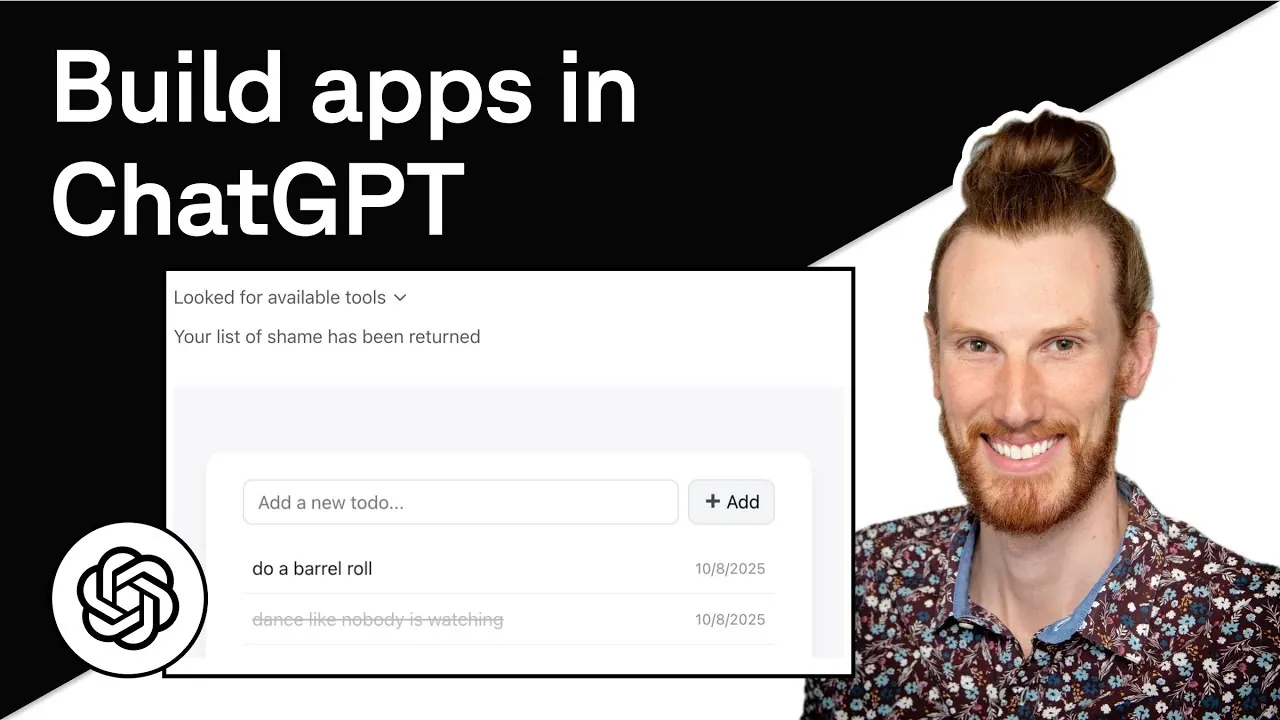
What if you could transform ChatGPT from a conversational tool into a fully interactive platform, capable of running custom apps tailored to your needs? Thanks to OpenAI’s Apps SDK and Model Context Protocol (MCP), this is no longer a futuristic idea, it’s a reality. Imagine embedding a sleek to-do list widget directly into ChatGPT, where users can add, organize, and complete tasks in real time, all without leaving the chat interface. This isn’t just about convenience; it’s about reimagining how we interact with AI. Whether you’re a seasoned developer or just curious about the possibilities, the tools now exist to build apps that feel seamless, dynamic, and deeply integrated into ChatGPT’s ecosystem.
In this guide Gadget, takes you through how to harness the power of OpenAI’s Apps SDK and MCP to create your own app inside ChatGPT 5. From setting up a serverless infrastructure to implementing real-time updates with optimistic UI techniques, this guide will walk you through the essential steps to design, deploy, and optimize an app that feels as intuitive as it is functional. Along the way, you’ll explore how tools like the Gadget platform, PostgreSQL databases, and Fastify backends simplify the process, allowing you to focus on creativity rather than infrastructure. Ready to see how far you can push the boundaries of what ChatGPT can do? Let’s explore the possibilities together.
Building Apps in ChatGPT
TL;DR Key Takeaways :
- OpenAI’s Apps SDK and Model Context Protocol (MCP) enable developers to create interactive widgets within ChatGPT, enhancing user engagement and functionality.
- The Gadget platform simplifies app development with serverless infrastructure, built-in PostgreSQL database integration, and a pre-configured Fastify backend.
- Building a to-do list app involves setting up authentication, backend configuration, frontend design, and implementing MCP server tool calls for task management.
- Optimistic UI updates and persistent widget states improve user experience by providing real-time feedback and maintaining data continuity across sessions.
- Streamlined deployment through the Gadget platform allows for easy transitions from development to production, with opportunities for scaling and enhancing the app post-launch.
Understanding OpenAI Apps SDK and MCP
The OpenAI Apps SDK and MCP are essential components for transforming ChatGPT into a platform for interactive applications. Each plays a distinct role in allowing seamless integration and functionality:
- Apps SDK: This tool allows developers to embed widgets directly into ChatGPT’s interface, allowing users to interact with the app in real time.
- MCP (Model Context Protocol): MCP manages tool calls and widget rendering, acting as a bridge between the app’s backend and frontend to ensure smooth communication and responsiveness.
Together, these tools provide the foundation for creating apps that are both functional and intuitive, enhancing the overall user experience within ChatGPT.
Using the Gadget Platform for Development
The Gadget platform simplifies the app development process by offering pre-configured tools and infrastructure. It eliminates the need for manual server management, allowing developers to focus on building app features. Key benefits of using the Gadget platform include:
- Serverless Infrastructure: Developers can avoid the complexities of managing servers, as the platform handles this automatically.
- PostgreSQL Database Integration: A robust database system is built-in, making sure efficient data storage and retrieval.
- Fastify Backend: The platform provides a pre-configured backend using Fastify, a lightweight and high-performance web framework.
- Streamlined Deployment: The platform supports rapid deployment, making it easy to transition from development to production environments.
This platform is particularly advantageous for developers aiming to build scalable and reliable apps without being burdened by infrastructure challenges.
How to Build Custom Apps Inside ChatGPT
Expand your understanding of ChatGPT 5 with additional resources from our extensive library of articles.
- How to Use ChatGPT 5 for Work, Creativity, and Problem-Solving
- Master ChatGPT 5 Prompts With This Simple Strategy
- What is ChatGPT 5’s Branching Feature and How Does It Work
- How ChatGPT 5 Pro Solved a Decades-Old Math Problem
- How to Use ChatGPT 5: A Complete Beginner’s Guide
- 22 Expert Tips to Unlock the Full Potential of ChatGPT 5 Today
- How ChatGPT 5 Connectors Can Transform Your AI Workflows
- This One Prompt Turns ChatGPT 5 Into a Creative Powerhouse
- ChatGPT 5 Prompt Writing Techniques for Better AI Responses
- How ChatGPT 5 is Redefining PhD Supervision with AI
Step-by-Step Guide to Building Your App
1: Setting Up the App
The first step in creating your to-do list app involves configuring its core components. This includes:
- Authentication: Secure user access using OpenAI’s OAuth 2.1 protocol. The Gadget platform simplifies this process by providing built-in tools for managing authentication flows.
- Backend Configuration: Set up the backend to handle data storage and processing. The pre-configured Fastify server ensures a smooth setup process.
- Frontend Development: Design the app’s user interface using HTML, CSS, and JavaScript to create an intuitive and visually appealing experience.
Once these elements are in place, you will have a solid foundation for your app’s functionality and user interface.
2: Implementing MCP Server and Tool Calls
The MCP server is a critical component for managing tool calls, which handle the app’s core functionalities. For a to-do list app, you will need to create tool calls for the following actions:
- Listing tasks
- Adding new tasks
- Marking tasks as complete
These tool calls ensure that user actions are processed efficiently and reflected in real time, maintaining a seamless interaction between the app’s backend and its widget.
3: Developing the Widget
The widget serves as the user-facing component of your app, where interactions take place. Key considerations for building the widget include:
- Persistent State: Use OpenAI’s widget state feature to maintain user data across sessions, making sure continuity and convenience.
- Event Listeners: Implement event listeners to handle user interactions, such as adding or completing tasks.
- Real-Time Updates: Ensure that the widget syncs with the backend to reflect changes immediately, providing a responsive user experience.
For example, when a user marks a task as complete, the widget should update instantly while synchronizing with the backend to maintain data consistency.
4: Optimizing User Experience with Optimistic UI Updates
Optimistic UI updates are a technique used to enhance user experience by providing immediate feedback. This approach updates the interface before the backend confirms the action, reducing perceived latency. For instance:
- When a user marks a task as complete, the UI reflects the change instantly.
- The backend processes the update in the background, making sure that the data remains consistent.
This method keeps interactions fast and engaging, making the app feel more responsive and user-friendly.
5: Deploying the App
Deploying your app is a straightforward process when using the Gadget platform. The deployment process includes:
- Setting up separate environments for development and production to ensure smooth transitions.
- Testing the app thoroughly in the development environment before moving to production.
- Deploying with a single click, minimizing downtime and making sure a seamless launch.
This streamlined deployment process allows you to focus on refining your app rather than dealing with technical complications.
Enhancing and Scaling Your App
After deploying your app, you can focus on enhancements to improve functionality and scalability. Consider the following improvements:
- React Integration: Use a Vite plugin to streamline widget development with React-based frontends, allowing more dynamic and reusable components.
- OAuth Refinements: Simplify authentication processes to make the app more accessible and user-friendly.
- Performance Optimization: Continuously refine backend and frontend components to reduce response times and improve overall efficiency.
These enhancements will ensure that your app remains robust, scalable, and capable of meeting user expectations as it grows.
Final Thoughts on Building Apps in ChatGPT
Building an app within ChatGPT using OpenAI’s Apps SDK and MCP is a powerful way to create dynamic and interactive experiences. By using tools like the Gadget platform, PostgreSQL, and Fastify, developers can streamline the process of designing, deploying, and enhancing custom apps. Features such as persistent widget states, real-time updates, and optimistic UI interactions ensure a smooth and engaging user experience. As OpenAI continues to expand its capabilities, the potential for innovation within ChatGPT remains vast, offering exciting opportunities for developers to explore.
Media Credit: Gadget
Disclosure: Some of our articles include affiliate links. If you buy something through one of these links, Geeky Gadgets may earn an affiliate commission. Learn about our Disclosure Policy.
