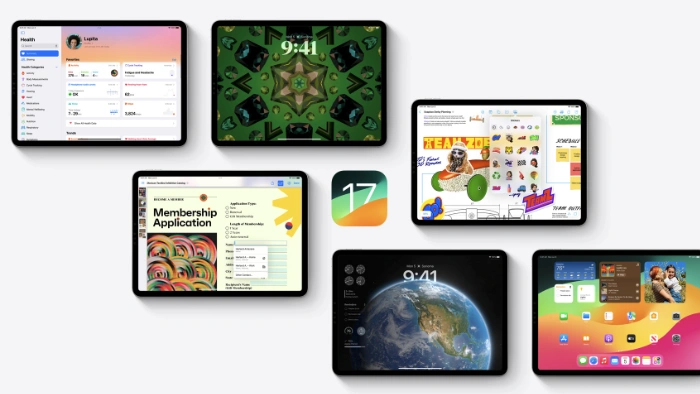
We previously heard about the new iOS 17 update for the iPhone and the watchOS 1o update for the Apple Watch, Apple has also released iPadOS 17 for the iPad. This update brings a wide range of new features to the iPad range.
The iPadOS 17 update brings a new Lock Screen which comes with many more personalization options and much more customization than iOS 16, it also comes with new Live Wallpaper and you can now use Interactive Widgets on the Lock Screen.
The Interactive Widget gives you access to a wide range of features directly from the Widget and there are also updates for Messages, Stickers, FaceTime, Health, Safari, improved security, and much more. You can see what is included in the update over at Apple’s website at the link below.
Here is a list of iPads that are eligible for the update:
- iPad Pro all models excluding first Gen 12.9 inch iPad Pro
- iPad Air 6th Gen onward
- iPad 6th Gen onward
- iPad Mini 5th Gen onward
The iPadOS 17 software update is now available to download, you can install the update on your iPad by going to Settings > General > Software update > Download and Install. Before you install the update on your device it is a good idea to back it up.
Source: Apple
Disclosure: Some of our articles include affiliate links. If you buy something through one of these links, Geeky Gadgets may earn an affiliate commission. Learn about our Disclosure Policy.
