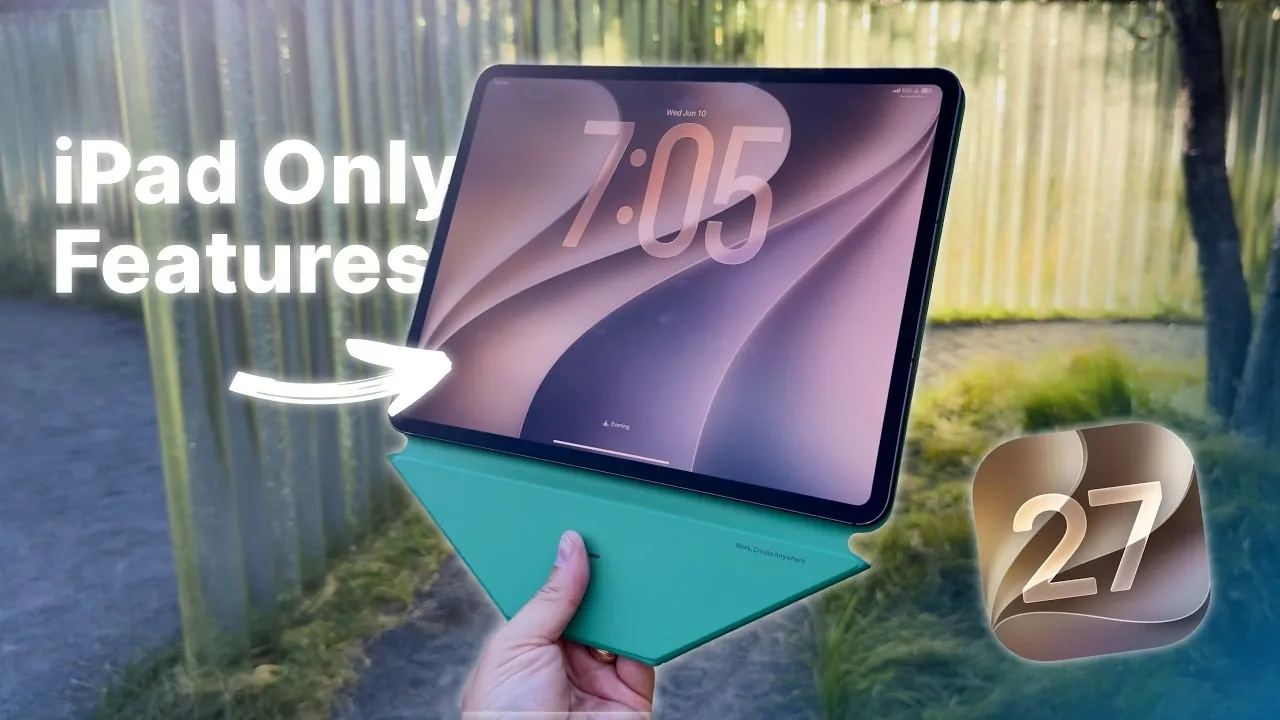
iPadOS 27 introduces a comprehensive range of updates aimed at enhancing the iPad experience for users across all levels. With a strong emphasis on productivity, automation, and usability, this latest version seeks to refine workflows and elevate how you interact with your device. Whether you’re a professional managing complex tasks, a creative exploring new tools, or a casual user seeking convenience, the features in iPadOS 27 are designed to make your iPad more versatile and efficient. Below is an in-depth look at the key improvements and their practical applications in a great video from Stephen Robles.

Enhanced Multitasking and Window Management
Multitasking on the iPad reaches new heights with iPadOS 27. The updated Stage Manager introduces smoother and more intuitive controls for resizing, moving and closing app windows. Persistent app names in the menu bar improve navigation, allowing you to quickly identify and switch between open apps. Additionally, a new setting enables you to keep the menu bar visible during multitasking, making sure uninterrupted access to essential tools.
These enhancements are particularly beneficial for users who frequently juggle multiple apps or manage complex workflows. Whether you’re editing documents, conducting research, or collaborating on projects, the improved multitasking features streamline your experience and reduce friction in navigating between tasks.
Smarter Automation with Keyboard Shortcuts
Keyboard automation receives a significant boost in iPadOS 27, making it easier to transition between different modes of interaction. New shortcuts allow you to connect or disconnect keyboards effortlessly, while app launches and multitasking modes can now be triggered automatically based on keyboard attachment. This seamless integration is ideal for users who alternate between typing-intensive tasks and touch-based interactions.
For example, attaching a keyboard can automatically open productivity apps like Pages or Numbers, while detaching it can switch the iPad to a more touch-friendly interface. These improvements not only save time but also enhance the overall fluidity of your workflow.
Refined Copy-Paste and Contextual Intelligence
The copy-paste functionality in iPadOS 27 is smarter and more context-aware. A new “Paste from [app]” option allows you to transfer text directly between apps such as Notes and Safari, particularly in blank text fields. This eliminates the need for manual app switching, allowing you to focus on your tasks without unnecessary interruptions.
This feature is especially useful for users who frequently work with multiple apps, such as researchers, writers, or students. By reducing the steps required to move information between apps, iPadOS 27 enhances both productivity and convenience.
Apple Pencil Gains Visual Intelligence
The Apple Pencil becomes an even more powerful tool with the addition of visual intelligence features. You can now perform reverse image searches or contextual lookups directly from screenshots or annotations. Integration with Siri AI and third-party tools like ChatGPT further expands the Pencil’s capabilities, making it an indispensable asset for creative and research tasks.
For instance, designers can quickly gather inspiration by searching for similar images, while students can use contextual lookups to find additional information on annotated content. These enhancements make the Apple Pencil a more versatile and indispensable tool for a wide range of users.
Faster File Management and External Drive Support
File management sees a significant upgrade in iPadOS 27, particularly for professionals handling large files. Transferring files to external drives is now up to five times faster, reducing wait times and improving efficiency. The Files app has also been optimized for quicker navigation and faster loading, making it easier to locate and manage your data.
These improvements are especially valuable for users who rely on their iPads for work, such as photographers, videographers, or business professionals. By streamlining file management, iPadOS 27 ensures that your device remains a reliable tool for handling data-intensive tasks.
Improved AirDrop for Seamless Sharing
AirDrop becomes faster and more reliable in iPadOS 27, with enhanced device recognition and improved transfer speeds. Whether you’re sharing files for collaborative projects or personal use, the updated AirDrop ensures smoother and more dependable transfers between your iPad and other Apple devices.
This feature is particularly useful for users who frequently share large files, such as presentations, videos, or design projects. The improved reliability and speed make AirDrop a more practical and efficient tool for both professional and personal use.
Resizing iPhone Apps on iPad
One of the standout features in iPadOS 27 is the ability to resize iPhone apps on your iPad, even if they aren’t optimized for the larger screen. This improvement enhances compatibility and usability, allowing you to work with apps that lack dedicated iPad versions without compromising on functionality.
For example, users can now run essential iPhone-only apps in a more user-friendly format, making the iPad an even more versatile device for both work and entertainment.
Shortcuts App: More Control, Better Organization
The Shortcuts app receives a major update with a new three-pane layout, making it easier to organize and edit your workflows. Advanced options for window location and size in app automation provide greater control, allowing you to customize shortcuts to suit your specific needs.
These enhancements empower users to create more efficient workflows, whether for automating daily tasks, managing projects, or controlling smart home devices. The improved organization and functionality make the Shortcuts app a more powerful tool for productivity.
Reliable Message Sync Across Devices
Message syncing across Apple devices has been refined for greater accuracy and reliability. Badge numbers and sync status are now more consistent, making sure that your conversations remain up-to-date whether you’re using your iPad, iPhone, or Mac.
This improvement enhances communication continuity, making it easier to stay connected and organized across your Apple ecosystem. Whether you’re responding to work messages or keeping in touch with friends and family, the improved syncing ensures a seamless experience.
Elevating the iPad Experience
iPadOS 27 delivers a robust set of updates tailored to enhance the iPad’s functionality for a diverse range of users. From improved multitasking and smarter automation to faster file management and advanced Apple Pencil capabilities, these features are designed to boost productivity and streamline your experience. Whether you’re managing multiple apps, using AI tools, or transferring files, iPadOS 27 ensures your iPad remains a powerful and adaptable device for work, creativity and everyday use.
Here are more detailed guides and articles that you may find helpful on iPadOS 27.
- What to Expect from Apple’s Massive iOS 27 Update
- Why iPadOS 27 is the AI Update You Can’t Ignore
- Is Your iPhone on the List? iOS 27 Could Cut Off These Popular Models
- WWDC 2026 Official: Apple Sets Date for iOS 27 Reveal and Next-Gen Siri Overhaul
- iOS 27 Leaks Reveal the End of an Era: Apple’s New Priorities Confirmed
Source & Image Credit: Stephen Robles
Disclosure: Some of our articles include affiliate links. If you buy something through one of these links, Geeky Gadgets may earn an affiliate commission. Learn about our Disclosure Policy.
