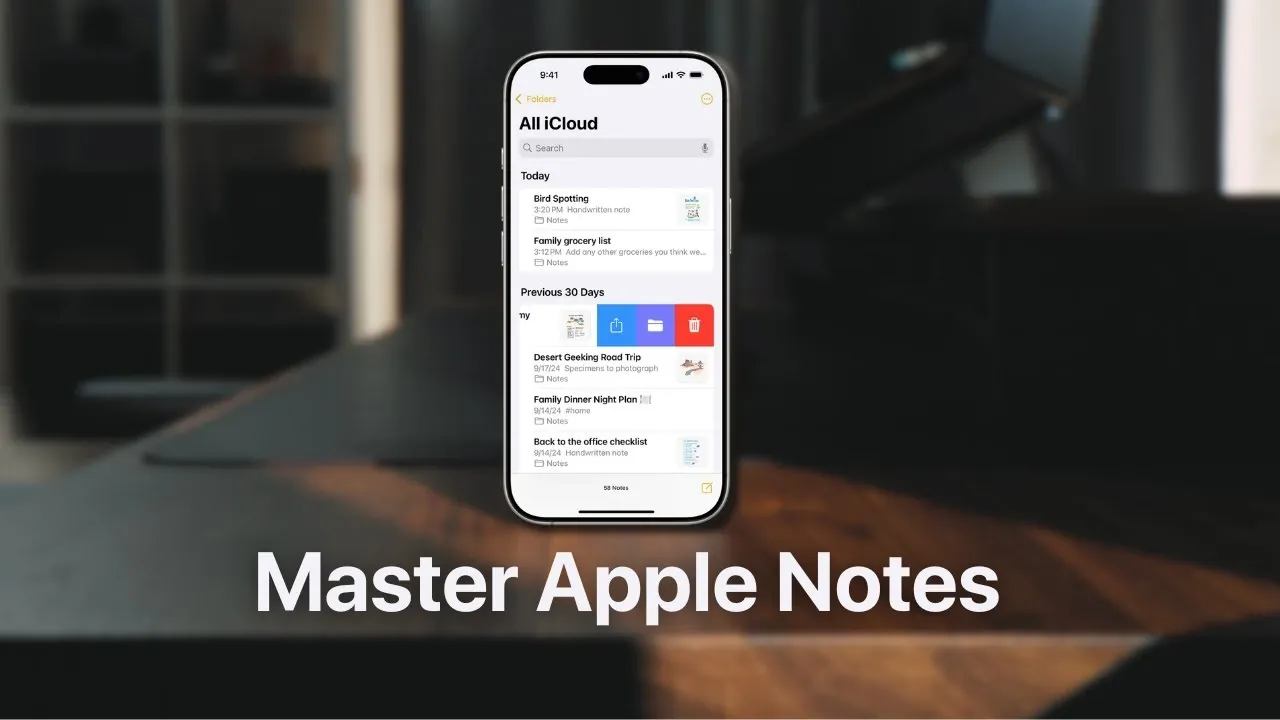
What if the simplest app on your phone could also be the most powerful? Apple Notes, often overlooked as just a basic note-taking app, has quietly evolved into a productivity powerhouse in 2026. In this breakdown, Lewis Lovelock walks through how Apple Notes has transformed into a seamless, feature-rich solution for managing everything from daily tasks to complex projects. By combining an intuitive design with advanced capabilities like smart folders, call transcription, and real-time syncing across devices, Apple Notes is redefining what it means to stay organized in a fast-paced, tech-driven world. Whether you’re a student juggling assignments or a professional managing multiple deadlines, this app might just be the productivity upgrade you didn’t know you needed.
In this analysis, we’ll explore why Apple Notes stands out in a crowded market of productivity apps. You’ll discover how its clean interface and deep Apple ecosystem integration make it a practical choice for users who value simplicity without sacrificing functionality. From creating structured notes with collapsible sections to automating repetitive tasks with Shortcuts, Apple Notes offers a surprising range of features that cater to both casual users and power users alike. If you’ve ever felt overwhelmed by overly complex apps or struggled to keep your workflow streamlined, this guide will show you why Apple Notes deserves a second look, and why it might just become your go-to productivity companion this year.
Apple Notes: Productivity Simplified
TL;DR Key Takeaways :
- Apple Notes has evolved into a comprehensive productivity tool with robust features, catering to both casual users and professionals, while maintaining simplicity and ease of use.
- Core features like formatting options, checklists, tables, and highlighting enhance note-taking and organization, making it versatile for personal and professional tasks.
- Advanced functionalities, such as document scanning, call recording with transcription, and math notes, address complex productivity needs for professionals and students.
- Smart organizational tools, including Smart Folders, QuickNote, and note pinning/locking, simplify managing large volumes of information efficiently.
- Seamless integration with the Apple ecosystem ensures effortless syncing, automation via the Shortcuts app, and accessibility across devices, making it a practical choice for Apple users in 2026.
Streamlined Productivity Without the Overwhelm
In a time when many productivity apps overwhelm users with excessive features and steep learning curves, Apple Notes offers a refreshingly straightforward alternative. Its intuitive design ensures that you can focus on your tasks rather than navigating complex systems. Whether you’re planning your day, brainstorming ideas, or managing projects, Apple Notes minimizes distractions and maximizes efficiency.
By prioritizing ease of use, Apple Notes allows you to quickly capture and organize information without unnecessary complications. This makes it an ideal choice for users who value simplicity and want to avoid the “busy work” often associated with other productivity tools. Its clean interface and practical features ensure that you can stay productive without feeling overwhelmed.
Core Features That Simplify Your Workflow
Apple Notes is equipped with a variety of essential tools designed to enhance your note-taking and organizational experience. These features are user-friendly and practical, catering to individuals with varying levels of technical expertise.
- Formatting Options: Create structured notes using headings, bold text, italics, and collapsible sections. These tools are particularly useful for crafting outlines, detailed project plans, or organized meeting notes.
- Highlighting: Apply customizable text highlights to categorize information visually, making it easier to locate key points at a glance.
- Checklists: Build to-do lists, shopping lists, or task trackers. You can reorder items to prioritize tasks and ensure nothing is overlooked.
- Tables: Organize data with simple tables, perfect for meal planning, budgeting, or tracking progress, eliminating the need for a separate spreadsheet application.
These core features make Apple Notes a versatile tool for managing both personal and professional tasks, making sure that your workflow remains efficient and organized.
Speed up Planning with Apple Notes Math, Tags & QuickNote

Below are more guides on Apple Notes from our extensive range of articles.
- New Apple Notes iOS 26 Features : Markdown, 3D Graphs & More
- Apple Notes Shortcuts, Macros, and MX Console Setup Guide
- Using ChatGPT in Apple Notes: A Complete Guide for Mac Users
- Apple Notes Pro Tips & Tricks : Stay Organized on Your Mac in 2026
- Discover the New Tools in Apple Notes iOS 18.3 Update
- How to Use Apple Notes for Quick and Efficient Note-Taking
- 14 Essential Apple Notes Tips to Boost Productivity in 2025
- How to Automate AI Note-Taking with Apple Shortcuts and Notes
- 25 Apple Notes Hacks to Boost Productivity and Save Time
- Apple Notes Life Workflow: Projects, Actions, Learnings, Archives
Advanced Features for Complex Needs
For users with more demanding requirements, Apple Notes includes advanced functionalities that go beyond basic note-taking. These features are designed to enhance productivity by integrating multimedia, automating tasks, and improving accessibility.
- Attachments: Scan documents or images directly into your notes. The scanned content becomes searchable and editable, streamlining document management and reducing the need for additional apps.
- Call Recording and Transcription: Record phone calls (available on iPhone 12 or later) and transcribe them into notes. This feature is invaluable for capturing meeting discussions, interviews, or personal reminders.
- Math Notes: Perform calculations and use variables directly within your notes, simplifying tasks like budgeting, solving equations, or planning projects.
These advanced tools ensure that Apple Notes can meet the needs of users who require more than just a basic note-taking app, making it a powerful option for professionals and students alike.
Smart Organization Made Simple
Apple Notes excels at helping you stay organized with minimal effort. Its smart features ensure that your notes are always accessible and easy to manage, no matter how many you create.
- Smart Folders: Automatically sort notes based on tags, attachments, or other criteria. This eliminates the need for manual organization and keeps your notes neatly categorized.
- QuickNote: Instantly create notes from any device using gestures or shortcuts. This feature is perfect for capturing ideas or important information on the go.
- Note Pinning and Locking: Pin frequently used notes for quick access or lock sensitive ones to ensure privacy and security.
These organizational tools make it easy to manage large volumes of information, making sure that you can find what you need when you need it.
Seamless Integration and Automation
One of the standout features of Apple Notes is its seamless integration with the Apple ecosystem. This compatibility enhances its functionality and ensures that your notes are always accessible across devices.
- Shortcuts App: Automate repetitive tasks, such as creating templates or linking notes with other apps, to save time and effort.
- Widgets: Access notes or folders directly from your home screen or desktop, keeping important information readily available.
This level of integration ensures that Apple Notes works harmoniously with other Apple services, making it a natural choice for users who rely on the Apple ecosystem in their daily lives.
Why Apple Ecosystem Compatibility Matters
Apple Notes’ deep integration with the Apple ecosystem is one of its most significant advantages. Notes sync effortlessly across your iPhone, iPad, and Mac, making sure that your information is always up to date. You can start a note on one device and continue it on another without interruption, making it easy to stay productive no matter where you are.
This compatibility extends to other Apple services, such as iCloud, which securely stores your notes and allows for seamless sharing and collaboration. For users who rely on Apple products, this level of integration makes Apple Notes a reliable and convenient choice for managing tasks and organizing ideas.
A Practical Tool for 2026
Apple Notes is not designed to replace specialized tools like Notion or Excel. Instead, it serves as a versatile, user-friendly app that simplifies note-taking and task management. Its intuitive design, robust features, and seamless integration within the Apple ecosystem make it an excellent choice for anyone seeking a reliable productivity tool. Whether you’re managing tasks, organizing ideas, or streamlining workflows, Apple Notes offers the functionality you need without unnecessary complexity. In 2026, it remains a practical and efficient solution for staying productive in a fast-paced world.
Media Credit: Lewis Lovelock
Disclosure: Some of our articles include affiliate links. If you buy something through one of these links, Geeky Gadgets may earn an affiliate commission. Learn about our Disclosure Policy.
