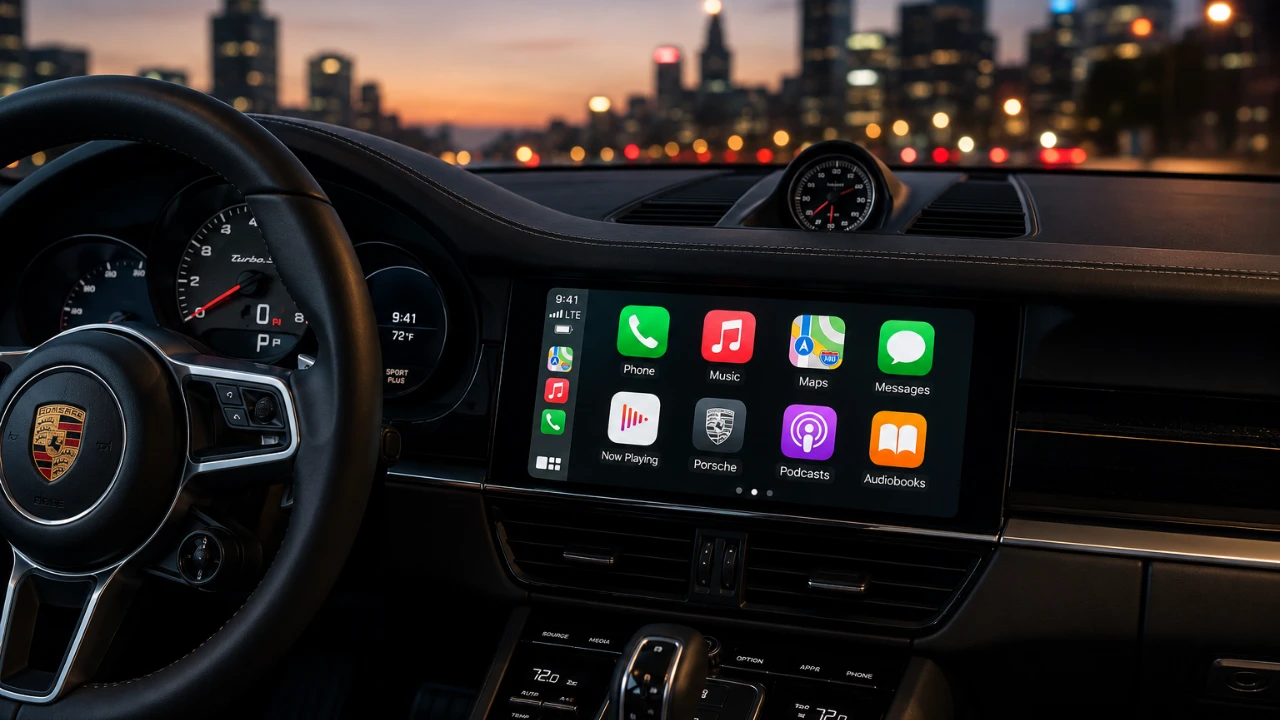
Apple’s iOS 27 update introduces a significant enhancement for CarPlay users: video playback. This long-anticipated feature allows you to stream content directly from the Apple TV app and other supported platforms, provided your vehicle is equipped with a compatible display. Alongside this, Apple has overhauled the CarPlay interface, introduced smarter tools, and refined the overall in-car experience. However, these updates come with specific compatibility requirements and limitations that are important to understand. The video below from HotshotTek gives us more details.

Video Playback: A Key Feature for CarPlay
The standout feature of iOS 27 is the ability to stream video content on CarPlay. You can now enjoy movies, TV shows and other media from the Apple TV app, including content from your iTunes library. Enhanced playback controls allow you to skip scenes, enable captions, adjust dialogue clarity and switch between languages. However, for safety reasons, video playback is restricted to when the vehicle is parked. While driving, the system automatically switches to audio-only playback, making sure your focus remains on the road.
Third-party app integration has also seen improvements. Popular platforms like Spotify and SiriusXM now offer better compatibility, providing seamless access to your favorite music and podcasts. However, video casting from apps such as YouTube or Netflix remains unsupported, leaving room for future updates to expand CarPlay’s functionality.
Redesigned Interface and Smarter Tools
iOS 27 introduces a refreshed CarPlay interface designed to improve both usability and visual appeal. Core apps like Apple Music and Podcasts now feature streamlined layouts, making it easier to browse playlists, albums and episodes. Third-party apps have also been updated to align with these design changes, making sure a consistent and cohesive user experience across the platform.
Media controls have been simplified to reduce distractions while driving. For example, switching between songs, podcasts, or audiobooks now requires fewer taps, allowing for quicker and safer navigation. Siri’s interface has also been upgraded, featuring a more polished design and a conversation history feature that lets you review and refine previous commands. These updates collectively enhance the overall ease of use, making CarPlay more intuitive for drivers.
New Features to Enhance Personalization
In addition to video playback and interface updates, iOS 27 introduces several new features aimed at enhancing personalization and usability. These include:
- A selection of new wallpapers with expanded color options, allowing you to customize your display to suit your preferences.
- The removal of older wallpapers simplifies the selection process and reduces clutter.
- A redesigned battery icon and smoother widget animations contribute to a more polished and modern look.
- Smart zoom functionality, which automatically adjusts the display to fit your vehicle’s screen dimensions, making sure optimal clarity regardless of screen size.
These updates are designed to make CarPlay more adaptable and visually appealing, catering to a wide range of user preferences and vehicle configurations.
Limitations and Areas for Improvement
Despite the advancements introduced in iOS 27, certain limitations remain. For instance, wireless CarPlay lacks some features, such as the media scrubbing tool, which is only available in wired setups. Additionally, video playback requires wide-screen displays, meaning older or smaller vehicle screens may not support this feature.
Another notable limitation is the inability to cast video from popular apps like YouTube or Netflix. While these restrictions may disappoint some users, they highlight areas where Apple could expand CarPlay’s capabilities in future updates. As the technology evolves, further improvements to compatibility and functionality are likely to follow, making sure a more comprehensive in-car multimedia experience.
Compatibility Requirements
To fully use the new video playback feature and other enhancements in iOS 27, your vehicle must meet specific compatibility criteria. These include:
- A wide-screen display capable of supporting video playback.
- Support for the latest CarPlay updates in your car’s infotainment system.
If your vehicle does not meet these requirements, you may need to rely on audio-only modes or explore aftermarket solutions to upgrade your system. Making sure compatibility is essential to unlocking the full potential of these new features.
Looking Ahead for CarPlay
The iOS 27 update marks a significant step forward for Apple CarPlay, transforming it into a more versatile and user-friendly platform. With the addition of video playback, a redesigned interface, and smarter tools, CarPlay now offers an enhanced in-car multimedia experience that caters to both entertainment and functionality. While some limitations persist, these updates lay the foundation for future innovations, making sure Apple remains at the forefront of automotive technology. As you explore these new features, keep an eye on upcoming updates that promise to further refine and expand CarPlay’s capabilities.
Source & Image Credit: HotshotTek
Disclosure: Some of our articles include affiliate links. If you buy something through one of these links, Geeky Gadgets may earn an affiliate commission. Learn about our Disclosure Policy.
