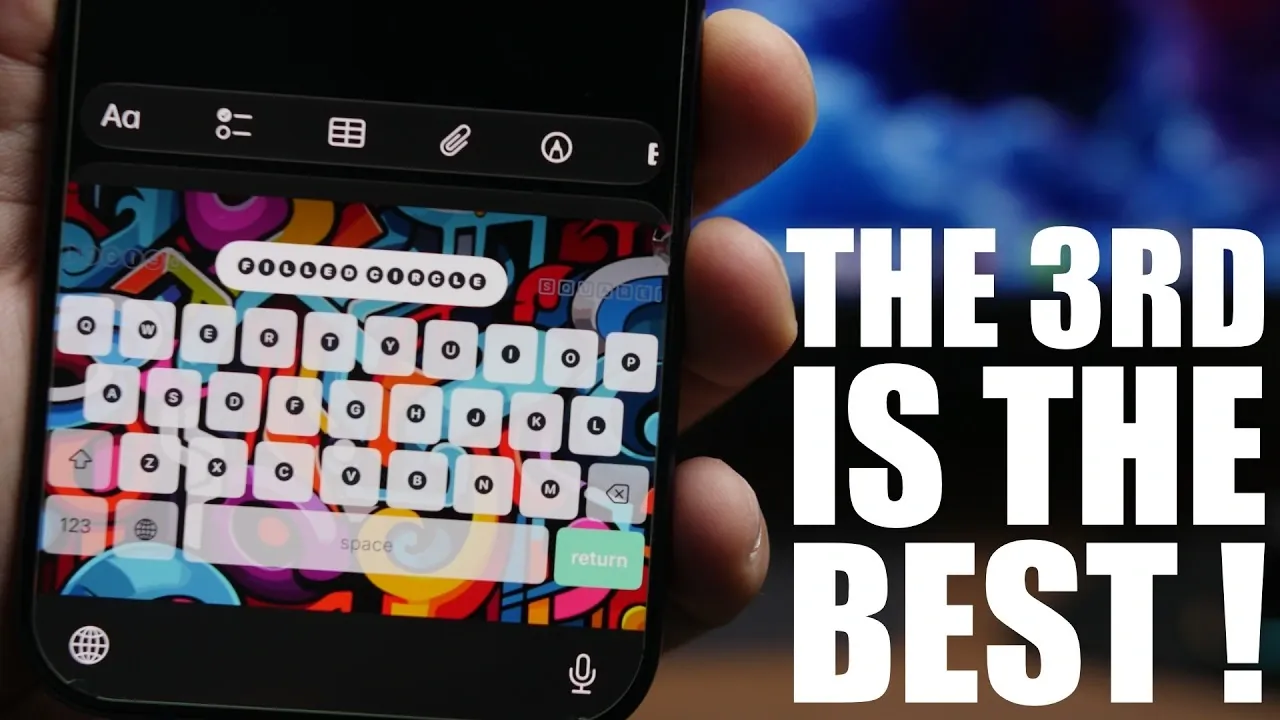
Your iPhone is more than just a communication tool; it’s a versatile device capable of adapting to your lifestyle and needs. With the right apps, you can unlock its full potential without spending a dime. Here are eight free apps that can expand your iPhone’s functionality, simplify your daily routines, and add a personal touch to your device. From managing smart appliances to creating custom ringtones, these apps offer practical solutions that are both accessible and effective. The video below from iReviews gives us more details.

1. Turn Your iPhone Into a TV Remote
The Remote TV app allows you to transform your iPhone into a universal remote control for your television. This app eliminates the need for multiple remotes by consolidating control into one device. You can easily switch channels, adjust the volume, and even type on smart TVs using the app’s built-in keyboard. The keyboard feature is particularly useful for searching content on streaming platforms, saving you time and effort. Whether you’re managing a smart TV or a traditional one, this app simplifies your entertainment experience.
2. Manage Your Smart Appliances
For those with smart home devices, Appliangenes is an indispensable tool. This app enables you to control your appliances with precision, offering customizable timers that ensure your devices operate exactly when needed. A standout feature is the ability to display appliance timers directly on your lock screen, allowing you to monitor them at a glance. Whether it’s setting your coffee maker to brew in the morning or scheduling your washing machine, this app helps you streamline your household routines efficiently.
3. Create Custom Ringtones
With Snap Ringtones, you can say goodbye to generic ringtones and create personalized tones that reflect your style. This app allows you to craft ringtones from videos, TikTok clips, or audio files. You can crop audio, add fade-in and fade-out effects and set your creations as ringtones directly from the app. It’s a simple yet powerful way to make your iPhone uniquely yours, all without the need for additional software or complicated processes.
4. Understand App Data Permissions
Privacy is a growing concern for many users, and Loop addresses this by providing detailed insights into the permissions granted to apps on your iPhone. It categorizes permissions into three groups: passive access, required permissions, and restricted access. By using Loop, you can gain a clearer understanding of how your data is being used and take proactive steps to safeguard your privacy. This app is particularly valuable for those who want to maintain control over their personal information in today’s digital landscape.
5. Customize Your Keyboard
Fonts offer a creative way to personalize your typing experience. With a variety of unique fonts and themes, this app allows you to express yourself in your messages and social media posts. You can even set your own photos as keyboard backgrounds, adding a personal touch to your device. Whether you’re chatting with friends or updating your online profiles, Fonts makes your interactions more engaging and visually appealing.
6. Organize Your Clipboard
If you frequently copy and paste content, Clippy is an innovative app that keeps your clipboard organized and accessible. It saves your clipboard history, including text, links, and images, and offers features like pinned items, a search function, and quick copy-back options. This app is ideal for multitaskers, helping you manage multiple projects or tasks with ease. By keeping your clipboard content neatly organized, Clippy enhances productivity and efficiency.
7. Frame Your Screenshots
For those who want to create polished visuals, Screenshot Framer is an excellent choice. This app automatically places your screenshots or images into device-specific frames, such as iPhone or iPad outlines. It’s particularly useful for presentations, tutorials, or social media posts, giving your visuals a professional touch with minimal effort. The framed images are ready to share, making this app a valuable tool for content creators and professionals alike.
8. Extract Video Frames
Capturing a precise still from a video is made easy with Frame Capture. This app allows you to extract specific frames and save them in various formats, making it ideal for creating thumbnails, capturing memorable moments, or working on creative projects. For users with devices that don’t support iOS 27’s built-in frame extraction feature, Frame Capture provides a reliable alternative. Its intuitive interface ensures that you can quickly and accurately extract the frames you need.
Explore the Potential of Your iPhone
These eight free iPhone apps demonstrate how technology can simplify your life, boost creativity and enhance your smartphone experience. From turning your iPhone into a universal remote to organizing clipboard content and creating custom ringtones, each app offers unique features that make your device more functional and personalized. Best of all, they’re completely free to download and use. By exploring these tools, you can unlock new possibilities for your iPhone and make the most of its capabilities.
Source & Image Credit: iReviews
Disclosure: Some of our articles include affiliate links. If you buy something through one of these links, Geeky Gadgets may earn an affiliate commission. Learn about our Disclosure Policy.
