Imagine this: a potential customer visits your website late at night with a pressing question. There’s no one available to assist, and they leave, frustrated, never to return. Now, picture the same scenario, but this time, a smart AI agent instantly answers their query, schedules a follow-up, or even processes their purchase—all within seconds. In 2025, this isn’t just a futuristic dream; it’s the new standard for businesses that want to stay competitive. With AI agents becoming more intuitive and accessible than ever, integrating one into your website is no longer a luxury—it’s a necessity. But how do you ensure your AI agent doesn’t just exist but truly improves your customer experience?
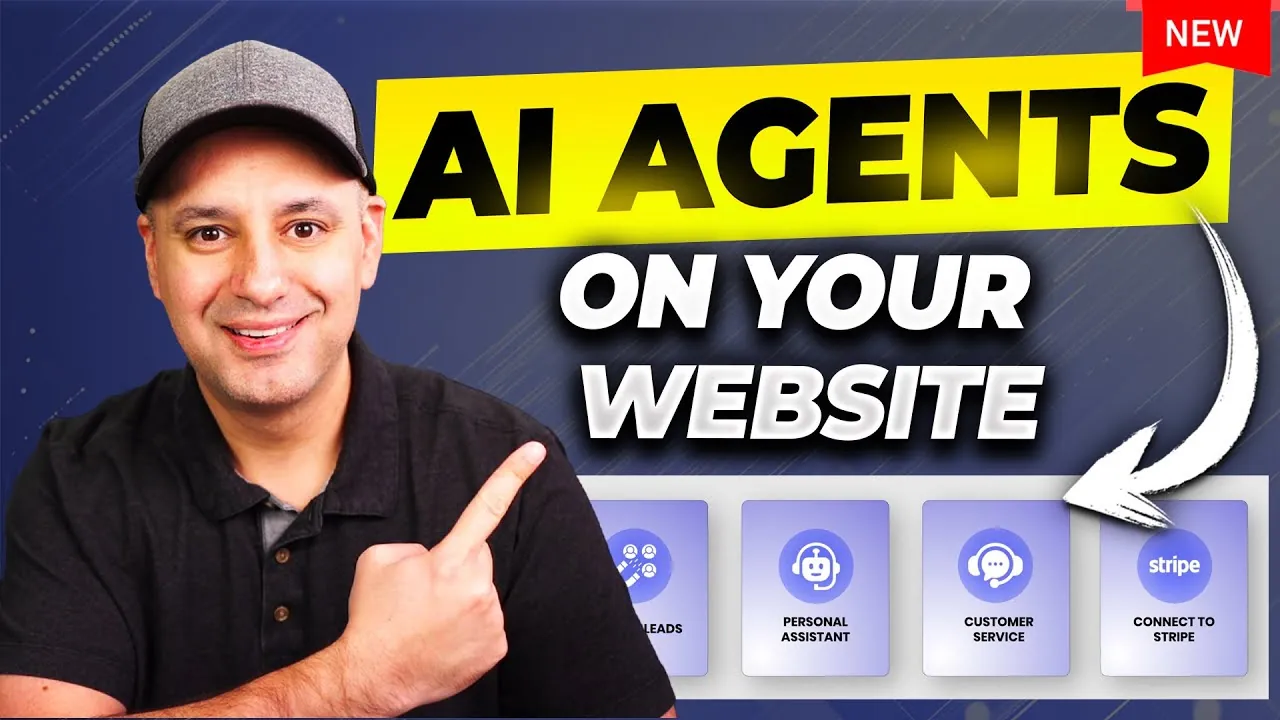
In this step-by-step guide by Skill Leap AI, you’ll uncover how to seamlessly add a smart AI agent to your website, from building a robust knowledge base to embedding it with user-friendly tools. Along the way, you’ll learn how to select the right AI model, refine its capabilities, and integrate it with platforms like Slack or Stripe for enhanced functionality. Whether you’re looking to streamline operations or create a more engaging digital presence, this guide will equip you with actionable insights to make it happen. By the end, you’ll not only understand the technical process but also the strategic value of deploying an AI agent that truly works for your business and your users. After all, the future of online interaction is here—are you ready to embrace it?
Integrating AI Agents into Websites
TL;DR Key Takeaways :
- Integrating a smart AI agent into your website in 2025 is essential for automating tasks like customer service, appointment scheduling, and billing inquiries, enhancing efficiency and user experience.
- Building a comprehensive knowledge base is crucial for the AI agent’s accuracy, involving the organization of documents, external resources, and essential content for seamless task execution.
- Selecting the right AI model based on budget, functionality, and customization ensures the agent aligns with business needs and maintains a professional tone.
- Thorough testing and refinement, including addressing knowledge gaps, refining prompts, and testing edge cases, are vital before deploying the AI agent.
- Embedding the AI agent on your website with customizations, tool integrations, and ongoing monitoring ensures enhanced functionality, user engagement, and long-term optimization.
What is an AI Agent?
An AI agent is a virtual assistant powered by artificial intelligence, designed to perform specific tasks and interact with users in a conversational manner. It uses a knowledge base, executes predefined actions, and integrates with external tools like calendars, payment systems, or customer relationship management (CRM) platforms. By automating repetitive tasks, an AI agent can significantly enhance efficiency and customer satisfaction. For example, an AI agent can:
- Answer frequently asked questions: Provide instant responses to common queries, reducing the workload on human support teams.
- Schedule meetings: Use tools like Calendly to simplify appointment booking.
- Process payments: Integrate with platforms such as Stripe to handle secure transactions.
The adaptability and functionality of AI agents make them a valuable addition to any website, helping businesses save time and improve user experiences.
1: Build a Comprehensive Knowledge Base
The knowledge base serves as the foundation of your AI agent, containing the information it uses to answer questions and perform tasks. A well-organized and detailed knowledge base ensures your AI agent delivers accurate and helpful responses. To create a robust knowledge base, you can:
- Upload documents: Include PDFs, Word files, or spreadsheets containing relevant information.
- Copy and paste text: Directly input essential content into the platform for quick access.
- Link to external resources: Connect to website pages, Notion databases, or FAQ sections for additional context.
For instance, a technical support business might upload product manuals, troubleshooting guides, and instructional videos. Organizing this data effectively ensures the AI agent can provide precise and timely assistance to users.
Using AI Agents for Improved Customer Website Experiences

Enhance your knowledge on AI Agents by exploring a selection of articles and guides on the subject.
- How to Build a 24/7 AI Agent with No Code Using Make
- Microsoft CEO Predicts AI Agents Will Replace Traditional Software
- OpenAI AI Agent 2.0 being developed to control your computer
- How to Build an AI Agent Network with n8n and Claude
- Microsoft AutoGen lets you build AI Agent frameworks
- How to Build Custom AI Agents to Automate Your Workflow
- The Latest AI Agent Frameworks from Google, OpenAI & Anthropic
- OpenAI’s Guide to Building Scalable and Secure AI Agents
- How to build an AI Agent run virtual business
- Open Interpreter 01 Light personal pocket AI agent
2: Select the Right AI Model
Choosing the appropriate AI model is critical to the success of your AI agent. Different models, such as large language models (LLMs) like GPT40 Mini or advanced reasoning models, offer varying levels of complexity, cost, and functionality. When selecting a model, consider the following factors:
- Budget: Evaluate the cost of the model and ensure it aligns with your financial resources.
- Functionality: Determine whether the model can handle the specific tasks your business requires.
- Customization: Use system prompts to define the agent’s tone, role, and limitations, making sure it aligns with your brand identity.
For example, if your AI agent needs to handle complex customer queries, a reasoning model may be more suitable. Customizing prompts allows you to fine-tune the agent’s behavior, making sure it communicates effectively and maintains a professional tone.
3: Test and Refine Your AI Agent
Thorough testing is essential before deploying your AI agent. This step ensures the agent performs as expected and meets user needs. Use a testing environment to simulate real-world interactions and evaluate its responses. During this phase, you should:
- Identify knowledge gaps: Update the knowledge base with additional information as needed.
- Refine system prompts: Adjust the agent’s behavior to improve its accuracy and tone.
- Test edge cases: Evaluate how the agent handles complex or unusual queries.
For example, if the agent struggles to answer a specific type of question, you can add relevant data to the knowledge base or tweak its training parameters. This iterative process ensures the AI agent is ready for deployment and capable of delivering a high-quality user experience.
4: Integrate Tools for Enhanced Functionality
Integrating external tools with your AI agent expands its capabilities and allows it to perform a wider range of tasks. Depending on your business needs, you can connect the AI agent to platforms such as:
- Slack: Assist team communication and collaboration.
- Stripe: Enable secure and efficient payment processing.
- Calendly: Simplify appointment scheduling for users.
Additionally, you can use APIs or create custom actions to enable advanced functionalities. For instance, an e-commerce business might integrate its inventory management system, allowing the AI agent to provide real-time stock updates to customers. These integrations enhance the agent’s utility and ensure it delivers value to both your business and its users.
5: Embed the AI Agent on Your Website
Embedding the AI agent into your website is the final step in the integration process. This is typically achieved using an embed code, which allows you to add the agent as a chat bubble or a full-page iframe. To ensure a seamless user experience, consider the following:
- Customize the interface: Match the chat interface to your website’s design by adjusting colors, fonts, and icons.
- Craft a welcome message: Create an engaging introduction to encourage users to interact with the agent.
- Test responsiveness: Ensure the interface works smoothly on various devices, including desktops, tablets, and smartphones.
For example, a travel agency might design the chat interface to include quick links to popular destinations, making it easier for users to navigate and find relevant information. These customizations enhance usability and encourage user engagement.
Monitor, Optimize, and Expand Your AI Agent
Once your AI agent is live, ongoing monitoring and optimization are essential to maintain its effectiveness. Use analytics tools to track key metrics such as chat logs, confidence scores, and user satisfaction. These insights can help you:
- Identify improvement areas: Update the knowledge base or refine system prompts to address user feedback.
- Enhance performance: Adjust the agent’s behavior to better meet user needs and expectations.
- Expand deployment: Extend the agent’s reach by integrating it with other platforms like WhatsApp, Instagram, or Slack.
Regular updates and optimizations ensure your AI agent continues to deliver value over time, adapting to evolving business needs and user expectations. By taking a proactive approach to maintenance, you can maximize the benefits of your AI agent and solidify its role as a key asset for your organization.
Media Credit: Skill Leap AI
Disclosure: Some of our articles include affiliate links. If you buy something through one of these links, Geeky Gadgets may earn an affiliate commission. Learn about our Disclosure Policy.
