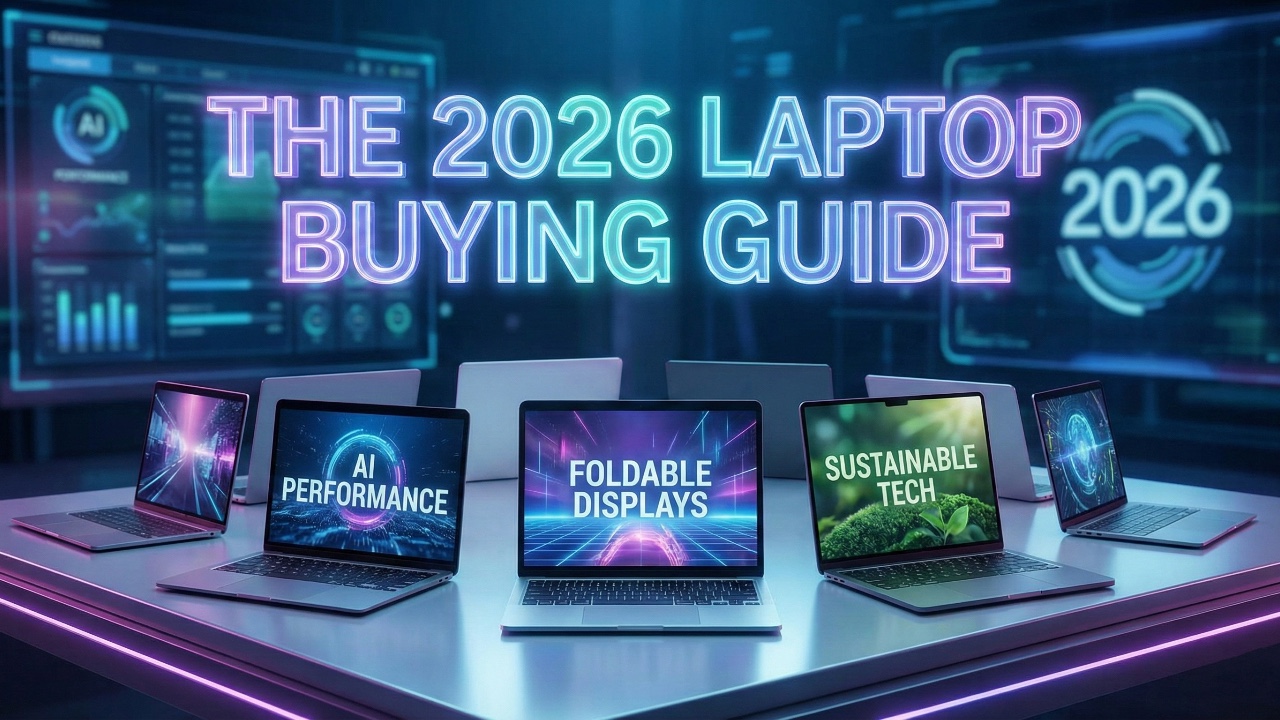
The laptop market in 2026 continues to evolve, shaped by advancements in technology, shifting user demands, and rising costs. Whether you’re upgrading your current device or purchasing your first laptop, understanding the latest trends and specifications is crucial. The video below from The Tech Chap provides a comprehensive breakdown of the key factors to consider, helping you make an informed decision that balances performance, budget, and your unique needs.

Key Trends Shaping the Market
The laptop industry in 2026 is defined by several significant developments that influence both functionality and pricing:
- Next-Generation Processors: The latest processors from Intel, AMD, Snapdragon, and Apple’s M5 chips deliver improved speed, energy efficiency, and multitasking capabilities, catering to a wide range of users.
- Enhanced Integrated Graphics: Integrated GPUs now handle everyday tasks, streaming, and light gaming more effectively, narrowing the gap with dedicated graphics cards for casual users.
- OLED Displays: OLED screens are becoming more accessible, offering vibrant colors, deeper contrast, and an enhanced viewing experience for both work and entertainment.
- AI Integration: While AI features such as voice recognition and image processing are gaining traction, their practical applications remain limited for most users, often serving as supplementary rather than essential tools.
- Rising Costs: The growing demand for advanced components, particularly RAM and processors optimized for AI, has led to higher prices across all laptop categories.
Budget: Finding the Right Fit
Your budget plays a pivotal role in determining the type of laptop you can afford. Here’s how to navigate the options effectively:
- Entry-Level Laptops: These affordable devices are ideal for basic tasks such as web browsing, email, and document editing. They are perfect for students or users with minimal computing needs.
- Mid-Range Models: Offering a balance of performance and price, mid-range laptops like the MacBook Air or Dell XPS cater to most users, providing sufficient power for multitasking and light creative work.
- High-End Laptops: Designed for professionals, gamers, and power users, these laptops feature innovative components and advanced features but come with premium price tags.
To maximize value, consider purchasing last year’s models or taking advantage of seasonal sales such as Black Friday or back-to-school promotions.
Size and Form Factor: Portability vs. Functionality
Laptop sizes and designs vary widely, catering to different user preferences and requirements:
- Standard Sizes: Most laptops fall within the 13 to 16-inch range. A 14-inch model often strikes the best balance between portability and usability, making it a popular choice for students and professionals alike.
- Innovative Designs: Dual-screen laptops, convertibles, and rollable displays are gaining traction, offering unique solutions for multitasking and creative workflows. However, these designs often come at a premium price and may sacrifice portability.
When choosing a size and form factor, consider your priorities, whether they involve portability for travel, versatility for creative tasks, or specialized functionality for professional use.
Operating Systems: Choosing the Right Platform
The operating system (OS) you select significantly impacts your overall user experience and software compatibility:
- Windows: Known for its versatility, Windows offers the widest variety of laptop models and excels in gaming, productivity, and professional applications. ARM-based Windows laptops provide better battery life but may encounter app compatibility issues.
- macOS: Apple’s macOS is optimized for its M-series chips, delivering a seamless and efficient experience. It is particularly favored by creative professionals and users already invested in the Apple ecosystem.
- Chrome OS: A lightweight, cloud-focused operating system, Chrome OS is a budget-friendly option. Its potential future integration with Android could enhance its functionality further.
Evaluate your software needs, ecosystem preferences, and compatibility requirements when selecting an OS.
Display Quality: A Key to User Experience
The display is one of the most critical aspects of a laptop, directly influencing your overall experience:
- Resolution: Quad HD (QHD) screens strike a balance between sharp visuals and battery efficiency, making them a popular choice for most users.
- Display Technology: OLED and mini-LED displays offer superior contrast, color accuracy, and viewing angles, though they may slightly reduce battery life.
- Refresh Rates and Brightness: Higher refresh rates benefit gamers by providing smoother visuals, while brightness levels are essential for outdoor or brightly lit environments.
Consider your typical usage patterns, such as gaming, content creation, or general productivity, to determine the display features that matter most to you.
Specifications: Balancing Performance and Longevity
Choosing the right specifications ensures your laptop remains capable and relevant for years to come:
- RAM: A minimum of 8 GB is recommended for general use, while 16 GB or more is ideal for multitasking, gaming, and demanding applications.
- Storage: Solid-state drives (SSDs) with at least 256 GB of storage provide faster performance and sufficient space for most users. Opt for larger capacities if you work with large files or media.
- Processor: Intel i5 or Ryzen 5 processors are suitable for everyday tasks, while higher-end models like Intel i7 or Ryzen 7 are better for professionals and gamers.
Investing in these specifications ensures smooth performance and adaptability to future software requirements.
Graphics: Integrated vs. Dedicated GPUs
Graphics performance is a key consideration for certain users, particularly gamers and creative professionals:
- Integrated Graphics: These are sufficient for casual use, video streaming, and light gaming, making them a cost-effective choice for most users.
- Dedicated GPUs: Essential for gaming, video editing, and 3D rendering, dedicated GPUs like Nvidia’s RTX series offer superior performance. Be mindful of factors such as Total Graphics Power (TGP) and cooling systems, which can significantly impact performance.
If your work or hobbies involve graphics-intensive tasks, prioritize a laptop with a dedicated GPU.
Connectivity: Ports and Compatibility
Modern laptops emphasize versatile connectivity to accommodate a wide range of peripherals and devices:
- Essential Ports: USB-C, USB-A, HDMI, and SD card readers are common and cover most connectivity needs.
- Advanced Options: Thunderbolt 4/5 and USB 4 ports enable faster data transfers, support for external GPUs, and compatibility with high-resolution monitors.
Ensure your laptop includes the ports necessary for your specific use case, whether for professional work, gaming, or general productivity.
Battery Life: Efficiency Matters
Battery life is a critical factor, especially for users who frequently work on the go:
- Efficient Models: Laptops powered by Apple’s M-series chips or Snapdragon processors excel in battery life, making them ideal for mobile users.
- Power-Hungry Features: High-resolution displays, dedicated GPUs, and powerful processors can significantly reduce battery life, so consider your usage patterns carefully.
Choose a laptop with battery performance that aligns with your daily needs, whether for extended travel or stationary use.
AI Integration: Hype vs. Reality
AI features are increasingly marketed as a key selling point, but their real-world impact varies:
- Neural Processing Units (NPUs): These enhance specific tasks such as voice recognition, image processing, and real-time translations.
- Practicality: While promising, AI capabilities are not yet advanced enough to justify a significant price premium for most users.
Focus on more tangible features and specifications when evaluating laptops, as AI integration remains a secondary consideration for most buyers.
Master Laptops with the help of our in-depth articles and helpful guides.
- Projection Mapping Beginner Guide 2026 & MadMapper Demo Tips
- Best Gaming Laptops at CES 2026 : RTX 5090 Options & Dual
- The Ultimate iPad Buying Guide 2025: Which One is Actually For
- Buying Guide for 18-inch Gaming Notebooks : Performance vs
- NotebookLM 2026 Guide : Features, Tools & Best Practices
Source: The Tech Chap
Disclosure: Some of our articles include affiliate links. If you buy something through one of these links, Geeky Gadgets may earn an affiliate commission. Learn about our Disclosure Policy.
