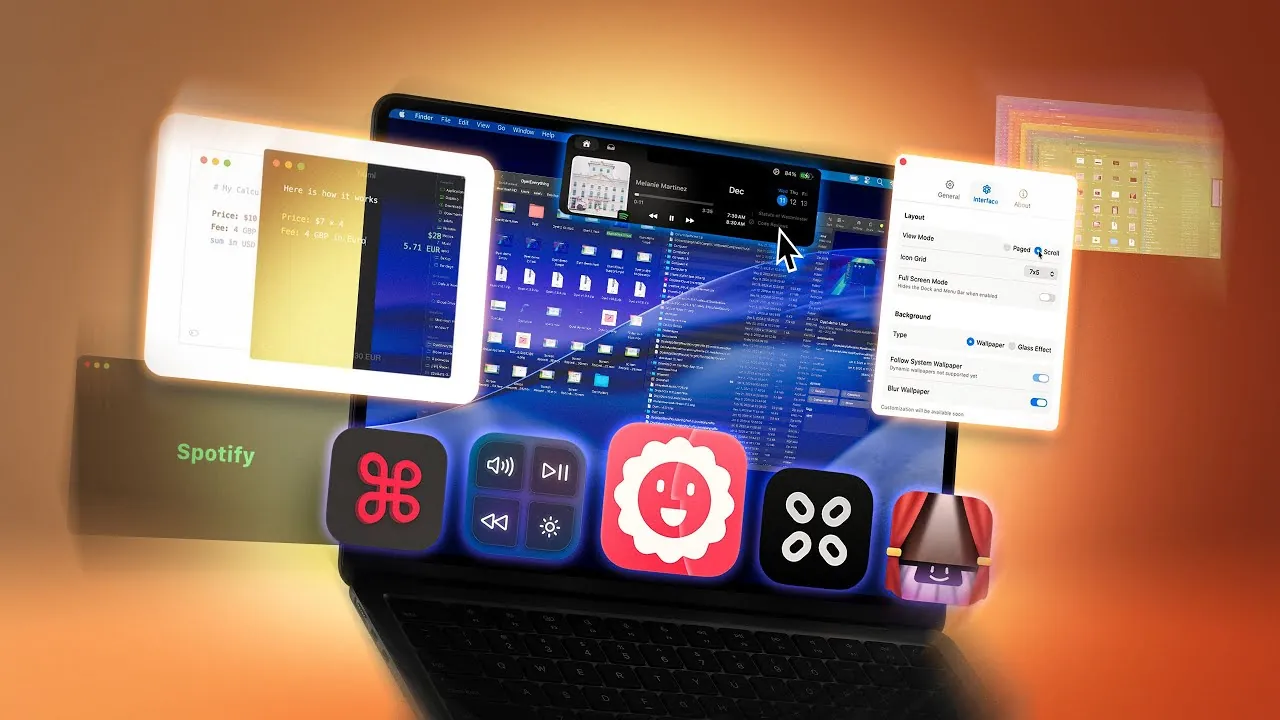
Enhancing your macOS experience doesn’t have to be overwhelming. With the right tools, you can significantly improve productivity, streamline your workflows, and customize your system to better suit your needs. Below is a curated list of 11 essential Mac apps from Brandon Butch that can redefine how you interact with your device. From file management to user interface enhancements, these apps are designed to make your Mac work smarter and more efficiently for you.

Supercharge File Management
Managing files on macOS can sometimes feel restrictive, but innovative apps like Bloom and Portal simplify and enhance the process:
- Bloom: A robust alternative to Finder, Bloom offers features such as multiple panels, customizable workspaces, advanced search capabilities, and archive previews. Whether you’re organizing complex projects or searching for specific files, Bloom ensures everything remains efficient and accessible.
- Portal: This floating window app transforms file transfers by allowing seamless drag-and-drop functionality between applications. It’s an ideal solution for multitaskers who need quick access to files without navigating through multiple folders.
These tools streamline file management, saving you time and effort while keeping your workspace organized.
Optimize System Performance
Maintaining your Mac’s performance and security is crucial for a smooth user experience. Moonlock is a comprehensive optimization tool that addresses these needs effectively:
- It provides malware scanning and real-time protection, making sure your system remains secure against potential threats.
- Moonlock also includes a built-in VPN for safe browsing and tools to clean up unnecessary files, helping to optimize your Mac’s speed and performance.
By integrating Moonlock into your routine, you can ensure your Mac stays fast, secure, and clutter-free.
Personalize Your User Interface
Customizing your macOS interface can make your workflow more intuitive and enjoyable. These apps allow you to tailor your Mac’s appearance and functionality to your preferences:
- Media Mate: This app redesigns the volume and brightness HUDs with sleek, iOS-inspired visuals while adding extra display options for enhanced control.
- Launch OS: A powerful alternative to Launchpad, Launch OS lets you create custom layouts and gestures, making app access faster and more intuitive.
- CCC Corners: Expands macOS’s hot corner functionality, allowing you to launch apps, manage tasks, or trigger specific actions using custom modifiers and triggers.
For MacBook users with a notch, Boring Notch transforms this controversial feature into a productivity tool. It adds music controls, calendar previews, and quick access to features like AirDrop, turning the notch into a functional part of your workflow.
Simplify App Launching and Switching
Navigating between apps doesn’t have to be a chore. These tools make app launching and switching faster and more intuitive:
- Our Command: This app reimagines app switching by allowing you to use the right Command key to quickly access apps based on their first letter, minimizing the need for excessive mouse movements.
- Launchy A wheel-based app launcher that lets you define your most-used apps or access running applications effortlessly. It’s a practical solution for multitaskers who need quick and organized access to their tools.
These apps simplify multitasking, helping you stay focused and efficient throughout your day.
Streamline File Conversion and Updates
Routine tasks like file conversion and app updates can be time-consuming, but these apps simplify the process:
- Peggy: A lightweight drag-and-drop tool for converting images and multi-page PDFs into JPEGs with ease. It’s a valuable time-saver for anyone who frequently works with file conversions.
- Updatest: This app centralizes app updates, tracking both App Store and manually installed applications. With Updatist, you no longer need to check each app individually—everything stays up to date in one place.
By automating these tasks, these tools free up your time for more important work.
Expand Functionality with Specialized Tools
For more specific needs, these apps provide targeted solutions that enhance your Mac’s functionality:
- Numi: A versatile calculator that interprets shorthand inputs like “500K + 1M” and performs date calculations. It’s perfect for financial estimates, scheduling, or quick calculations.
- Music Decoy: This app prevents the default music app from launching when you press the play button on your keyboard, giving you control over which app handles your media playback.
These specialized tools address niche requirements, making your Mac even more versatile and user-friendly.
Unlock Your Mac’s Full Potential
These 11 Mac apps are designed to enhance productivity, optimize performance, and personalize your macOS experience. Whether you’re managing files, customizing your interface, or streamlining app launching, each tool serves a specific purpose to improve your workflow. By integrating these apps into your daily routine, you can unlock the full potential of your Mac and enjoy a smoother, more tailored computing experience.
Unlock more potential in Mac productivity apps by reading the previous articles we have written.
- 11 Mac Apps to Supercharge Your Productivity
- Best Mac Productivity Apps to Streamline Your Workflow in 2025
- The Ultimate Guide to the Best Mac Apps
- 10 Essential Mac Apps for Professionals and Creatives
- Must-Have Mac Apps for 2025: Boost Your Productivity and More
Source & Image Credit: Brandon Butch
Disclosure: Some of our articles include affiliate links. If you buy something through one of these links, Geeky Gadgets may earn an affiliate commission. Learn about our Disclosure Policy.
