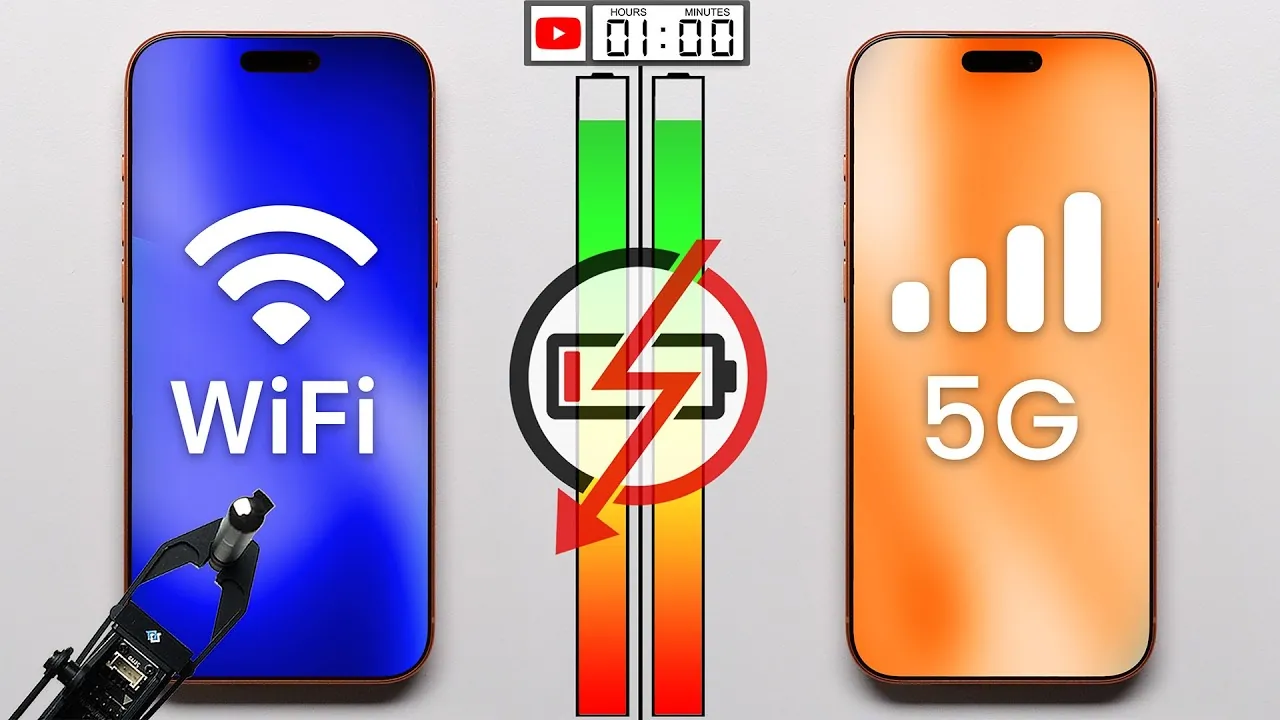
Your smartphone’s battery life is directly influenced by the type of network connection you use—Wi-Fi or 5G. Each connection type has distinct energy demands, and understanding these differences can help you make smarter decisions to maximize your device’s battery performance. By examining how Wi-Fi and 5G compare across various scenarios, you can better understand the factors that impact energy efficiency, such as signal strength, device technology, and usage patterns. The video below from PhoneBuff compares the battery life on WiFi and 5G.
What Influences Battery Consumption?
Wi-Fi and 5G operate differently, and these differences significantly affect battery consumption. Wi-Fi is generally more energy-efficient because it connects to nearby routers, requiring less power to maintain a stable connection. In contrast, 5G networks rely on distant cell towers, frequent signal handoffs, and multiple radios working simultaneously to deliver high-speed connectivity. These factors make 5G more power-intensive, particularly during data-heavy activities.
Several variables influence battery consumption for both Wi-Fi and 5G, including:
- Signal Strength: A weak signal forces your device to work harder, consuming more energy.
- Device Modem Technology: Older devices with less efficient modems tend to drain battery faster on 5G compared to Wi-Fi.
- Usage Patterns: Activities like video streaming or video calls demand more power, amplifying the differences between Wi-Fi and 5G.
Understanding these factors can help you choose the most energy-efficient connection type for your specific needs.
Wi-Fi vs. 5G: Battery Usage Across Common Activities
To evaluate how Wi-Fi and 5G impact battery life, tests were conducted across a variety of everyday smartphone activities. The results reveal clear differences in energy efficiency:
- Phone Calls: Battery consumption was nearly identical for both Wi-Fi and 5G, with no significant difference.
- Messaging (SMS): Both connection types consumed similar amounts of energy, with 5G showing a slight edge, likely within the margin of error.
- Video Calls: Wi-Fi consumed 17% less battery than 5G during video calls, making it the more efficient option for apps like FaceTime or Zoom.
- Web Browsing: Wi-Fi was 4% more energy-efficient than 5G during typical browsing sessions.
- Social Media Scrolling: Wi-Fi used 3% less battery than 5G while scrolling through apps like Instagram or TikTok.
- Video Streaming: Wi-Fi offered a significant 25% battery advantage over 5G, making it the preferred choice for extended streaming sessions.
These findings highlight that Wi-Fi generally outperforms 5G in terms of energy efficiency, particularly during data-intensive activities like video calls and streaming.
Standby and Background Usage: Subtle Differences
When your smartphone is in standby mode, the battery consumption difference between Wi-Fi and 5G is minimal. In some cases, 5G performed slightly better, but this was likely due to measurement variability. For background tasks, such as app updates or receiving push notifications, Wi-Fi typically consumed less power, especially when connected to a strong and stable router.
This suggests that while the differences in battery usage during standby or background tasks are minor, Wi-Fi remains the more reliable option for conserving energy in most scenarios.
Device Age and Signal Strength: Critical Factors
The impact of Wi-Fi versus 5G on battery life can vary significantly based on your smartphone’s age and the strength of the available signal. Older devices, such as the iPhone 12 Pro Max, often exhibit a more noticeable disparity in battery consumption between the two connection types. This is due to older, less efficient modem technology that struggles to manage 5G’s power demands effectively. In contrast, newer models like the iPhone 17 feature advanced modems that narrow the gap in energy efficiency between Wi-Fi and 5G.
Signal strength is another crucial variable. A strong 5G signal can improve battery efficiency, as your device requires less energy to maintain connectivity. However, in areas with weak 5G coverage, your phone works harder to stay connected, leading to faster battery drain. Wi-Fi, by comparison, is less affected by signal variability, provided the router is within a reasonable range.
By considering these factors, you can better understand how your device’s age and signal conditions influence battery performance, allowing you to make more informed decisions about which connection type to use.
Optimizing Battery Life with Smart Choices
Wi-Fi generally offers superior battery efficiency compared to 5G, particularly during data-heavy activities like video calls and streaming. However, the difference in energy consumption depends on several factors, including your device’s age, modem technology, and the strength of the available signal. For basic tasks like phone calls and messaging, the energy usage between Wi-Fi and 5G is nearly identical.
To extend your smartphone’s battery life, consider the following strategies:
- Use Wi-Fi: Whenever possible, connect to a strong and stable Wi-Fi network, especially for activities like streaming or video calls.
- Monitor Signal Strength: Avoid using 5G in areas with weak coverage, as this can drain your battery faster.
- Update Your Device: Ensure your smartphone’s software is up-to-date to benefit from the latest energy-saving optimizations.
- Upgrade When Necessary: If you use an older device, consider upgrading to a newer model with more efficient modem technology.
By understanding the nuances of Wi-Fi and 5G battery consumption, you can make smarter choices to optimize your smartphone’s performance and extend its battery life for your daily needs.
Stay informed about the latest in Wi-Fi vs 5G by exploring our other resources and articles.
- AAXA L500 1080p Bluetooth Wi-Fi Smart Projector – StackSocial
- PlayAIBox Apple CarPlay & Android Auto Wireless Adapter with
- XGODY Gimbal M1 720p HD Smart Mini Projector | StackSocial
- Samsung Galaxy Z Flip 4 gets official
- Ubiquiti UniFi 5G Router : Dual SIM 5G for Primary Internet or Instant
Source & Image Credit: PhoneBuff
Disclosure: Some of our articles include affiliate links. If you buy something through one of these links, Geeky Gadgets may earn an affiliate commission. Learn about our Disclosure Policy.
