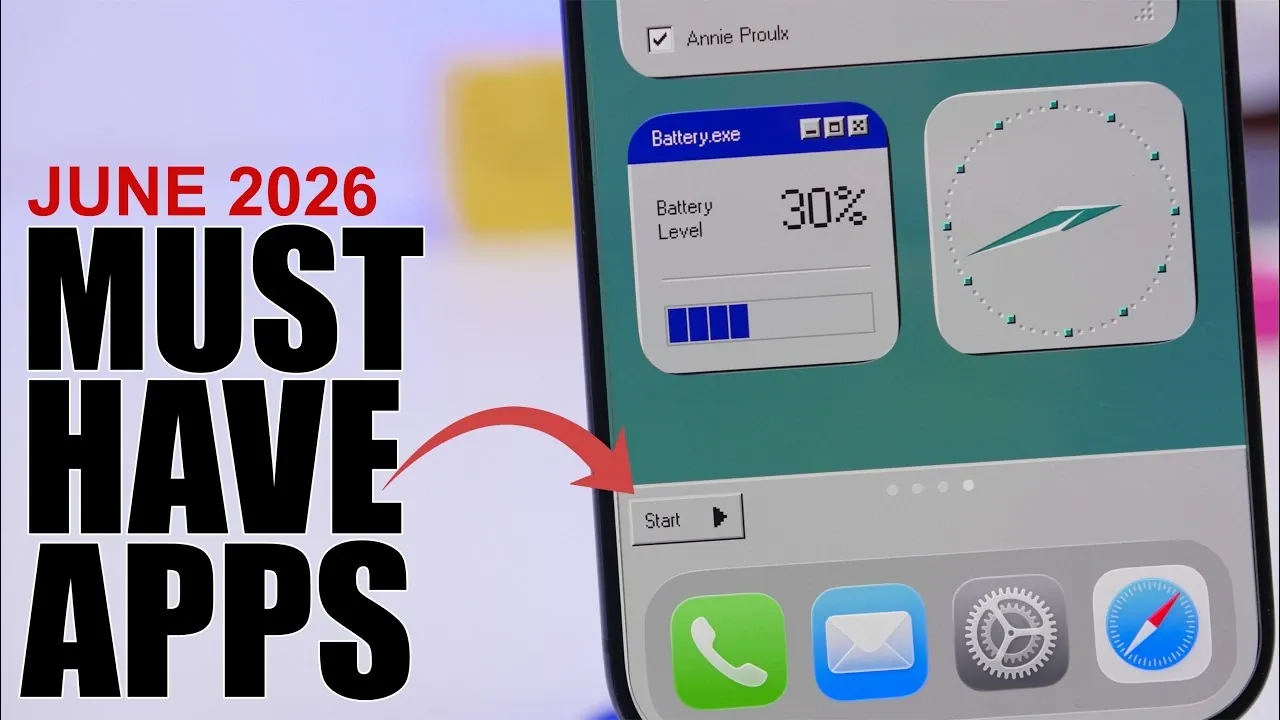
Your iPhone is more than just a communication device; it’s a versatile tool that can be tailored to meet your unique needs. Whether you aim to boost productivity, improve organization, or add a personal touch to your device, the right apps can significantly elevate your experience. In the video below is a thoughtfully curated list from iReviews of eight essential apps that cater to various aspects of daily life, making sure your iPhone becomes an even more powerful companion.

1. Monitor Your Device’s Performance
Maintaining your iPhone’s performance is crucial for making sure its longevity and efficiency. Performance monitoring apps provide detailed insights into critical metrics such as RAM usage, CPU activity, storage capacity, and battery health. These tools often include diagnostic features to test sensors, hardware components and connectivity. Whether you’re troubleshooting an issue, optimizing your device, or evaluating a second-hand iPhone, these apps equip you with the data needed to make informed decisions. By proactively monitoring your device, you can address potential problems before they escalate.
2. Enable Dark Mode for Safari
Browsing in low-light conditions can lead to eye strain, but a Safari dark mode extension offers a practical solution. These apps apply dark mode to websites, making sure a more comfortable browsing experience. With customizable settings, you can adjust the intensity and color schemes to suit your preferences. Whether you prefer allowing dark mode universally or for specific websites, these extensions provide a controlled and visually soothing environment, especially during nighttime use. They are particularly useful for avid readers or those who frequently browse in dimly lit settings.
3. Customize Your Home Screen
Your iPhone’s home screen is more than just a functional interface; it’s an opportunity for self-expression. Customization apps like “We Get” offer a wide range of widgets, wallpapers, and themes to help you design a cohesive and visually appealing layout. With pre-designed templates and user-friendly tools, you can create a home screen that reflects your personal style. Whether you prefer a minimalist aesthetic or a vibrant, dynamic look, these apps make it easy to transform your device into a reflection of your individuality. A well-organized and visually pleasing home screen can also improve navigation and efficiency.
4. Store Photos Temporarily
Temporary photo storage apps like “Short Shop” provide a smart solution for managing short-term image needs. These apps allow you to save photos for a set duration, after which they are automatically deleted. This feature is ideal for storing parking locations, access codes, or other temporary information without cluttering your photo library. By keeping your gallery organized and free of unnecessary images, these apps help you maintain a streamlined and efficient photo management system. They are particularly useful for users who frequently handle temporary visual data.
5. Track Bills and Set Reminders
Managing finances can be challenging, but apps like “Bill Due” simplify the process by helping you track and organize bill payments. These apps send reminders for upcoming or overdue bills, making sure you never miss a payment. Additional features such as expense summaries, calendar views, and budget tracking provide a comprehensive overview of your financial obligations. By integrating these tools into your routine, you can stay on top of your budget, avoid late fees and gain better control over your personal finances. These apps are invaluable for anyone looking to streamline their financial management.
6. Convert Audio Files with Ease
For users who frequently work with audio files, a converter app is an indispensable tool. These apps allow you to convert audio files into various formats, making sure compatibility across devices and platforms. With customizable settings, you can adjust file quality, size and format to meet your specific needs. Whether you’re editing a podcast, sharing a voice memo, or organizing audio files in the Files app, these tools simplify the process and save time. They are particularly beneficial for content creators, professionals and students who rely on audio files for their work.
7. Create Video Collages
Video collage apps like “Collage” are perfect for content creators and social media enthusiasts. These tools allow you to combine up to three videos into a single layout, complete with customizable designs and audio options. You can add background music, use the original audio, or mix both to create engaging and dynamic content. These apps are ideal for creating social media posts, personal projects, or presentations. With intuitive interfaces and creative features, they make it easy to produce professional-looking video collages that capture attention and tell a story.
8. Analyze and Optimize Your Network
A stable and efficient internet connection is essential in today’s connected world. Network analysis apps like “Beacon” provide comprehensive tools to monitor and optimize your network. These apps offer detailed insights into connected devices, network speed, and performance metrics. Advanced features such as ping tests, port scanning, and DNS lookups make these tools invaluable for troubleshooting connectivity issues. Whether you’re diagnosing a slow connection, securing your network, or optimizing performance for streaming and gaming, these apps ensure you stay connected without interruptions.
Maximize Your iPhone’s Potential
These eight apps offer a diverse range of functionalities to enhance your iPhone experience. From monitoring performance and managing finances to customizing your home screen and creating engaging content, these tools are designed to simplify your life and unlock your device’s full potential. By incorporating these apps into your daily routine, you can transform your iPhone into a more efficient, personalized, and powerful tool that seamlessly integrates into your lifestyle.
Source & Image Credit: iReviews
Disclosure: Some of our articles include affiliate links. If you buy something through one of these links, Geeky Gadgets may earn an affiliate commission. Learn about our Disclosure Policy.
