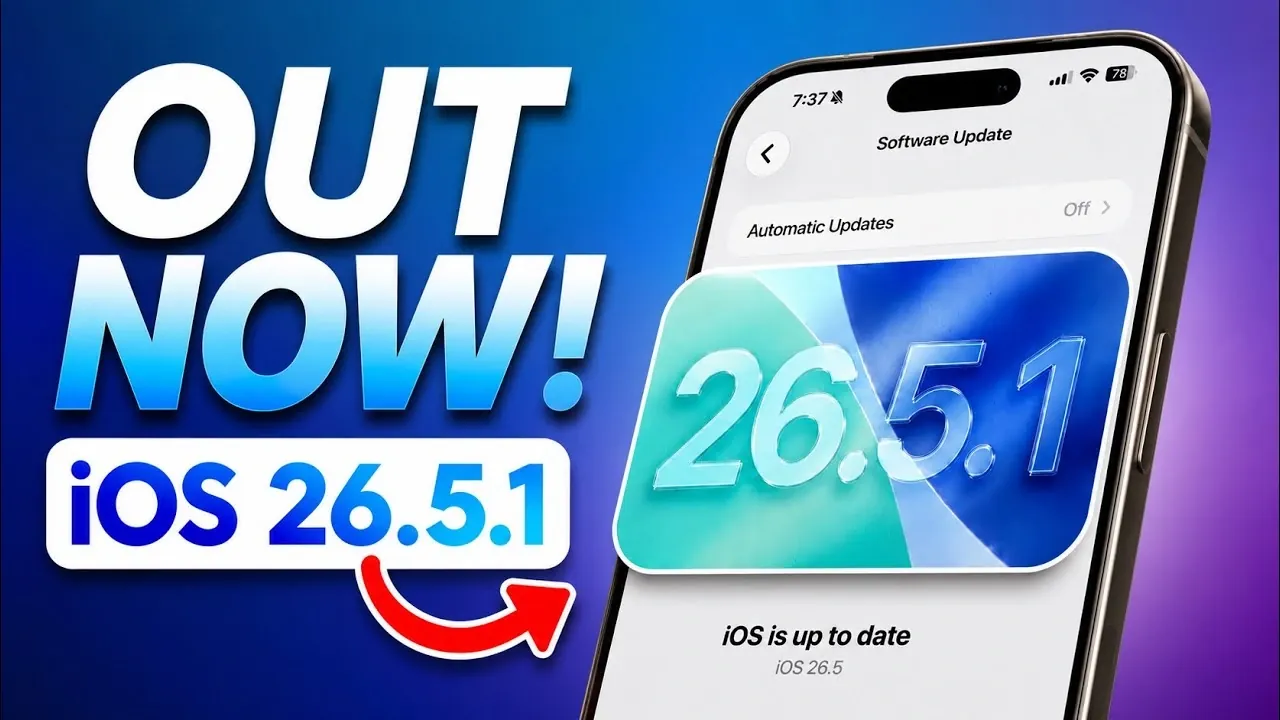
Apple has officially released iOS 26.5.1, a focused update aimed at resolving a critical wired charging issue that has been affecting specific devices. If you own an iPhone Air or a model from the iPhone 17 series, this update is particularly important to ensure your device operates as expected. Alongside this update, Apple has also hinted at exciting developments to come during the upcoming WWDC 2026 event, where iOS 27 is expected to make its debut. In the video below from iReviews, you’ll find a detailed overview of what’s included in this update, the steps you should take after installing it, and what lies ahead for Apple users.
What’s New in iOS 26.5.1?
The primary purpose of iOS 26.5.1 is to address a wired charging issue that has been reported by users of the iPhone Air and iPhone 17 lineup. Prior to this update, these devices experienced inconsistent charging behavior, particularly when the battery was nearly depleted. With this release, Apple has ensured that wired charging now functions reliably under all conditions, providing a seamless user experience.
This update is specifically designed for the following devices:
- iPhone Air
- iPhone 17
- iPhone 17 Pro
- iPhone 17 Pro Max
If you own an older iPhone model, such as the iPhone 14, 15, or 16 series, this update will not be available for your device. Additionally, while macOS 26.5.1 has been released for Mac users, there are no corresponding updates for iPadOS or watchOS at this time. This targeted approach highlights Apple’s focus on resolving specific issues for the most affected devices.
Steps to Take After Updating
After installing iOS 26.5.1, it’s essential to take a few proactive steps to ensure your device operates smoothly and fully benefits from the update. These actions will help maintain optimal performance and prevent potential issues:
- Update Your Apps: Visit the App Store and update all third-party apps installed on your device. This ensures compatibility with iOS 26.5.1 and minimizes the risk of app crashes or performance issues.
- Check for Carrier Updates: Open the Settings app, navigate to “General,” and tap “About.” If a carrier update is available, install it to enhance network performance and connectivity.
- Test Wired Charging: If you previously encountered charging problems, connect your device to a wired charger and verify that the issue has been resolved. This step is crucial to confirm the effectiveness of the update.
By completing these steps, you can ensure that your device remains stable and functional. Neglecting these actions could result in lingering issues, such as app incompatibility, reduced network reliability, or unresolved charging problems.
What’s Next: WWDC 2026
Apple has also turned its attention to the future with the announcement of its annual Worldwide Developers Conference (WWDC), scheduled for June 8, 2026, at 10:00 a.m. PT. This event is highly anticipated by developers and Apple enthusiasts alike, as it serves as the platform for unveiling the next major iOS update, iOS 27.
The keynote presentation is expected to provide a first look at the new features and improvements coming to iOS. Developers will gain early access to the iOS 27 developer beta, allowing them to test their apps and prepare for upcoming changes. This is a critical opportunity for developers to stay ahead of the curve and ensure their apps are optimized for the next generation of Apple’s operating system.
In addition to software announcements, Apple has released a collection of free WWDC-themed wallpapers. These wallpapers are available for download and offer a simple way to refresh the look of your devices while celebrating the event.
Why iOS 26.5.1 Matters
The release of iOS 26.5.1 underscores Apple’s commitment to addressing user-reported issues and maintaining the reliability of its devices. For iPhone Air and iPhone 17 users, this update is a necessary step to resolve a significant wired charging problem. By updating your apps, checking for carrier updates and testing your device’s performance, you can ensure a seamless experience with this latest software version.
Meanwhile, the upcoming WWDC 2026 event promises to deliver exciting announcements, including the introduction of iOS 27. Whether you’re a developer preparing for the future or a user eager to explore new features, staying informed about Apple’s latest updates and events will help you make the most of your devices.
Explore further guides and articles from our vast library that you may find relevant to your interests in iOS 26.5.1.
- Why Apple is Rushing the iOS 26.5.1 Update to Your iPhone
- Don’t Skip It: Why iOS 26.5.1 Is a Crucial Update for Your iPhone
- Apple Just Dropped iOS 26.6 Beta 1: Here is What Changed
- Is iOS 26.5 Actually Good? Here is What Users Are Saying
- Change These Hidden Settings After Updating to iOS 26.5
Source & Image Credit: iDeviceHelp
Disclosure: Some of our articles include affiliate links. If you buy something through one of these links, Geeky Gadgets may earn an affiliate commission. Learn about our Disclosure Policy.
