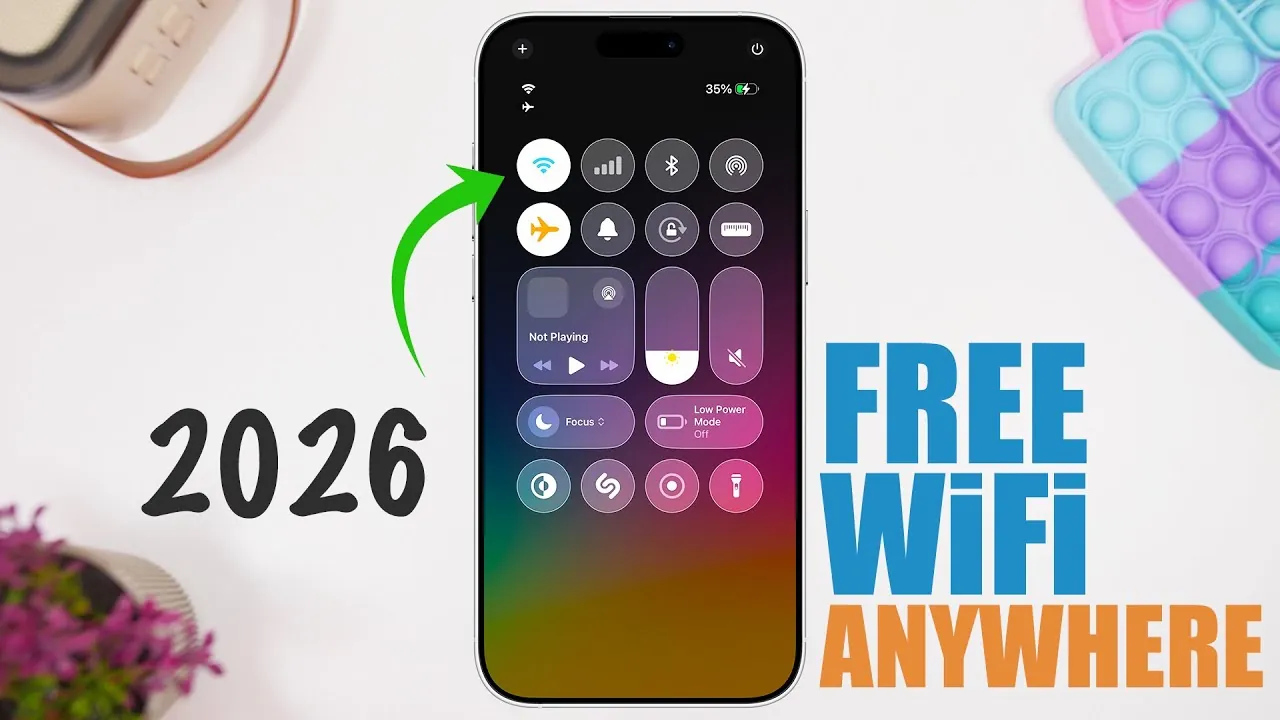
Staying connected in today’s fast-paced world is essential, yet it can be challenging when cellular data is limited or unavailable. InstaBridge, a free app designed for iPhone users, offers a practical and efficient solution by providing access to a global database of free Wi-Fi networks. With its user-friendly interface and location-based functionality, InstaBridge simplifies the process of finding and connecting to Wi-Fi networks, making it a cost-effective and reliable tool for staying online. The video below from iReviews gives us more details about the app.
How InstaBridge Works
InstaBridge operates by streamlining the process of locating and connecting to free Wi-Fi networks. Using your iPhone’s GPS, the app identifies nearby networks and displays them on an interactive map. This map-based approach allows you to visualize available connections in your vicinity, making it easier to choose the most convenient option. Once you select a network, InstaBridge retrieves the necessary password, allowing seamless access. To maintain its free service, the app incorporates an ad-supported model, requiring users to watch a brief advertisement before accessing the password. This approach ensures that the app remains widely accessible without imposing additional costs on users.
Key Features and Functionality
InstaBridge is designed to enhance the experience of connecting to Wi-Fi networks by offering a range of features that prioritize convenience and accessibility. These include:
- Location-Based Network Search: The app uses GPS technology to identify nearby Wi-Fi networks, presenting them on an intuitive, interactive map for easy navigation.
- Ad-Supported Password Access: Users can retrieve passwords for secured networks by watching short advertisements, making sure the app remains free while supporting its global database.
- Extensive Network Database: InstaBridge provides access to a vast collection of Wi-Fi networks worldwide, offering flexibility and reliability even if one connection is unavailable.
- Community Contributions: Users can contribute by adding new networks or updating existing ones, enhancing the database’s accuracy and usability for everyone.
Why InstaBridge is Beneficial
For iPhone users, InstaBridge offers a variety of advantages that make it a valuable tool for staying connected:
- Data Savings: By reducing reliance on cellular data, InstaBridge helps users avoid exceeding data limits or incurring additional charges, making it an economical choice.
- Global Connectivity: The app provides access to Wi-Fi networks in diverse locations, from urban centers to rural areas, making it particularly useful for travelers and commuters.
- Cost-Effectiveness: InstaBridge eliminates the need for costly roaming plans or additional subscriptions, offering a free and practical alternative for internet access.
- Enhanced Accessibility: With its straightforward design and clear instructions, InstaBridge is accessible to users of all technical skill levels, ensuring a hassle-free experience.
Usability and Accessibility
InstaBridge is designed with user convenience in mind, making sure that it caters to a broad audience, including those with minimal technical expertise. The app’s interface is clean and intuitive, featuring a map-based navigation system that simplifies the process of locating and connecting to Wi-Fi networks. Clear instructions guide users through each step, from identifying nearby networks to retrieving passwords. Whether you’re a frequent traveler, a student managing limited data, or someone exploring unfamiliar areas, InstaBridge provides a reliable and straightforward way to stay connected.
Beyond its ease of use, InstaBridge also emphasizes inclusivity by offering a platform that benefits both contributors and users. The community-driven nature of the app allows individuals to share new networks or update existing ones, fostering a collaborative environment that enhances the app’s overall functionality. This shared effort ensures that the database remains comprehensive and up-to-date, further improving the user experience.
Practical Applications for Everyday Use
InstaBridge is not just a tool for travelers; it has practical applications for everyday life. Whether you’re working remotely from a café, studying in a library, or simply conserving data at home, the app provides a reliable way to access free Wi-Fi. Its global reach makes it particularly valuable for those who frequently move between locations, making sure that you can stay connected wherever you go. Additionally, the app’s ad-supported model means that you can enjoy these benefits without worrying about hidden fees or subscription costs.
For businesses and establishments, InstaBridge also offers an opportunity to increase visibility. By registering their networks on the app, they can attract more customers while contributing to the growing database of accessible Wi-Fi connections. This mutually beneficial relationship highlights the app’s potential to create a more connected and collaborative digital environment.
Empowering Connectivity with InstaBridge
InstaBridge transforms the way you access free Wi-Fi networks, offering a practical, user-friendly, and cost-effective alternative to cellular data. By combining a global network database with location-based search and ad-supported password retrieval, the app provides a reliable solution for staying online. Whether you’re managing limited data, traveling to new destinations, or simply looking for a convenient way to connect, InstaBridge enables you to stay connected effortlessly. Its emphasis on accessibility, community contributions, and practical applications ensures that it remains a valuable tool for iPhone users worldwide.
Here are more guides from our previous articles and guides related to Free Wi-Fi access that you may find helpful.
- BitVPN: Lifetime Subscription | StackSocial
- CUJO AI Smart Internet Security Firewall + Free Subscription
- VPN Unlimited: 7-Day Free Trial | StackSocial
- Best Refurbished & Restored Tech, Discounts & Sales – StackSocial
- XGODY Gimbal M1 720p HD Smart Mini Projector | StackSocial
Source & Image Credit: iReviews
Disclosure: Some of our articles include affiliate links. If you buy something through one of these links, Geeky Gadgets may earn an affiliate commission. Learn about our Disclosure Policy.
