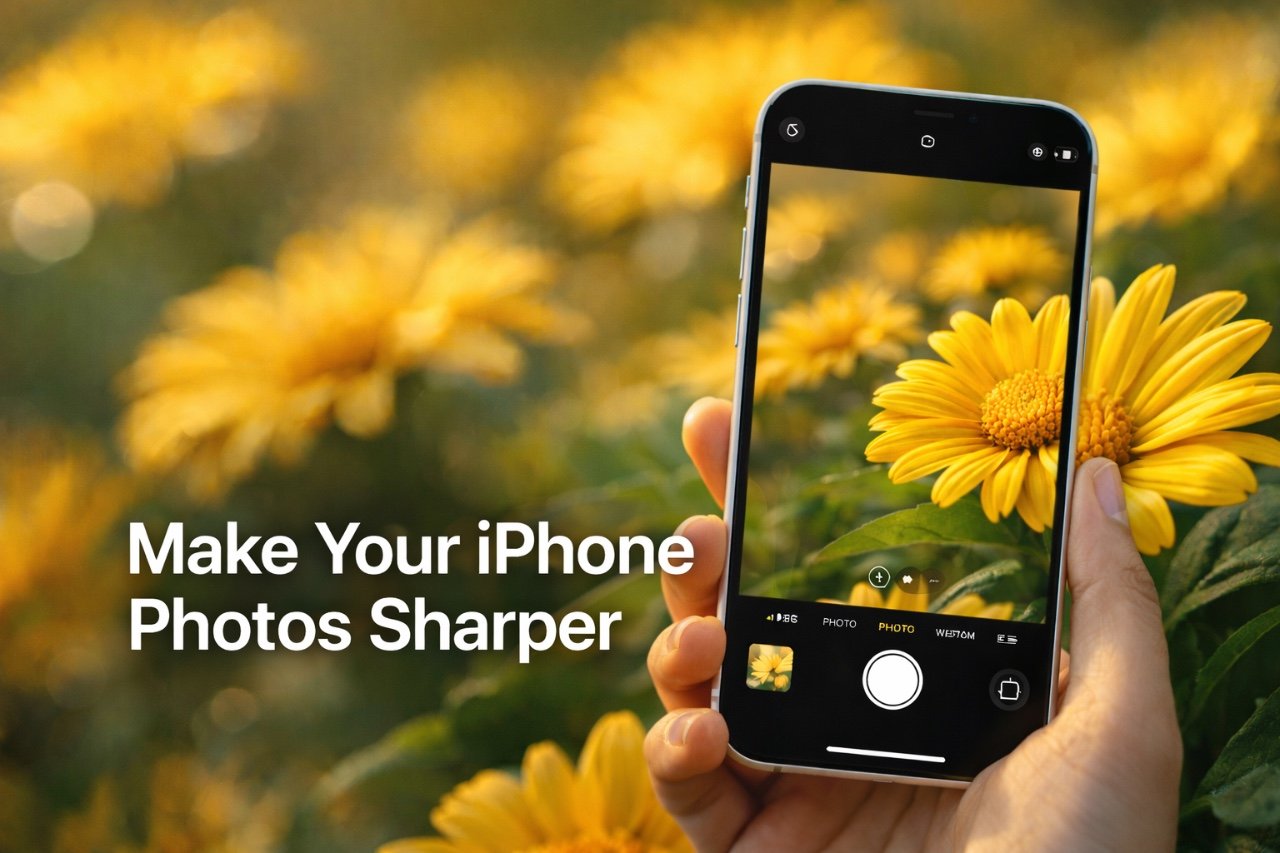
Capturing sharp, clear photos with your iPhone can sometimes feel challenging, even with its advanced camera technology. Whether you’re documenting a fleeting moment or focusing on intricate details, blurry images can be frustrating. However, by mastering your iPhone’s focus settings and techniques, you can consistently produce sharp, visually striking photos that stand out. The video below from iPhone Photography School gives us more information.

Understanding the Causes of Blurry Photos
Blurry photos are often caused by a combination of factors that can affect image clarity. Recognizing these issues is the first step toward improving your photography:
- Hand Movement: Even slight hand movements, especially in low-light conditions, can result in motion blur, reducing the sharpness of your photos.
- Dirty Lenses: Fingerprints, dust, or smudges on the lens can obstruct light and degrade image quality.
- Incorrect Focus Settings: Relying solely on the default autofocus may not always yield sharp results, particularly for close-up shots or scenes with multiple focal points.
By addressing these common issues, you can take the first steps toward capturing consistently sharp images.
The Importance of Focus in Photography
Focus is a critical element in photography that determines which parts of your image appear sharp and which remain blurred. The iPhone’s autofocus system is optimized for subjects more than 10 feet (3 meters) away, making it ideal for landscapes or group photos. However, for closer subjects or scenes with multiple layers, manual focus adjustments are essential.
By taking control of focus, you can emphasize specific elements in your composition, drawing attention to the most important parts of your image. This not only enhances clarity but also adds depth and impact to your photos.
Mastering Manual Focus Techniques
Taking control of your iPhone’s focus settings is simpler than it may seem. These techniques can help you achieve sharper results:
- Tap to Focus: Tap on the area of the screen where you want the camera to focus. This ensures that your chosen subject is sharp and clear.
- Use AE/AF Lock: Tap and hold on the screen to activate the “AE/AF Lock” feature. This locks both focus and exposure, allowing you to take multiple shots without resetting your settings.
- Experiment with Depth: Adjust focus creatively to highlight specific elements, such as a sharp foreground against a blurred background, for a professional and artistic effect.
These techniques allow you to take greater control over your photos, making sure that the details you want to emphasize are captured with precision.
Overcoming Challenges in Close-Up Photography
Close-up photography, such as capturing flowers, textures, or small objects, often presents unique challenges. Autofocus may struggle to lock onto the intended subject, leading to unintended blur. To address these challenges, consider the following strategies:
- Switch to Manual Focus: Tap to focus directly on the subject to ensure it appears sharp and detailed.
- Stabilize Your Phone: Use a tripod or rest your phone on a steady surface to minimize hand movement and reduce the risk of motion blur.
- Clean Your Lens: Regularly wipe your camera lens with a microfiber cloth to remove smudges or debris that could affect clarity.
By implementing these adjustments, you can significantly enhance the sharpness and quality of your close-up shots.
Pro Tips for Consistently Sharp Photos
To consistently capture sharp, high-quality photos with your iPhone, follow these expert tips:
- Keep Your Lens Clean: Regularly clean your iPhone’s camera lens to prevent smudges and dust from interfering with image clarity.
- Stabilize Your Phone: Use a tripod or a stable surface to reduce hand movement, especially in low-light conditions.
- Use Manual Focus: Take control of focus for intricate compositions or when photographing subjects in challenging lighting conditions.
- Reset Focus When Needed: Unlock and reset focus when switching to a new subject to avoid unintended blur.
These practices can help you achieve consistently sharp results, regardless of the scene or subject you’re photographing.
Using Focus as a Creative Tool
Focus is not just a technical feature; it is also a powerful creative tool that can transform your photography. By selectively focusing on specific elements, such as a flower in the foreground or an architectural detail, you can guide the viewer’s attention and add depth to your images.
Pair this technique with composition strategies like the rule of thirds or leading lines to enhance your storytelling. For example, a sharply focused subject against a blurred background can create a sense of drama and visual interest, making your photos more engaging and memorable.
Elevating Your iPhone Photography
Achieving perfectly sharp iPhone photos requires more than relying on default camera settings. By understanding the role of focus and applying manual techniques, you can overcome common challenges like motion blur and autofocus limitations. Whether you’re capturing intricate close-up details or experimenting with creative compositions, mastering focus enables you to produce consistently clear and visually compelling images. With practice and attention to detail, your iPhone photography can reach new levels of precision and artistry.
Here are more guides from our previous articles and guides related to photo editing that you may find helpful.
- AI Photo Editing Tools Are Coming To All Google Photos Users
- Say Goodbye to Photoshop : Next Level Image Editing AI
- New Loupedeck+ Photo Editing Controller
- Use Google’s Nano Banana AI Image Editor for Free : Unleash Your
- Master iPhone Photo Editing: Tips for Flawless Composition
Source: iPhone Photography School
Disclosure: Some of our articles include affiliate links. If you buy something through one of these links, Geeky Gadgets may earn an affiliate commission. Learn about our Disclosure Policy.
