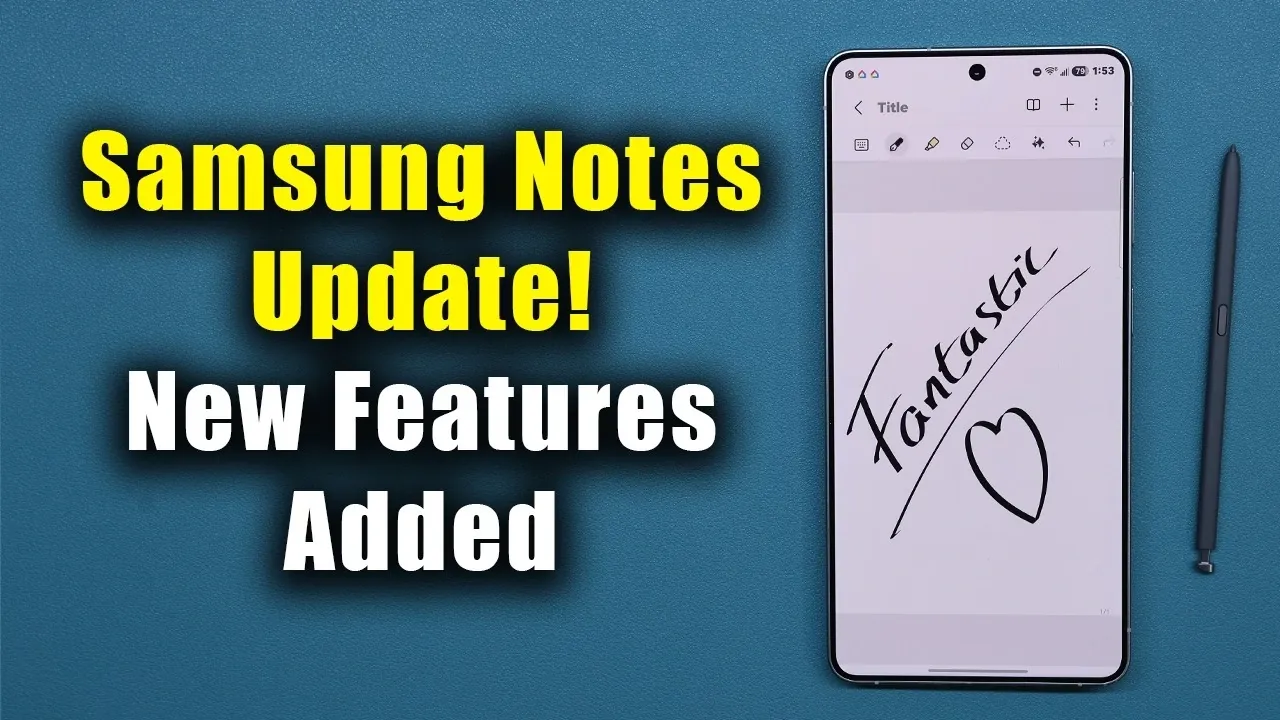
Samsung Notes, the default note-taking app for Samsung Galaxy devices, has introduced a significant update aimed at enhancing its functionality and improving your workflow. This update brings three key features: PDF import, date-based grouping, and text formatting matching. These additions are designed to make the app more versatile and user-friendly, catering to a wide range of users, including students, professionals, and anyone who relies on efficient note-taking. The video below from Sakitech gives us more details.
1. Import PDFs Directly for Seamless Editing
One of the most notable features of this update is the ability to import PDF files directly into Samsung Notes. This eliminates the need for third-party apps, allowing you to annotate, edit, or highlight PDFs within the app itself. Whether you’re reviewing important documents, adding handwritten notes, or marking up key sections, this feature simplifies the process and saves time.
To use the PDF import feature:
- Tap the new PDF button located in the app interface.
- Alternatively, press and hold the “New Notes” icon to access the import option.
This functionality is particularly beneficial for students managing lecture notes, professionals reviewing contracts, or anyone who frequently works with PDFs. By integrating this feature, Samsung Notes positions itself as a more comprehensive tool for document management and annotation.
2. Organize Notes by Date for Better Management
The new date-based grouping feature makes it easier to keep your notes organized. This tool allows you to sort and group notes by their creation or last modified date, providing a clear chronological structure to your content. This is especially useful for managing ongoing projects, tracking daily tasks, or quickly locating recent entries.
To enable or disable date-based grouping:
- Open the sorting menu within the app.
- Select the option to group notes by date.
This feature is ideal for users who need to maintain a structured workflow. Whether you’re juggling multiple deadlines or simply trying to stay organized, the ability to sort notes by date ensures that your content is always easy to find and manage.
3. Match Formatting When Pasting Text
Another addition to the app is the text formatting matching feature, which ensures that pasted text aligns with the existing formatting of your notes. This creates a consistent and polished appearance, saving you the effort of manually adjusting fonts, sizes, or styles after pasting.
However, Samsung has acknowledged that this feature currently has a bug, which may cause it to function inconsistently. A fix is expected in a future update. Once resolved, this tool will be especially useful for users who prioritize clean and professional-looking notes, whether for academic, personal, or professional purposes.
Update Details and Availability
The update, which is approximately 151 MB in size, is available for download through the app’s settings or your device’s app store. While the “Match Style When Pasting” feature is still undergoing refinement, the other two features, PDF import and date-based grouping, are fully operational and ready to use. These enhancements highlight Samsung’s commitment to improving the usability and functionality of its native apps.
Why This Update Matters
The latest Samsung Notes update introduces practical tools that address the diverse needs of its users. Whether you’re importing and annotating PDFs, organizing notes by date, or striving for consistent text formatting, these features are designed to streamline your workflow and enhance your productivity. While the text formatting feature requires further development, the overall update represents a meaningful improvement in the app’s capabilities.
If you haven’t updated your app yet, now is the perfect time to explore these new features. By taking advantage of these tools, you can elevate your note-taking experience and make your daily tasks more efficient and enjoyable.
Gain further expertise in Samsung by checking out these recommendations.
- Samsung Galaxy Z Fold 8: July 22 Unpacked Date and London Venue
- The Samsung Galaxy Z Fold 8 Just Solved the Biggest Problem with Foldable Displays
- Galaxy Z TriFold 2: Samsung’s Radical Plan to Kill the USB-C Port
- Samsung’s Wildest Design Yet: The 12.4-Inch Galaxy Z Roll 5G is Coming
- Galaxy Z Fold 8 Wide First Look: This 4.3mm ‘Passport’ Design Just Changed Everything
- 12.4 Inches in Your Pocket: The Galaxy Z Roll 5G Specs That Change Everything
Source & Image Credit: sakitech
Disclosure: Some of our articles include affiliate links. If you buy something through one of these links, Geeky Gadgets may earn an affiliate commission. Learn about our Disclosure Policy.
